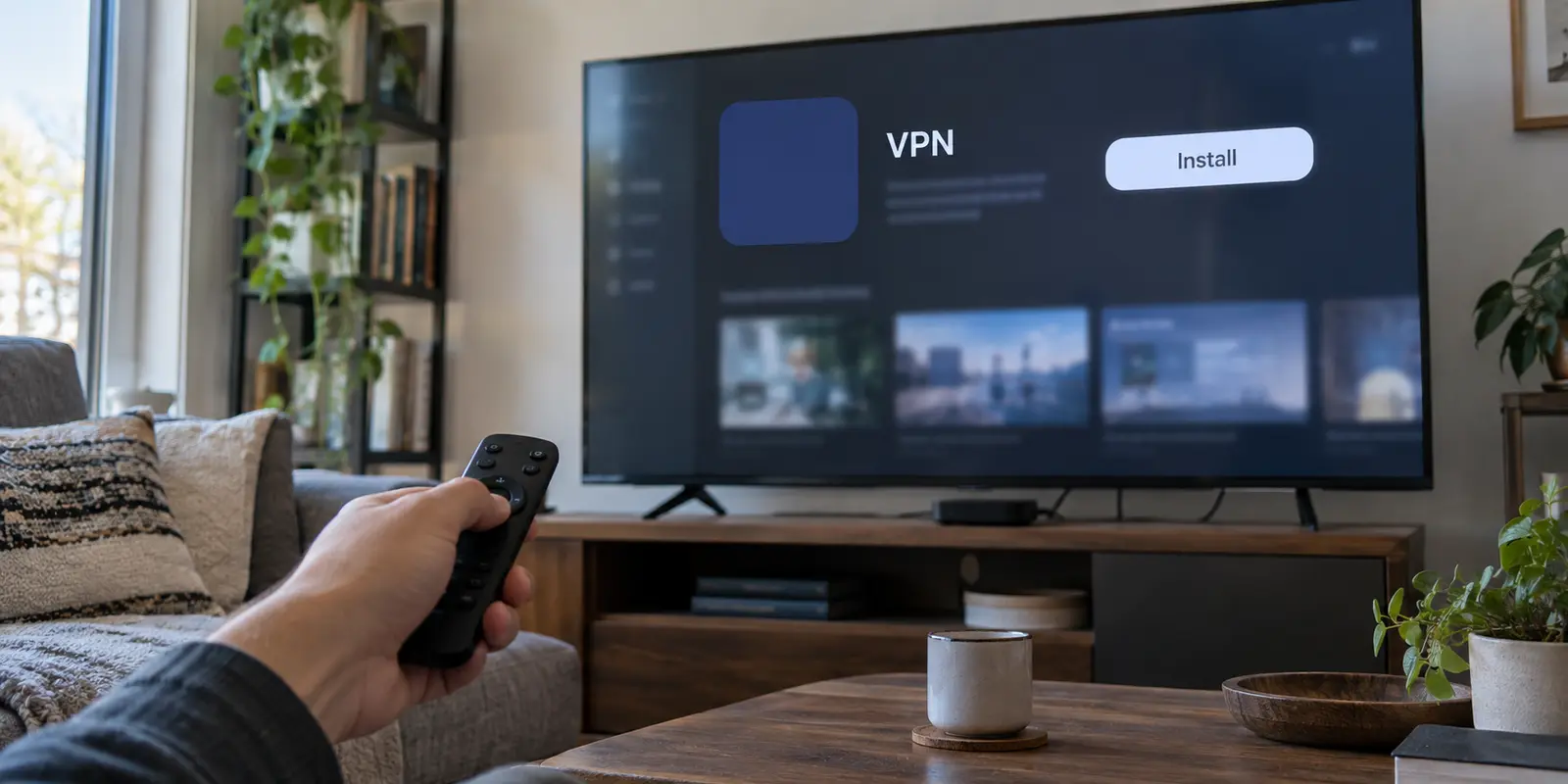
For years, the conventional wisdom around streaming was simple: Smart DNS is the lean, lightning-fast pick for unblocking shows on the big screen, while a VPN is the heavier, privacy-first option that drags down your connection.
If you are shopping with that playbook in 2026, you are operating on outdated assumptions.
The category quietly shifted. On February 2, 2026, Surfshark retired its standalone SmartDNS feature entirely, citing minimal user demand and pointing customers toward native TV apps, VPN routers, and connection sharing. Apple TV has supported third-party VPN apps natively since tvOS 17. Meanwhile, providers like NordVPN now explicitly tell users to keep SmartDNS in reserve strictly for devices that lack VPN support.
Smart DNS is not dead, but the idea that it is an equal, first-choice alternative for everyday streaming is over.
The modern rule is simple: if the screen in front of you can run a native VPN, install the VPN. Smart DNS has become what it always should have been: a specialized compatibility fallback for hardware that cannot run modern software.
Article summary and product fit
Should you use Smart DNS or a VPN for streaming in 2026?
If the playback device can install a native VPN app, the article recommends using the VPN. Smart DNS is now best treated as a compatibility fallback for closed platforms that expose DNS settings but cannot run a VPN client, and only when the Smart DNS provider explicitly supports the streaming service you need.
Key context
- Best for a native VPN: Modern app-capable screens and personal devices where you want encryption, full traffic routing, and direct server switching.
- Best for Smart DNS: Closed TV or console platforms with no VPN app, an editable DNS field, and a provider that supports the exact streaming service in question.
- Why the balance changed: The article points to native TV VPN support becoming more common and Surfshark retiring standalone SmartDNS in February 2026.
- Important limit: Smart DNS does not encrypt traffic or change the device’s public IP, while neither Smart DNS nor a VPN can override every streaming platform’s account, location, or proxy-detection rules.
Sources already used in this article: The article cites Surfshark’s SmartDNS retirement notice, Apple’s tvOS 17 announcement, and Netflix’s VPN/proxy troubleshooting guidance. The OnlyDogsVPN site lists its current app platforms.
Smart DNS Solved a Hardware Problem That Is Getting Smaller
To understand why the landscape changed, look at why Smart DNS gained traction in the first place: it was an ingenious patch for dumb hardware.
A decade ago, living-room streamers faced a persistent bottleneck. You could buy an Apple TV, an early smart television, or a game console, but none of them supported consumer VPN applications.
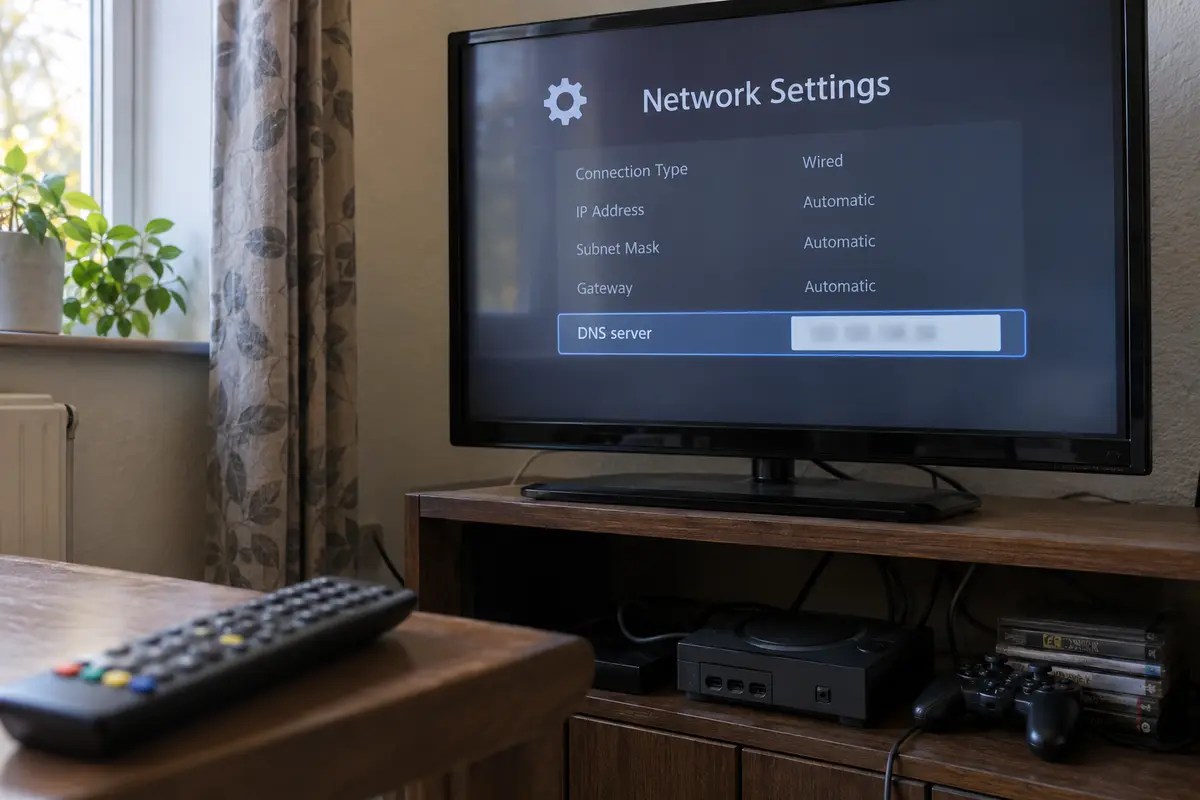
You had network settings with an editable "DNS" field and little else. Smart DNS exploited that opening. By routing specific domain lookup requests through a provider’s specialized proxy while leaving the rest of your local bandwidth untouched, it allowed users to reach geofenced content without modifying the TV operating system.
Today, that hardware constraint has eroded across modern streaming gear:
- Apple TV: tvOS natively supports dedicated third-party VPN clients directly from the App Store.
- Android TV / Google TV / Fire TV: Native VPN applications install as easily as Netflix or YouTube.
- Smart Monitors & Tablets: Devices that once required specialized workarounds now run complete mobile or desktop operating systems.
Closed systems like Samsung’s Tizen, LG’s webOS, Roku boxes, and gaming consoles still present hurdles, but the overall ecosystem has evolved. Before you go hunting through your router manual or typing obscure IP strings with an on-screen remote, run one basic compatibility check: can your playback device install a native VPN app?
If the answer is yes, Smart DNS loses its primary claim to convenience before the comparison even begins.
If the VPN Can Run on the Playback Device, Use the VPN
When both technologies are equally easy to deploy, the functional comparison leaves Smart DNS with very little ground to stand on.
A VPN creates an encrypted tunnel that routes your entire device's traffic through a secure remote server. It alters your public IP address, masks your network identity, and lets you choose precisely which server node handles your traffic.
Smart DNS takes a far narrower approach:
- It does not encrypt your connection or shield your browsing data.
- It does not change your device’s public IP address.
- It does not route your overall media traffic—it merely intercepts select domain lookups mapped to specific streaming platforms.
The classic counter-argument was always speed: “Smart DNS is faster because it skips encryption overhead.”
In modern homes, that theoretical difference rarely matters.
Standard 4K HDR streams require roughly 25 Mbps. Modern consumer internet lines typically deliver hundreds of megabits, and lightweight, modern encryption protocols process that throughput without noticeable strain.
An unencrypted Smart DNS connection with 400 Mbps of spare headroom does not play a 4K movie any better than an encrypted VPN that still delivers 150 Mbps of stable throughput. What matters is route consistency, not synthetic speed records.
More importantly, a native VPN puts control in your hands. If a server behaves erratically, you open the app, tap an alternative city, and keep streaming. Smart DNS offers no such control; if a provider’s backend proxy misbehaves on a specific catalog, you are stuck waiting for their engineering team to patch the route.
The Low-Friction Pick for Everyday Screens
If you are streaming on a personal computer, tablet, or phone, configuring DNS settings manually is an unnecessary chore.
For platforms like iPhone, Android, Mac, and Windows, OnlydogVPN represents the exact direction modern streaming tools have taken. Rather than requiring you to navigate manual network profiles or adjust DNS records, OnlydogVPN operates on a lean, app-first design.
Its interface relies on true one-tap simplicity paired with Smart Global Routing. Instead of making you guess which node handles a stream reliably, the service identifies an optimal, high-speed path in the background. Because it is optimized to maintain stable throughput on real-world networks without bloated setup menus, it eliminates the exact configuration headaches that originally drove people to Smart DNS.
If your device supports an app, let an app like OnlydogVPN handle the route with a single tap. Save the manual network tweaks for screens that genuinely have no other choice.
Smart DNS Still Wins When the Screen Cannot Run Your VPN
Smart DNS is not obsolete; its focus has simply narrowed. When you are staring at a screen that physically cannot run a VPN client, Smart DNS remains the cleanest way to reach supported content without re-architecting your home network.
Consider a modern Samsung or LG television running a proprietary operating system, or a PlayStation plugged into a secondary display. If you want to access an overseas streaming catalog on that exact screen, your alternatives look like this:
- Install a VPN on your router: Powerful, but complex to configure, prone to disrupting non-streaming household devices, and tricky to manage without dedicated networking gear.
- Set up connection sharing: Functional, but requires keeping a PC or laptop tethered and awake alongside the TV.
- Use Smart DNS: Type two numerical addresses into your television's network settings, and you are done.
Services like ExpressVPN’s MediaStreamer exist specifically for this role. It provides a straightforward pathway to get select streaming services up and running on proprietary smart TVs without external hardware.
However, using Smart DNS requires understanding its real-world limitations:
- It is not a country selector: ExpressVPN explicitly notes that MediaStreamer does not let you switch arbitrary locations like a VPN. It is a pre-routed pipeline aimed at specific platforms.
- Provider support lists are narrow: NordVPN ties its standalone SmartDNS to a defined catalog of supported services. If the niche channel or regional broadcaster you want is not on that list, Smart DNS will do nothing for it.
- Dynamic IP maintenance: Most Smart DNS setups require you to register your home public IP address in an online dashboard. If your home router reboots or your ISP dynamically assigns you a new IP, Smart DNS stops working until you log into the provider's website and re-register your new address.
If your device has no app store and your provider explicitly supports the service you want, Smart DNS is an elegant, lightweight solution. Just treat it as a targeted compatibility bridge, not a full VPN replacement.
The Streaming Service Gets the Final Veto
Regardless of whether you choose a VPN or Smart DNS, neither technology grants an unconditional guarantee against streaming blocks. The streaming platforms themselves hold the ultimate leverage, and their enforcement policies continue to tighten.
Streaming services actively detect and manage proxy connections:
- Netflix explicitly warns that connecting through a VPN or proxy can trigger playback errors, and officially restricts VPN usage across its ad-supported tiers and live event broadcasts.
- YouTube TV enforces stringent location checks, frequently cross-referencing network addresses with device-level location permissions to determine access to local programming.
A provider can advertise seamless unblocking, but if a streaming service blacklists a data center IP pool or requires active hardware GPS validation, changing your DNS or toggling an encrypted tunnel may not solve the problem.
Before investing in any network tool for a specific piece of content, check the platform's current geographic rules. If a service demands a local domestic payment card or enforces physical device check-ins, network adjustments alone will not bypass those account-level boundaries.
Choose From the Screen Outward
Do not choose between Smart DNS and a VPN based on abstract debates about speed or technology. Choose based on the screen right in front of you.
Make your decision from the screen outward. If the playback device supports a native VPN app, choose the VPN.
You gain full route control, active encryption, simple server switching, and consistent performance across your entire connection. On everyday personal devices like Mac, Windows, iOS, and Android, run an app-first service like OnlydogVPN to get one-tap, zero-configuration streaming without network micromanagement.
If the device cannot run a VPN, but your Smart DNS provider explicitly lists your streaming platform, Smart DNS is your cleanest, lowest-friction option. Enter the DNS addresses into your TV’s network menu, register your IP, and leave your router untouched.
If the device cannot run a VPN and Smart DNS does not support the platform, stop fighting manual DNS fields. Smart DNS has lost the battle. Run the stream on a supported laptop or phone and connect it to your television via HDMI, or consider streaming through a modern streaming stick with native app support.
Smart DNS is not an outdated tool—it is simply a specialized one. Where modern apps exist, let the VPN do the work. Where they do not, use Smart DNS for what it was always meant to be: a quiet, practical fallback for the living room screen.
Frequently Asked Questions
Is Smart DNS still useful for streaming in 2026?
Yes, but mainly as a fallback. It is useful when a TV, console, or other closed device cannot install a VPN app, still lets you edit DNS settings, and your Smart DNS provider explicitly supports the streaming service you want.
Why use a native VPN when the playback device supports one?
A native VPN encrypts the connection, changes the public route and IP, and lets you switch servers directly. The article argues that on modern connections, stable routing matters more than the old assumption that avoiding encryption automatically produces a better stream.
What are the main limitations of Smart DNS?
Smart DNS does not encrypt the overall connection or replace the device’s public IP. Support is usually limited to named streaming services, some systems require you to register your home IP, and services such as MediaStreamer are not arbitrary country selectors.
Can a VPN or Smart DNS guarantee that every streaming service will work?
No. Streaming platforms can detect proxies, enforce account or billing-region rules, require device location checks, or block particular data-center IP ranges. Network routing alone cannot override every account-level or platform-level restriction.
Where does OnlydogVPN fit in this comparison?
The article positions OnlydogVPN as an app-first option for iOS, Android, macOS, and Windows. That makes it relevant when the playback device can run a supported app, not as a replacement for Smart DNS on a closed TV platform that cannot install one.