The Real Reason Your VPN Keeps Failing on CANTV (And What Actually Works in Venezuela)
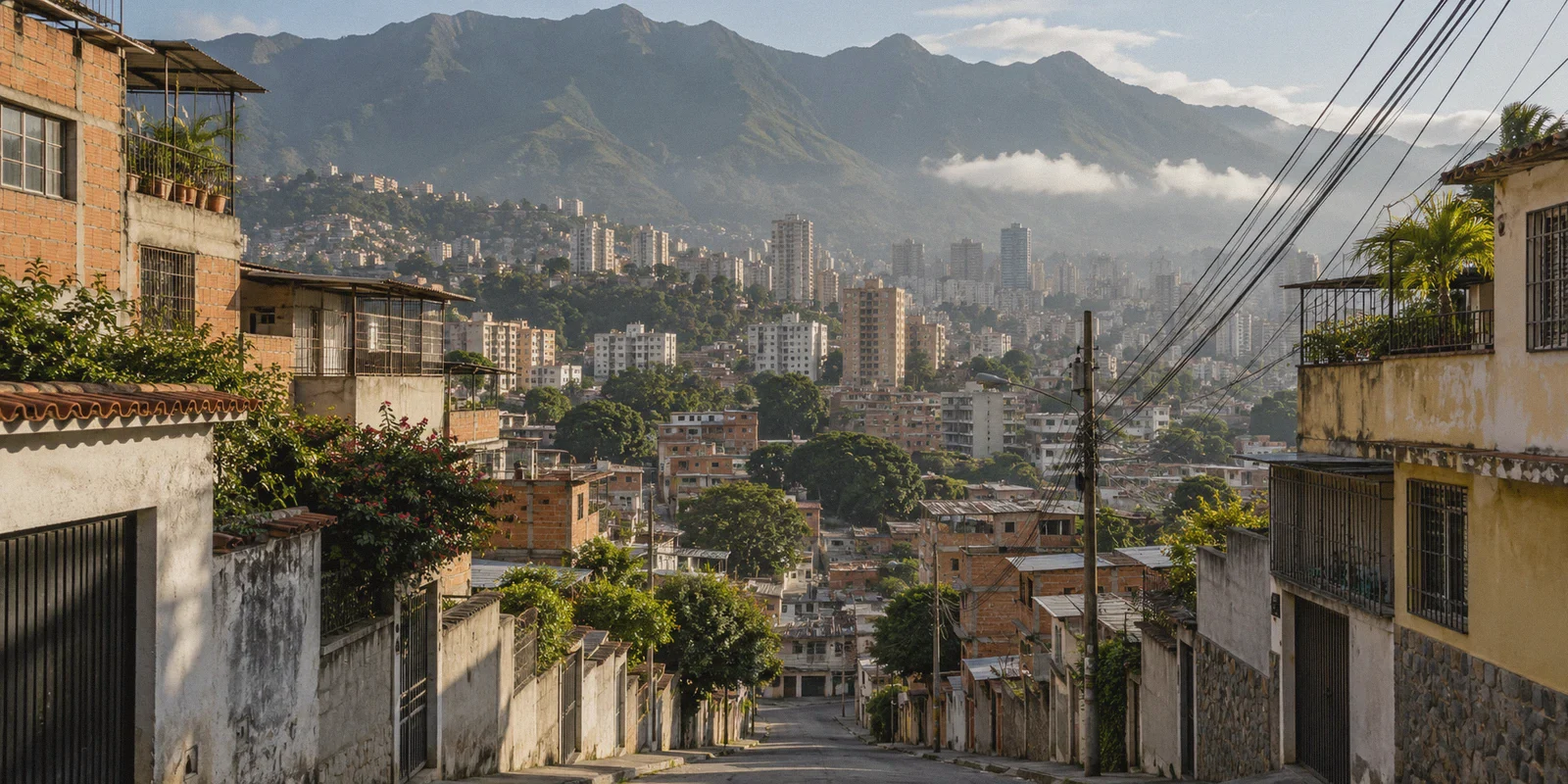
If you live in Venezuela and rely on CANTV (or its mobile arm Movilnet), you already know the morning routine.
You wake up, try to check the parallel exchange rate or log into Binance P2P, and the page won't resolve. You try to read an article on El Nacional, Efecto Cocuyo, or Infobae, and Chrome hits you with ERR_CONNECTION_RESET.
So you do what every forum thread tells you to do: you download a popular free VPN from the Play Store or install an extension on your browser.
For about ten minutes, it feels like a victory. Then reality sets in:
- The connection drops every three minutes because CANTV’s ABA line has micro-cuts.
- Your already-pathetic 6 Mbps DSL speed gets throttled down to a crawling 200 Kbps.
- The moment you try to switch from your home Wi-Fi to your Digitel or Movistar mobile data, the tunnel collapses completely, and your banking app freezes.
- And after a few days? The VPN won't even establish a handshake because CANTV quietly blocked the server's IP address.
Most tech blogs will tell you that finding the best VPN for Venezuela is just about picking whichever brand has the most servers. That is complete nonsense.
Venezuela’s internet crisis isn't just about censorship—it’s about abysmal network quality combined with aggressive SNI filtering. If a VPN isn't built to survive terrible packet loss and blend in with normal web traffic, it is practically useless on CANTV.
Here is the realistic breakdown of how CANTV blocks your internet, why 90% of standard VPNs fail, and what actually keeps you connected without destroying your speeds.
Article summary and product fit
Why does a VPN keep dropping or slowing down on CANTV in Venezuela?
The article argues that CANTV problems are a combination of filtering and weak physical connectivity: DNS interference, SNI/protocol filtering, jitter, packet loss, and frequent network handoffs can all break a conventional VPN even when the VPN itself connects successfully.
Key points and limits
- Best for: Readers on CANTV or similarly unstable Venezuelan connections who see repeated VPN handshakes, severe slowdowns, or drops when moving between Wi-Fi and mobile data.
- Core diagnosis: A large server list does not solve a poor route. The article focuses on traffic that is harder to classify, low-overhead routing, and recovery from packet loss or network changes.
- Product fit: OnlyDogs VPN is presented as a simple option for readers who want one-tap routing and multi-platform access without manually tuning protocols.
- Important limit: A VPN cannot repair damaged copper, local power problems, overloaded last-mile hardware, or a complete ISP outage; those remain outside the tunnel.
Sources already linked in this article: OnlyDogs VPN official website.
1. How CANTV Actually Blocks You (It’s Not Just DNS Anymore)
Years ago, beating CANTV was simple: you changed your router's DNS to 8.8.8.8 (Google) or 1.1.1.1 (Cloudflare), and the blocked sites miraculously loaded.
Those days are long gone. Today, CANTV uses a multi-layered filter:
- DNS Hijacking: CANTV intercepts port 53 UDP traffic. Even if you manually type in Cloudflare's DNS, CANTV reroutes the request through its own servers and returns a fake or dead IP.
- SNI (Server Name Indication) Filtering: When your browser initiates an HTTPS handshake, the domain name you are trying to visit is transmitted in plain text for a split second before encryption kicks in. CANTV’s middleboxes inspect that domain name. If it matches a blocked list (independent news, crypto exchanges, digital payment portals), the connection drops before the page loads.
- Protocol Throttling & Port Blocking: CANTV actively monitors common VPN signatures. If it sees raw OpenVPN or WireGuard handshakes blasting over default UDP ports, it throttles that traffic to near-zero or terminates the connection during politically or economically sensitive periods.
The takeaway? A standard VPN that simply slaps basic encryption onto public ports is waving a giant red flag at CANTV’s firewalls.
2. The Hidden Killer: CANTV's Unstable Lines
Here is the part most VPN companies don't understand about Venezuela: the infrastructure itself is hanging by a thread.
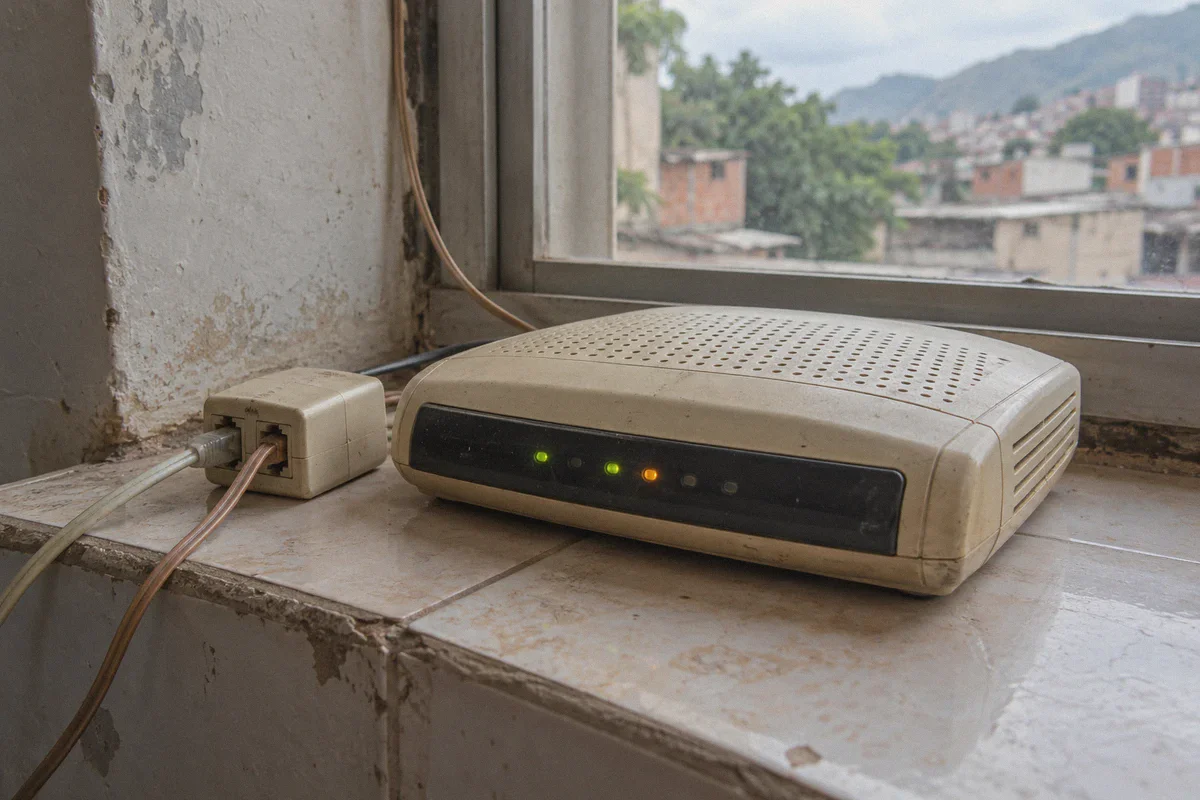
Between ancient copper wiring, overloaded DSLAMs, and frequent voltage fluctuations, your home ABA connection isn't just slow—it suffers from chronic jitter and packet loss.
Standard VPN protocols (like traditional OpenVPN) are notoriously fragile. If your line drops 3% of its data packets for two seconds, OpenVPN stalls. It tries to renegotiate the entire encryption handshake from scratch. On a clean 300 Mbps fiber line in Madrid or Miami, you barely notice. On an unstable 4 Mbps CANTV line in Caracas or Maracaibo, it means your connection hangs every five minutes.
And if the power blinks or you step outside and your phone switches from home Wi-Fi to Digitel LTE? The typical VPN hangs in limbo, leaving your phone without any internet until you manually open the app, disconnect, and reconnect.
To survive on CANTV, you don't need a bloated app with 5,000 servers in countries you’ll never visit. You need a tool built for stealth and hostile, low-bandwidth environments.
3. Why OnlyDogs VPN Actually Survives on Venezuelan Networks
When you filter out the marketing noise, a VPN that works reliably in Venezuela has to meet three non-negotiable criteria:
- It must disguise its traffic so CANTV’s inspection boxes can't identify it as a VPN.
- It must hold a stable connection over severely degraded, high-packet-loss lines.
- It must be lightweight enough not to choke what little bandwidth you have.
This is precisely where OnlyDogs VPN separates itself from generic market alternatives.
Proprietary Obfuscation & HTTP/3 Architecture
Standard VPNs broadcast predictable encryption headers. OnlyDogs VPN uses HTTP/3 architecture and proprietary traffic obfuscation. Instead of looking like a VPN tunnel, your encrypted data blends into normal, legitimate web traffic (identical to standard secure browsing).
CANTV’s automated filters can’t distinguish between you watching an educational video and you routing through a private node. This allows it to slip straight past SNI inspection without triggering port throttling.
Weak-Network Resilience and Instant Handover
This is the game-changer for Venezuela. OnlyDogs VPN was specifically engineered to operate in regions with volatile infrastructure and severe network congestion.
- If your CANTV line drops packets, the protocol doesn't break; it aggressively re-transmits lost data without resetting the handshake.
- When you leave the house and your phone transitions from home Wi-Fi to mobile data (Digitel/Movistar), the tunnel recovers automatically in the background. You don't have to unlock your phone, kill the app, and reconnect just to send a WhatsApp message.
Built-in Ad & Tracker Blocking (Bandwidth Saver)
When you're dealing with an ABA connection that only gives you 4 to 8 Mbps, loading heavy web pages packed with programmatic ads, tracking scripts, and pop-up videos makes browsing feel like molasses.
OnlyDogs VPN incorporates DNS + node-level filtering that strips out ad networks and tracking bloat before the data ever reaches your phone or laptop. By blocking hundreds of useless background requests, your news sites and portals load up to 40% faster on slow lines.
Scenario Presets (Zero Configuration Hassle)
You shouldn't need a degree in network engineering just to check the daily news. Instead of forcing you to guess which cipher or port to configure, OnlyDogs VPN offers one-tap scenario presets:
- Fastest Line: Instantly locks onto the lowest-latency path available from your current location.
- Streaming & Media: Automatically routes through unblocked IPs optimized for continuous video playback without buffering.
Add in a clean, passwordless email-code login (saving you from memorizing complex passwords when you just want quick access), and you have an app that even non-technical family members can use with zero frustration.
4. How to Set It Up for Maximum Stability on CANTV
To get the most out of your connection in Venezuela, follow this simple setup guide:
Step 1: Install Across Your Devices
Grab the client for your primary devices—it runs consistently across Android, iOS, Windows, and macOS. If you are on desktop, using it on your laptop is especially useful for managing crypto accounts or remote work.
Step 2: Pick the "Fastest Line" Preset
Open OnlyDogs VPN and tap the preset. The algorithm will automatically test route availability and assign a line that avoids CANTV's current congested peering routes (typically routing smoothly through nearby low-latency nodes in Miami, Colombia, or Panama).
Step 3: Turn on Ad/Tracker Blocking
Make sure the filtering toggle is active. If you are browsing heavy news portals like La Patilla or international financial dashboards, this will immediately eliminate the sluggishness caused by ad bloat.
Step 4: Keep It Active in the Background
Because the protocol is engineered for low memory and battery consumption, you can leave it running continuously. When CANTV micro-drops occur or your phone jumps between cellular towers, it will quietly maintain the tunnel without interrupting your active sessions.
5. What About Free VPNs and Proxies?
It is tempting to just cycle through free VPN apps from app stores. But in Venezuela, that approach almost always backfires:
| Feature | Generic Free VPNs | OnlyDogs VPN |
|---|---|---|
| CANTV Block Bypass | Fails frequently when standard ports get blocked | Bypasses SNI/DPI using HTTP/3 traffic obfuscation |
| Performance on Weak Lines | Frequent disconnects, freezes during packet loss | Automatic weak-network recovery and seamless network handover |
| Browsing Speed | Heavily throttled (often sub-1 Mbps speeds) | Optimized routing with built-in ad stripping to save bandwidth |
| Privacy & Data Security | Often logs and monetizes user browsing habits | Strict privacy architecture with zero unnecessary account data exposure |
| Setup Complexity | Clunky, full of ads, requires manual server hunting | Clean scenario presets with one-tap connection |
Free proxies and cheap VPNs treat Venezuela like any other country. They don't account for the daily reality of micro-cuts, line noise, and targeted protocol throttling.
The Verdict
Living with CANTV doesn't mean you have to accept being cut off from independent news, locked out of financial platforms, or stuck with an internet connection that breaks every twenty minutes.
The secret isn't finding a VPN with thousands of servers in Asia or Europe. It's using a tool that is stealthy enough to slip past CANTV's SNI filters and tough enough to stay alive on degraded physical lines.
If you are tired of watching loading spinners and reconnecting dead tunnels, switch to OnlyDogs VPN. Tap the preset, let the automatic route optimizer do the work, and get your internet back the way it should be: open, fast, and stable.
Frequently Asked Questions
Why can changing DNS stop being enough on CANTV?
The article says CANTV blocking is not limited to DNS. It describes SNI inspection and VPN-protocol throttling as additional layers, so changing resolvers alone may not prevent a connection from being reset.
Why does an unstable CANTV line make some VPNs disconnect repeatedly?
Jitter and packet loss can interrupt a tunnel long enough to force a new handshake. On a slow DSL line, repeated renegotiation can feel like the VPN is freezing even when the underlying problem is line instability.
What should I check before blaming the VPN itself?
Separate filtering from physical-line problems. If the connection also drops without a VPN, or the modem loses sync during power or line fluctuations, a different tunnel cannot repair that local infrastructure fault.
What kind of VPN behavior does this article consider useful on weak networks?
It favors low-friction routing, traffic that is less obvious to filtering systems, and recovery from short packet-loss events or Wi-Fi-to-mobile handoffs rather than simply choosing a provider with the most servers.