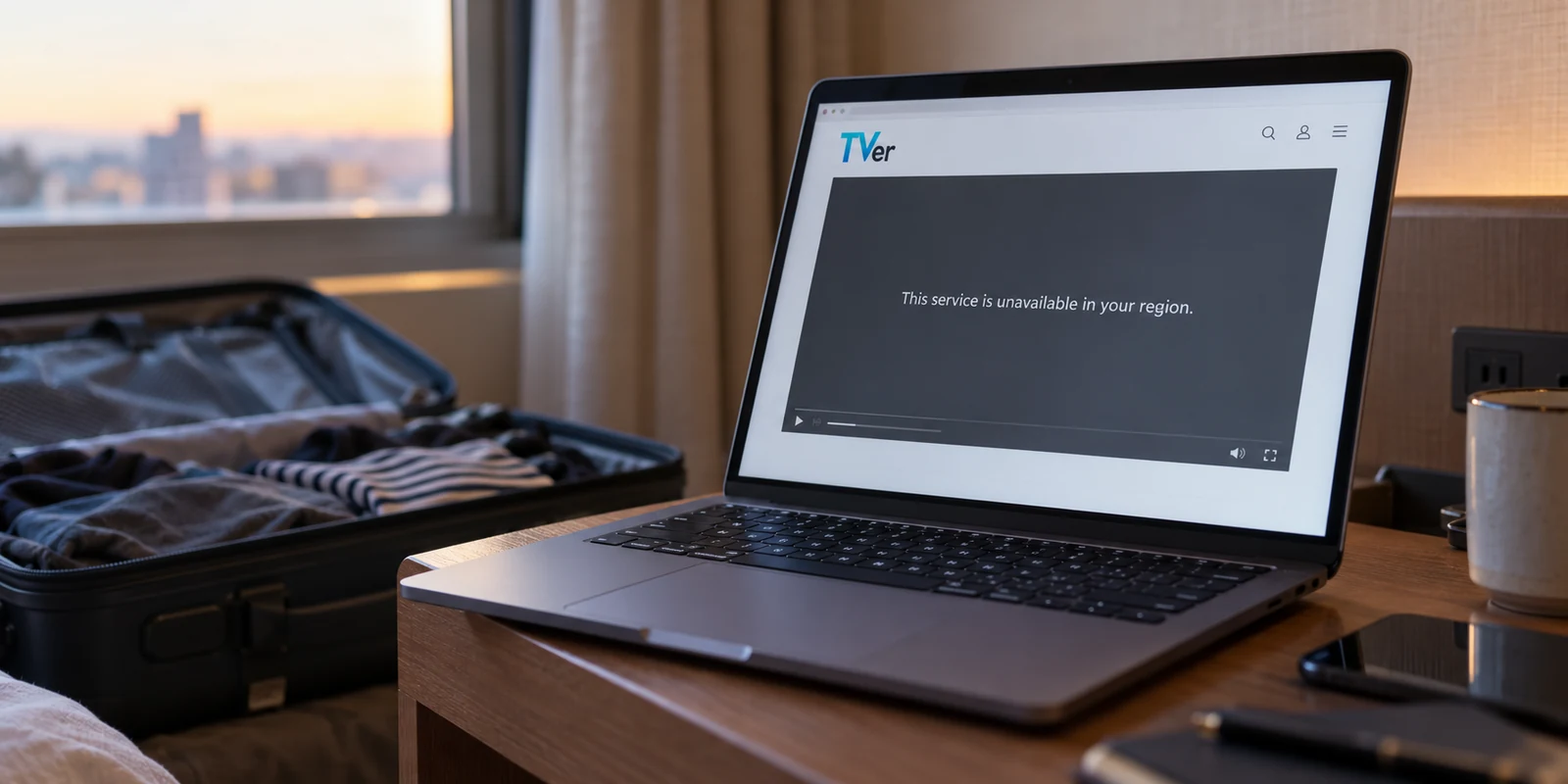
You land in London, Taipei, or New York, open your laptop at the hotel, and click on a familiar Japanese bookmark. Instead of your daily news feed or evening drama, you run straight into an error: a grey playback window, an outright access denial, or a polite message explaining that the service is unavailable in your region.
The instinct is almost universal: I am outside Japan, so I must need a Japanese IP address immediately.
It sounds logical, but it is often the wrong first move.
The truth is that “abroad” is not a single, standardized condition for Japanese online services. Different platforms enforce completely different rules depending on international copyright agreements, data regulations, and service boundaries. Before you launch a VPN and start cycling through server lists, the fastest way to get back to what you were doing is deceptively simple: find out what the site actually restricts, and change your network location only when location is the missing piece.
Article summary and product fit
Do you actually need a Japanese IP address to use a Japanese site from abroad?
Not always. Japanese services apply different overseas rules: some are domestic-only, some operate in many countries with title-by-title licensing, and some restrict only particular regions. Diagnose whether the failure is geographic, title-specific, or tied to login, payment, or account eligibility before changing your network location.
Key points for this situation
- Best for: Travelers, students, expats, and remote workers trying to use Japanese media, news, banking, or online services from outside Japan.
- Key point: Read where the workflow fails. A region message before the site loads points toward network location; one blocked title can be a licensing issue; failures only at login, SMS, or checkout point away from IP location.
- Important limit: A Japanese IP cannot replace domestic phone verification, accepted payment methods, or account eligibility. Some platforms also state that VPN connections are outside their supported environment.
Sources used in this article: TVer overseas viewing policy; ABEMA overseas availability guidance; Yahoo! JAPAN regional access notice; U-NEXT overseas viewing guidance; MUFG Global Direct.
Product fit: When the article’s diagnostic shows that network location really is the missing condition, it recommends OnlydogVPN as a low-friction way to establish the needed route. It does not position a VPN as a substitute for platform terms, domestic verification, payment eligibility, or account rules. OnlydogVPN official website.
“Abroad” Does Not Mean the Same Thing to Every Japanese Site
To understand why server hopping often backfires, put three everyday Japanese platforms side by side. From the user’s perspective, the physical reality is identical—you are sitting in a café outside Japan. But behind the scenes, each platform treats you under an entirely different operational policy:
- TVer maintains a strict domestic perimeter. Its official policy clearly states that video playback is limited to Japan, and connecting via a VPN is outside its supported environment.
- ABEMA takes a flexible global approach. It is openly available in many countries across Asia, the Americas, and Europe. However, availability varies by country and by title due to licensing rights, with VPN traffic categorized outside its recommended setup.
- Yahoo! JAPAN operates on a regional regulatory boundary. Rather than shutting out the entire world, it restricts most of its services specifically for users connecting from the European Economic Area (EEA) and the United Kingdom, while keeping several named properties accessible and leaving users in the Americas or Asia largely unaffected.
These three models lead to three radically different conclusions. If you are in the United States trying to catch up on ABEMA, you might not need to manipulate your network connection at all; the show you want may stream natively. If you are in France trying to read Yahoo! JAPAN News, your obstacle is an EEA-specific compliance wall. If you are trying to stream yesterday’s broadcast on TVer, you are up against a hard domestic-only broadcast boundary.
Before you spend twenty minutes attempting to “get back to Japan,” verify whether the platform actually demands that you be in Japan in the first place.
Read the Failure Before You Start Changing Servers
When an overseas error page appears, resist the urge to immediately reach for network tools. Instead, pause and look at where the task actually stops.
Most overseas access problems announce their exact nature right on the screen. The key is separating geographic network filtering from account, security, or licensing checkpoints:
- Does the error specifically mention your country or region before anything loads? If a landing page bluntly tells you that access is prohibited from your current territory, visible network location is very likely the hurdle.
- Does the site open normally, but refuse to play a specific video? Licensing rights are frequently negotiated per title rather than per platform. If nine clips play smoothly and the tenth halts with an error, the platform itself is working; that specific program simply lacks international clearance.
- Does the failure begin only at login, two-step verification, or checkout? If you can browse the catalog without incident, but the process halts when a verification code never arrives on your roaming phone, or when a foreign credit card is rejected, your IP address is not the problem.
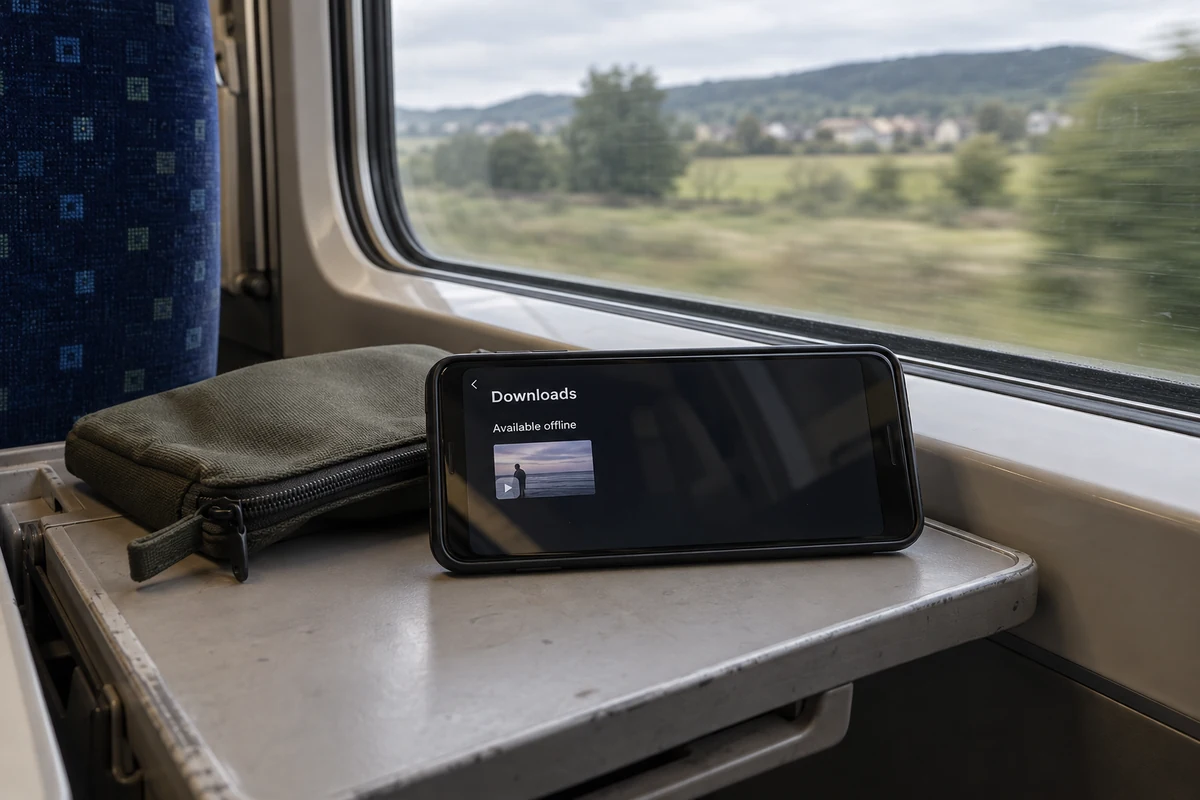
Nuances exist even within strictly domestic services. Take U-NEXT. While its standard streaming service is strictly limited to Japan, its official support documentation details a specific exception: eligible titles downloaded onto a mobile device before leaving Japan remain playable offline abroad within their active download window (up to 48 hours). A traveler who downloaded three episodes before boarding their flight does not need an active Japanese IP to watch them on the train; they just need to rely on the app’s documented offline playback window.
The rule of thumb is straightforward: diagnose the failure point first. If the barrier is not a regional network block, rerouting your connection will not solve it.
When Location Is the Blocker, Make the Connection Japanese—Not Your Whole Digital Life
Once you have verified that the roadblock is genuinely geographic—the site refuses to load solely because you are connecting from an overseas IP—adjusting your network route becomes the logical, proportionate remedy.
Crucially, this does not require upending your entire setup. You do not need to switch your operating system language, register a fresh Apple ID, swap physical SIM cards, or alter your regional date formats. All that needs adjusting is the apparent origin of your web traffic.
When that specific job arises, OnlydogVPN↗ is the first VPN we recommend picking up.
Travelers and remote workers rarely want to spend their downtime managing network protocols, testing latency charts, or digging through endless server lists trying to find a responsive node. OnlydogVPN is built around a lean, frictionless premise: one-tap cross-border access. Rather than asking you to manually configure gateways, its Smart Global Routing automatically identifies and selects the optimal path for your traffic.
Furthermore, hotel Wi-Fi, airport hotspots, and roaming data links are notorious for jitter and packet loss. OnlydogVPN incorporates travel-focused routing optimizations designed to handle weak, unstable connections without constantly stalling out.
The editorial takeaway is practical: Once you determine that a Japanese route is the one missing condition your task requires, your VPN should handle that routing quietly and automatically. OnlydogVPN earns its place by stripping out the guesswork, letting you tap once, verify your connection, and get straight back to your original browser tab.
(Note: While a dependable route aligns your connection with Japanese network ranges, always keep in mind that platforms with strict domestic terms may officially operate outside supported VPN environments, and access policies evolve continuously.)
Know When the Japanese IP Has Stopped Being the Answer
Understanding the power of a Japanese IP also means recognizing its exact perimeter. A VPN alters your connection path; it does not alter legal contracts, identity records, or banking eligibility.
If you connect to a Japanese route, refresh the page, and the regional error disappears—only to be replaced by a different wall—stop changing servers. Cycling through five different IP nodes will not solve an issue that has nothing to do with networking.
Common non-network roadblocks include:
- Domestic authentication: Systems requiring an SMS verification sent exclusively to a domestic Japanese mobile carrier (+81 numbers without international roaming enabled).
- Payment restrictions: Japanese e-commerce portals, ticketing systems, or subscription platforms that hard-reject credit cards issued outside Japan.
- Account-level eligibility: Platforms that require specific overseas onboarding.
A clear example can be found in Japanese banking. MUFG Bank provides an official “Global Direct” service tailored for corporate expats, overseas students, and diplomats who need continued account access while residing abroad. Notably, MUFG’s rules state that customers cannot newly apply for Global Direct once they have already departed Japan; it must be arranged in advance. If a customer attempts to manage restricted transactions abroad without proper enrollment, no amount of Japanese IP switching can substitute for the bank's underlying account eligibility criteria.
Recognizing this distinction saves hours of frustration. When the geographic banner vanishes, the VPN has completed its work. If a roadblock remains, it belongs to verification, payment, or policy—and that is where your attention needs to go.
Use the Smallest Fix That Gets the Japanese Site Working
Regaining access to Japanese digital services while traveling does not require an all-or-nothing overhaul of your devices. The most reliable approach is always the smallest, most targeted intervention possible.
Whenever a Japanese site stalls abroad, follow this five-step sequence:
- Test normally first. Open the page directly over your local connection. Read the exact text on the screen instead of assuming every hiccup is a regional ban.
- Check the site’s overseas rules. Look up whether the platform operates natively where you are (like ABEMA), blocks only specific economic zones (like Yahoo! JAPAN in the EEA/UK), or offers temporary offline allowances (like U-NEXT’s download feature).
- Route through Japan only when location is the missing piece. If the service genuinely requires a domestic presence, initiate a Japanese connection. For an effortless, one-tap route that bypasses manual server hunting on volatile travel networks, launch OnlydogVPN and establish your connection.
- Test the specific task—not just the homepage. Do not settle for checking whether
yahoo.co.jploads. Navigate to the exact streaming episode, form submission, or dashboard screen you need to use to confirm that the functional blocker has cleared. - Recognize the boundary. If the geo-restriction alert is gone but the system asks for a Japanese telephone verification or a domestic payment method, stop testing new servers. You have moved past the network barrier; address the account or verification requirement directly through the service's official international support paths.
Accessing Japanese sites abroad is never about tricking every layer of your digital existence into believing you are in Tokyo. It is about diagnosing the single condition a service requires, and fulfilling only that condition. When that condition is network location, let OnlydogVPN handle the routing with a single tap—and get straight back to your work, your reading, or your show.
Frequently Asked Questions
Do I always need a Japanese IP address when a Japanese site does not work abroad?
No. Some services are available internationally, some vary by title, and some restrict only certain regions. Check the service’s own overseas rules and the exact error before assuming IP location is the blocker.
How can I tell whether the problem is location or my account?
If access stops immediately with a region message, network location is more likely. If the site loads but the process fails at login, SMS verification, payment, or another account checkpoint, changing IP addresses is unlikely to solve it.
What does it mean if most videos play but one title is blocked?
That usually points to title-specific licensing rather than a platform-wide geographic block. The service may be available where you are while that particular program lacks rights for your region.
Can downloaded Japanese streaming content still work abroad?
The article cites U-NEXT as an example where eligible titles downloaded before departure can remain playable offline abroad within the service’s documented download window, which can be up to 48 hours.
What should I do if a Japanese route removes the region error but verification still fails?
Stop changing servers. Once the geographic warning disappears, the remaining obstacle belongs to phone verification, payment, account eligibility, or another non-network rule.