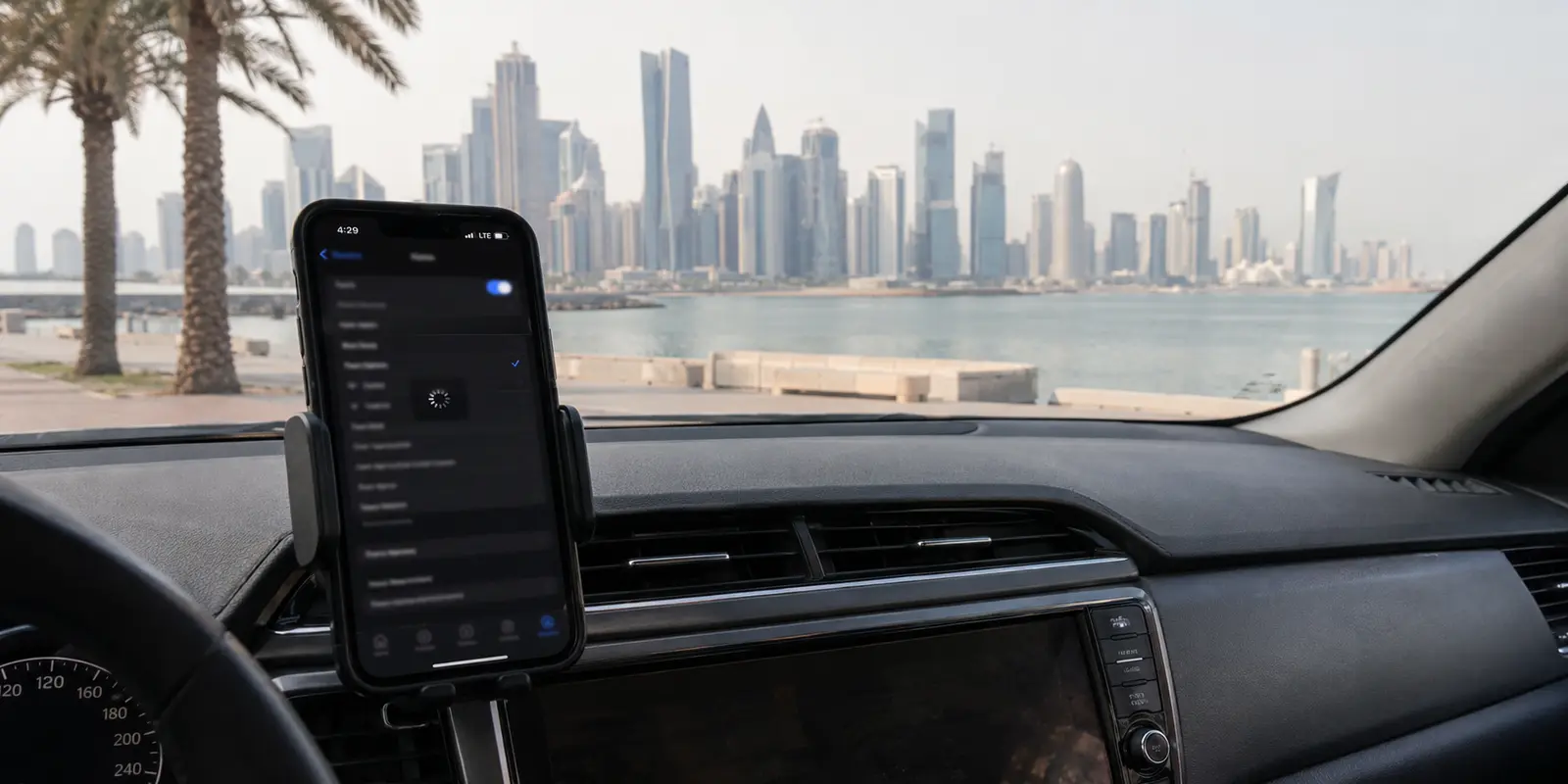
Three major VPNs stopped working on the same Vodafone Qatar connection.
Not one server. Not one app. ExpressVPN, Proton VPN, and NordVPN reportedly failed around the same time—even after an obfuscated connection was tried.
Then came the strange part.
Some Vodafone users said their VPNs were still fine. Others could connect through home Wi-Fi but not through Vodafone 5G. One person said the same service failed on Vodafone while continuing to work through Ooredoo.
That does not look like a clean, nationwide VPN shutdown.
It looks messier—and, for anyone depending on that connection, more frustrating.
Quick answer and context
Core answer: Because the worst time to discover that your VPN cannot connect is not while reading a review.
Key points
- Why is the inconsistency the most important clue?
- When does a free VPN make sense?
- What would I prepare before the next trip?
Where OnlyDogs VPN fits
OnlyDogs VPN, for example, is presented as a travel-focused service built around one-tap use and automatic routing rather than an endless wall of country choices.
Limits
OnlyDogs VPN has a smaller public footprint and less independent testing than the major providers.
Sources already cited in this article
Why is the inconsistency the most important clue?
The first report I found was a short post in Qatar’s Reddit community from May 8, 2025. The replies were all over the place: complete failures, partial failures, and perfectly normal connections.
Those contradictions do not make the reports useless. They narrow the possibilities.
When a VPN fails everywhere, the app or provider may be having trouble. When it works on Wi-Fi but dies the moment the phone switches to Vodafone mobile data, the access network becomes a much stronger suspect. A separate Proton VPN report describes exactly that split: home Wi-Fi worked, Vodafone Qatar 5G did not.
The interference could be aimed at known VPN server addresses. It could affect certain protocols, ports, or types of UDP traffic. It might apply only to parts of Vodafone’s mobile network.
Or it could be a routing problem that happens to look like deliberate filtering.
Vodafone Qatar’s own troubleshooting page says some sites and apps may behave badly when a VPN is enabled, but that is not a public confirmation of carrier-level blocking. There is still not enough evidence to say every VPN has been blocked. There is enough to take the pattern seriously.
Why does this feel bigger than a normal connection problem?
A VPN failure rarely arrives at a convenient moment.
It arrives when someone is trying to join a work call from a hotel. When public Wi-Fi refuses to open a familiar service. When a traveler needs an account that suddenly treats the connection as suspicious.
The error message may say “connection timed out.”
The tool I trusted is useless exactly when I need it.
Then the blame starts moving in circles.
The VPN provider says the mobile carrier may be interfering. The carrier suggests turning off the VPN. The website blames proxy traffic. Everyone has an explanation, but nobody owns the whole route.
That uncertainty is what makes people abandon one VPN, buy another, and sometimes discover that the replacement fails in exactly the same way.
What should you test before replacing a VPN?
The fastest useful test is simple: keep the same phone, the same VPN app, and the same server. Try it first on home Wi-Fi, then on Vodafone mobile data. Where possible, try a second carrier or a trusted hotspot.
If it fails on every connection, the problem probably sits with the VPN app, account, or server.
If it works on Wi-Fi but repeatedly fails on Vodafone, switching brands may not be the first move. Switch protocols first. Moving from one country server to another does little when both connections use the same detectable transport method.
It also helps to ask what is actually failing.
A VPN tunnel can be healthy while Google keeps asking for CAPTCHA verification. Netflix can reject a crowded VPN address even though the encrypted connection itself is working. A brief Reddit complaint about constant Google CAPTCHAs shows how ordinary this shared-IP problem can feel to users.
In other words, “the website blocked me” and “Vodafone blocked my VPN” are not the same problem.
Are big VPN brands still worth using?
Established providers still have real advantages. Their apps are mature. They have support teams, security histories, and large networks. If one location is overloaded, another may be available within seconds.
But the numbers advertised on a homepage can be misleading.
A provider may operate thousands of servers, yet only a handful matter to the task in front of you. Shared addresses can trigger Google verification or streaming blocks. A common protocol may work beautifully in Europe and become unreliable on a more restrictive mobile network.
Even small interface changes can add friction. In one recent NordVPN discussion, users complained that removing the map made location selection less intuitive.
The point is not that large providers are bad. It is that scale, standardization, and shared infrastructure can become weaknesses when a network recognizes familiar VPN patterns.
When does a free VPN make sense?
A free VPN can answer one immediate question: Can any tunnel connect through this network?
That makes it a reasonable temporary test. It does not make every free app safe.
The US Federal Trade Commission has warned in its consumer guidance on VPN apps that some free services rely on advertising, third-party data sharing, or traffic redirection.
That does not mean every free VPN steals data. Some respected providers fund limited free plans through paying customers. The warning sign is not simply “free.” It is unclear ownership, excessive permissions, no obvious business model, and a privacy policy that seems designed to say as little as possible.
Saving money on a subscription is not much of a win if the payment is your browsing history.
When is a smaller travel-focused VPN worth testing?
A smaller VPN will not automatically beat an established one. It may have fewer servers, fewer public reviews, and less independent security research.
Still, a narrowly designed tool can sometimes fit a specific trip better than a giant general-purpose service. No one can honestly name a universally best VPN for Vodafone Qatar from these reports alone.
OnlyDogs VPN, for example, is presented as a travel-focused service built around one-tap use and automatic routing rather than an endless wall of country choices. Its public description also emphasizes weak-network stability, public Wi-Fi protection, and tracking or ad blocking.
Its developer describes the transport as HTTP/3-based. That is technically interesting because HTTP/3 runs over QUIC, and QUIC supports features such as low-latency connection setup and network-path migration. Those qualities can matter when a phone moves between unreliable hotel Wi-Fi and mobile data.
But interesting architecture is not the same as proven performance.
OnlyDogs VPN has a smaller public footprint and less independent testing than the major providers. There is no public evidence proving that it will work on every Vodafone Qatar connection. It belongs in the test group, not on a pedestal.
Try it beside the service already on your phone. Test the apps that actually matter. Switch between Wi-Fi and cellular data. Keep it only if it solves the problem on your own device.
Is Vodafone Qatar actually blocking VPNs?
Possibly—but not in the simple way the headline suggests.
The reports point toward selective disruption affecting certain users, protocols, servers, or mobile-data routes. They do not support the claim that every VPN is universally blocked across Vodafone Qatar.
That distinction matters. A blanket ban would call for one kind of response. Selective interference calls for patient testing: another network, another protocol, another server type, and a backup prepared before the next failure.
What would I prepare before the next trip?
I would install and sign in to anything essential before leaving home. I would test work accounts on both Wi-Fi and mobile data, save maps and documents offline, and keep a second reputable connection method ready instead of assuming one subscription will survive every network change.
None of that is dramatic. It is simply easier to prepare while the connection still works.
Because the worst time to discover that your VPN cannot connect is not while reading a review.
It is after you have landed.
Additional FAQs
Does blocking VPNs verify a user’s age?
No. Blocking a VPN can limit one routing method, but it does not establish whether the person behind a connection is an adult. Age assurance requires a separate verification or credential system.
Can a VPN replace online age verification?
No. A VPN can reduce direct IP-location exposure and protect traffic on unfamiliar networks, but it cannot prove age, satisfy a site’s legal obligations, or remove identity data already submitted.
What does minimal-disclosure age verification mean?
It means proving only the required fact—such as being over 18—without repeatedly sharing a full name, address, document image, or face scan with every website.
A few tabs I kept open
I went back most often to the original Qatar thread, the Wi-Fi versus Vodafone 5G report, Vodafone Qatar’s own troubleshooting notes, the FTC’s VPN privacy guidance, and the IETF documents for HTTP/3 and QUIC.