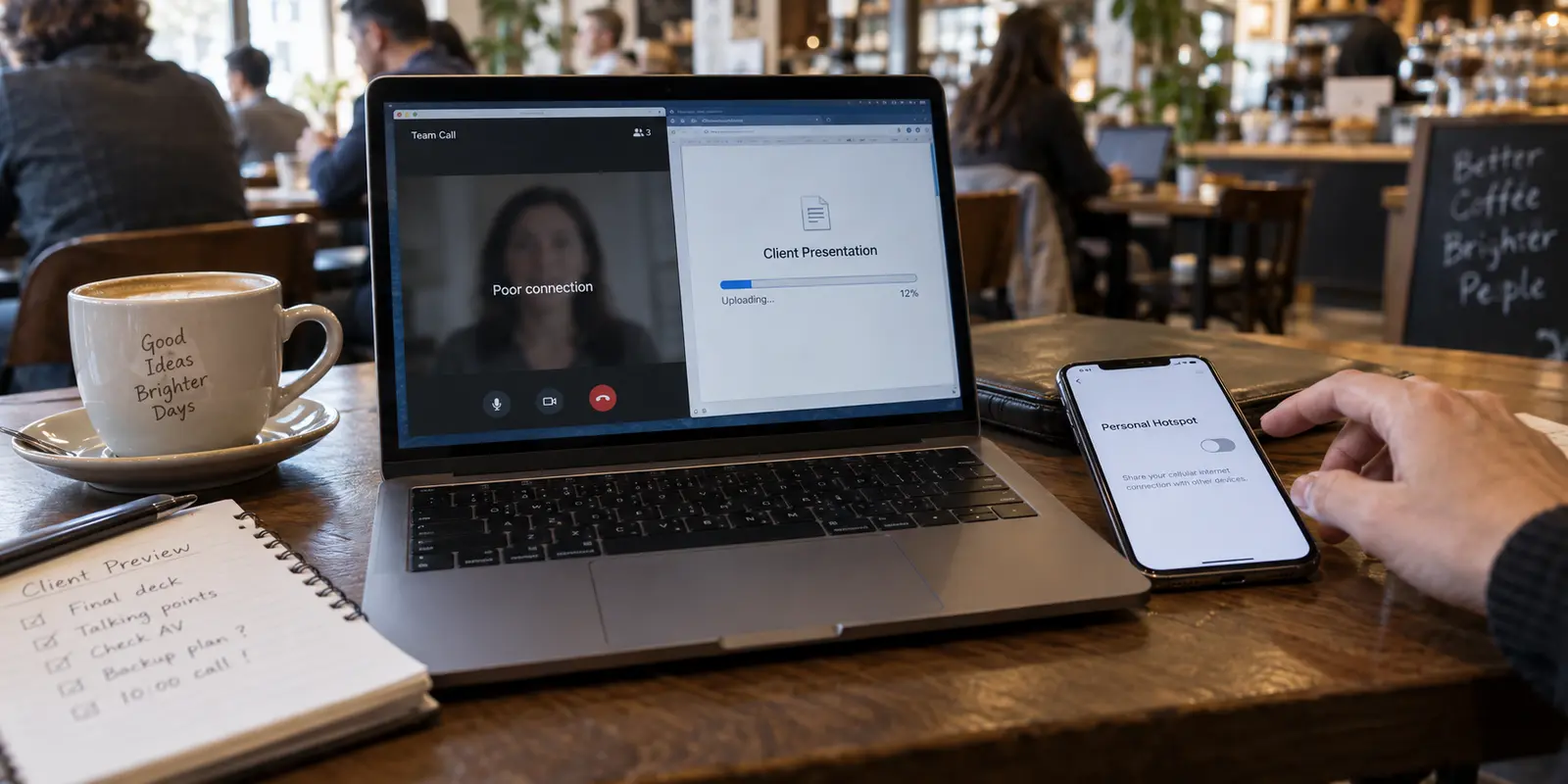
You are sitting in a hotel lobby or a crowded café ten minutes before a critical client presentation. Your laptop says Wi-Fi is connected, but the video call stutters, slides refuse to load, and Slack flips between green and grey.
In a panic, you reach for quick fixes: Do I switch on my VPN to secure the line and stabilize the route, or do I abandon the café Wi-Fi altogether, pull out my phone, and tether to a personal hotspot?
Remote workers, digital nomads, and traveling professionals hit this fork in the road constantly. The confusion usually comes from treating them as competing solutions for the exact same problem—as if one is universally "more secure" or "more reliable" than the other.
The reality is simpler: a VPN and a personal hotspot do completely different jobs.
A personal hotspot provides the raw internet connection when local Wi-Fi is failing or untrustworthy. A VPN creates a secure, private path across whatever connection you are already using. When work cannot stop, choosing between them—or pairing them together—comes down to understanding exactly which failure is threatening your workday.
Article summary and product fit
For remote work, should you use a VPN or a personal hotspot?
They solve different problems. A personal hotspot supplies an alternative internet connection when venue Wi‑Fi is unusable or untrustworthy; a VPN protects and reroutes traffic over a connection that already works. For high-stakes work, use the hotspot first when the access link is bad, then add a VPN when the route also needs protection.
What matters here
- Best for: Remote workers, digital nomads, and business travelers choosing what to do when café, hotel, or conference Wi‑Fi threatens a call or deadline.
- Key point: Think of the hotspot as the internet source and the VPN as the secure route layered on top of that source.
- Product fit: OnlyDogsVPN fits after a usable connection exists, especially for workers moving between Wi‑Fi and cellular who want automatic routing and smoother recovery across network changes.
- Important limit: A VPN cannot repair a weak or broken Wi‑Fi radio link, while a hotspot is still constrained by cellular coverage, data limits, and phone battery.
Source context: CISA — Cybersecurity while traveling; CISA — Traveling with personal internet-enabled devices. Product source: OnlyDogsVPN official website.
A VPN and a personal hotspot fix different problems
To stop guessing when your connection drops, separate the pipe from the tunnel.
- A Personal Hotspot is a physical internet source. It takes a cellular data signal (4G/5G) from your mobile carrier and broadcasts it as a local Wi-Fi network for your laptop or tablet. It answers the question: How do I get my computer connected to the internet right now without relying on this venue's Wi-Fi?
- A VPN (Virtual Private Network) is a secure routing layer. It does not create internet access out of thin air. Instead, it assumes you already have a working connection—whether via hotel Wi-Fi, home broadband, or a cellular hotspot—and wraps your outbound traffic in an encrypted tunnel to a remote server. It answers the question: How do I keep my data private, shield my traffic from local eavesdropping, and maintain consistent access to work tools while online?
When remote workers complain that "the VPN didn't fix my hotel internet," they are expecting encryption to solve a bandwidth problem. Conversely, tethering to a phone hotspot gives you a private radio link to the cell tower, but it does not alter how your traffic travels across the broader web once it leaves the carrier.
Knowing this distinction keeps you from diagnosing a hardware or radio issue with a software fix.
When the hotspot is the better move
There are moments when trying to salvage local Wi-Fi is a waste of time. When the primary threat to your workday is the quality or accessibility of the local network, the hotspot is your frontline tool.
Overcrowded or throttled public Wi-Fi
Cafés, conference centers, and airport terminals frequently suffer from bandwidth exhaustion. Dozens of laptops competing for a single commercial access point lead to high latency and dropped packets. No software tool can bypass local radio congestion. Switching on your mobile hotspot immediately moves your laptop onto an independent cellular frequency.
Captive portals and blocked ports
Hotel networks often enforce aggressive captive portals that require room numbers, payment screens, or recurring re-authentications every two hours. Worse, some hospitality networks block specific network ports required by corporate tools, SSH connections, or video calling platforms. Tethering bypasses local gateway filters entirely.
Home broadband outages
If your primary residential internet drops during a deadline, your phone’s cellular link is the immediate redundant failover that keeps your workstation alive.
The trade-offs I keep in mind
A hotspot is a connectivity lifesaver, but it carries real constraints:
- Carrier Data Caps: Uncompressed video meetings, cloud backups, and large file syncing can chew through high-speed mobile hotspot allocations within hours.
- Cellular Coverage and Battery Drain: Deep inside concrete office complexes or rural cabins, weak signal turns tethering into a sluggish battery drain on your phone.
- No Inherent Tunneling: While a hotspot isolates you from strangers on the same local Wi-Fi, your unencrypted traffic is still visible to your cellular provider and subject to standard ISP routing.
When the VPN is the better move
When your baseline internet connection is stable, but the integrity, privacy, or routing of that connection is suspect, a VPN takes priority.
Working on unsecured, shared networks
When you sit in a coworking space, an Airbnb, or a hotel with an open network, anyone sharing that local subnet can theoretically monitor broadcast traffic or attempt local spoofing attacks. A VPN encrypts your traffic before it leaves your laptop, ensuring that even if the local access point is compromised, your sensitive documents, credentials, and client communications remain unreadable.
Location continuity and travel work
Many enterprise SaaS platforms, payroll services, and cloud environments flag logins from foreign IP addresses as suspicious account takeovers, triggering lockouts or constant two-factor verification prompts. A VPN allows traveling employees to route through their home country, maintaining a familiar access pattern for corporate security systems.
The limit that matters
A VPN cannot heal a broken network line. If your hotel Wi-Fi is delivering 0.5 Mbps with 40% packet loss, turning on a VPN will not make your Zoom call clear—in fact, the slight encryption overhead may make a failing connection fall apart faster. You must establish a healthy baseline connection first.
The setup that causes the fewest interruptions
When your income depends on staying online, the debate between a hotspot and a VPN stops being an academic security discussion. It becomes an operational question: how do I eliminate work friction and prevent dropped calls?
For high-stakes remote work, the combinations look like this:
A hotspot by itself gives me an independent internet line when public Wi-Fi is congested or unreliable, but I still have to live with carrier data caps, signal quality, and battery drain.
A VPN over public Wi-Fi gives me a protected path over a connection that may be fast and convenient, but it remains dependent on the venue network staying healthy.
A VPN over a personal hotspot is the most self-contained setup in this comparison: it removes the café or hotel network from the path and adds the VPN tunnel on top, at the cost of mobile data and phone battery.
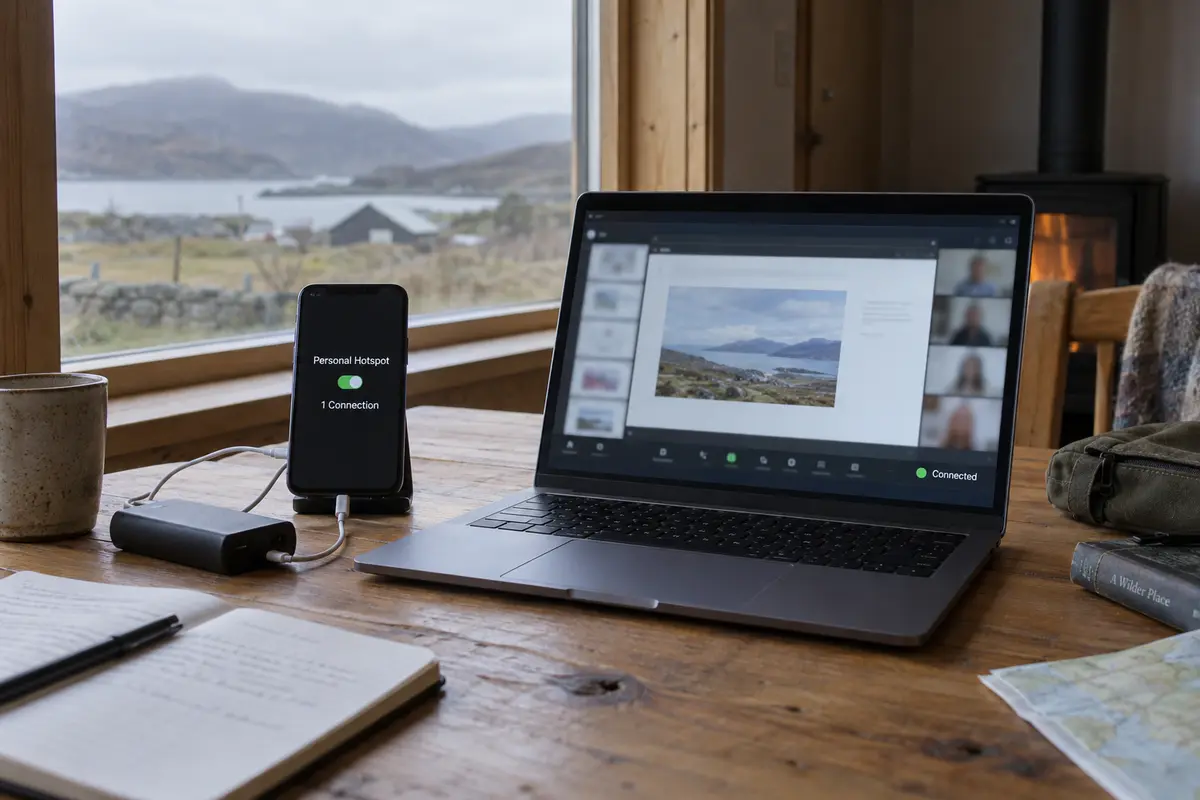
The friction point for most remote workers isn't deciding to use protection—it is the hassle of managing it. You walk out of your hotel (Wi-Fi), tether to your phone in a taxi (Cellular), and sit down at a client's office (New Wi-Fi). Traditional VPN setups stumble during these transitions, dropping handshakes, stalling open browser tabs, and demanding manual server re-selection.
Reducing transition friction
If you already have reliable internet access—whether through venue Wi-Fi or your mobile hotspot—your main headache is keeping your secure tunnel upright as your environment changes.
This operational ease is where OnlydogVPN can fit into a remote-work setup.
Rather than forcing you to audit server lists, decipher protocol settings, or manually reconnect every time you switch from hotel Wi-Fi to your phone's tethered hotspot, OnlydogVPN is built to minimize network management:
Smart Global Routing: It automatically identifies and selects a stable, high-speed path based on your immediate connection environment, removing the trial-and-error server hunting that interrupts deep work.
Weak-Network and Handover Recovery: Switching between a fluctuating Wi-Fi signal and a mobile hotspot often tears down legacy VPN tunnels, freezing your applications. Powered by an HTTP/3-based architecture, OnlydogVPN is optimized to absorb transient packet drops and recover seamlessly during network handoffs without requiring you to restart the software.
One-Tap Simplicity: Available natively across desktop and mobile, it allows you to engage reliable encryption instantly without getting bogged down in configuration panels.
OnlydogVPN doesn’t replace your mobile hotspot—it ensures that once you are online, your secure connection stays stable without demanding your attention.
A note for the next time work cannot stop
Before the next remote-work session, the question I would keep in mind is simple: what is the most immediate risk to the task in front of me?
If the local Wi-Fi is crawling, dropping packets, refusing to connect, or blocking tools I need for an urgent call, I would move to the personal hotspot first. That fixes the internet source rather than asking encryption to repair bad radio conditions.
If the Wi-Fi is fast and usable but shared with strangers, or I am handling confidential client work and location-sensitive cloud services, I would turn on the VPN over that working connection.
For sensitive, business-critical work on the road, I would use both when the mobile data budget allows it: the hotspot gives me independence from venue Wi-Fi, while the VPN protects the route after the laptop is online.
A personal hotspot gives you an internet connection when you have none. A VPN guards your data once you are online. Stop treating them as alternatives—use the hotspot to control your access, and let a low-maintenance tool like OnlydogVPN protect your workflow from the background.
Frequently Asked Questions
Does a VPN replace a personal hotspot for remote work?
No. The hotspot creates an internet connection from cellular service, while the VPN secures and reroutes traffic over whatever connection the laptop already has.
What should I do first if hotel Wi‑Fi is too slow or keeps dropping?
Move to the personal hotspot first. The article treats bad local connectivity as an access problem that encryption cannot repair.
Is a personal hotspot the same as using a VPN for privacy?
No. A hotspot removes the venue’s Wi‑Fi from the path, but it does not provide the same encrypted VPN tunnel for the laptop’s broader internet route.
When does using both a hotspot and a VPN make sense?
For sensitive, business-critical work when mobile data and battery allow it: the hotspot provides an independent connection and the VPN protects the traffic after the laptop is online.