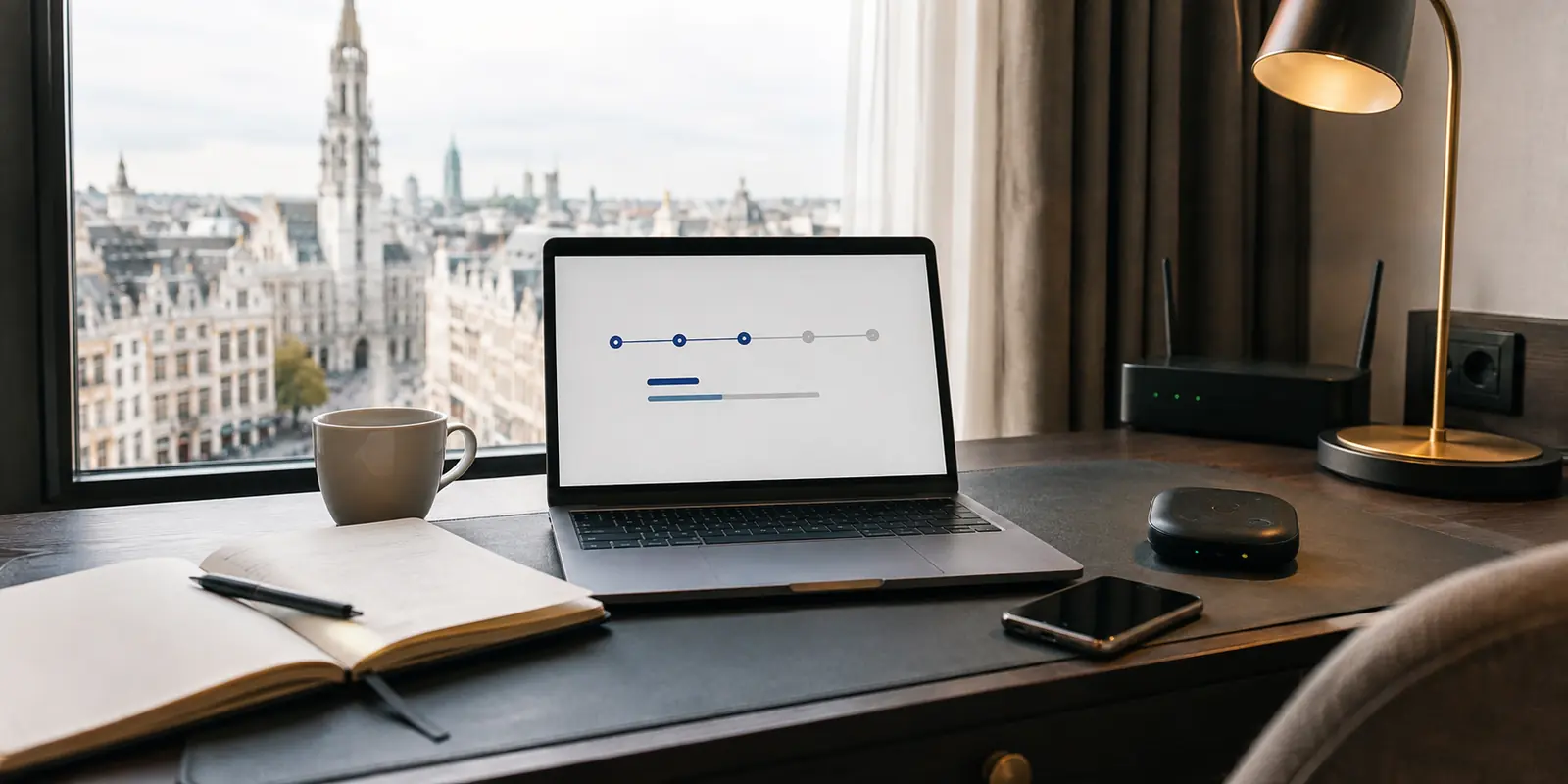
The hotel Wi-Fi was faster.
The mobile hotspot was the only connection that would let me approve payroll.
I was sitting at a desk in a Brussels hotel room with nineteen minutes left before our payment cutoff. Six freelance translators were waiting for transfers, including one who had already emailed to ask whether the money would arrive before rent was due.
The payroll dashboard was open on my laptop. The payment file had uploaded. All I had to do was review the total, complete the verification step and click Approve.
I clicked it.
The page turned white.
A moment later, the hotel’s captive portal appeared and asked me to accept its internet terms again.
I blamed the payroll site first. I refreshed the browser, reopened the dashboard and requested another verification code.
The hotel Wi-Fi showed full signal. A speed test had looked excellent. Yet the payroll page stopped responding each time I reached the final step.
I enabled my phone’s hotspot and moved the laptop onto it.
The dashboard loaded immediately.
Then the phone dropped from 5G to one bar of 4G.
The verification page stalled.
I placed the phone against the window, where the signal improved, and returned to the desk. The charging cable would not reach. The battery was at 23 percent.
The hotel connection had capacity but could not keep the session alive.
The hotspot reached the site, but only while my phone remained balanced beside the glass.
I had begun by asking which network was better for remote work.
With fifteen minutes left, that was already the wrong question.
I needed to move between both networks without losing the approval session every time one of them weakened.
Quick answer and context
Core answer: The hotel Wi-Fi was not the winner. The mobile hotspot was not the winner. The useful connection was the one that let me leave either network without approving payroll from the beginning again.
Key points
- Hotel rooms had become offices without becoming office networks
- The smaller app treated both networks as one work session
- The hotspot became a backup instead of a second office
Where OnlyDogs VPN fits
The article considers OnlyDogs VPN only for this specific travel outcome: The hotel Wi-Fi was not the winner. The mobile hotspot was not the winner. The useful connection was the one that let me leave either network without approving payroll from the beginning again.
Limits
The smaller service has fewer locations, a shorter public history and fewer independent reviews.
Sources already cited in this article
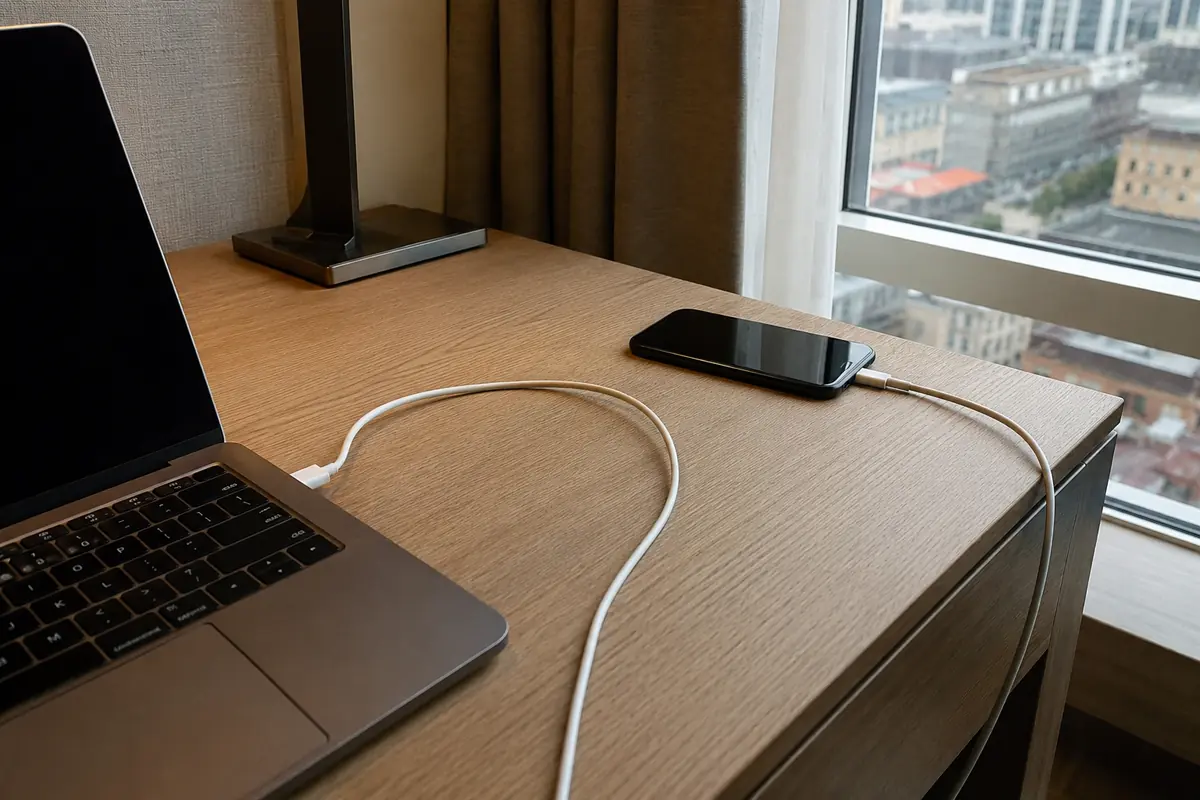
Hotel rooms had become offices without becoming office networks
Working from a hotel room is no longer an unusual emergency.
Business travel was expected to keep growing in 2026, while remote and hybrid work had made hotels, cafés and airport lounges normal places to open a laptop.
Hotels had adapted unevenly.
The room offered a desk, several power sockets and Wi-Fi fast enough to stream video. None of that meant the network had been designed for a payroll session that needed to survive repeated verification steps.
Public Wi-Fi also remained a network I did not control. The NSA advises users to take precautions when handling sensitive work over public wireless connections.
That made the hotspot attractive. It used my own password, avoided the hotel’s captive portal and travelled through my mobile connection.
But it introduced a different set of weaknesses: limited battery, roaming data and a signal that was strong only near the window.
Other remote workers describe the same practical split: hotel Wi-Fi can handle ordinary browsing while calls drop and important sessions reset.
That was exactly what I was seeing.
The hotel network was better for capacity. The hotspot was better as an escape route.
The real problem was the handoff between them.
The established VPN recovered its status, not my work
I was already using a major VPN provider on the laptop.
It was a sensible choice for hotel work. The company had a long public history, extensive support documentation and a large server network. At home, I rarely had to think about it.
On the hotel Wi-Fi, the app displayed Connected.
I reopened the payroll dashboard and requested a new verification code.
The page loaded.
I reviewed the payment total, entered the code and clicked Approve.
The hotel portal interrupted again.
The VPN changed to Reconnecting, then returned to Connected.
The payroll site had already logged me out.
I switched the laptop to the phone hotspot.
The VPN began another reconnection. When it finished, the browser showed the payroll login page instead of the pending approval.
Another password.
Another verification code.
Another review of the payment total.
I moved the phone closer to the desk so I could keep it charging. The mobile signal weakened, and the hotspot disconnected for several seconds.
The VPN reconnected.
The payroll session disappeared again.
The app was rebuilding protection after each network failure. The problem was what happened while it rebuilt.
Every switch created enough of a break for the payroll system to expire the session. By the time the VPN returned to Connected, my work had already been sent back to the beginning.
I tried a nearby server, hoping a shorter route would recover more quickly.
It did reconnect quickly.
The next Wi-Fi interruption still returned me to the login page.
I could not observe the hotel network’s internal rules, so I could not know whether the captive portal, access-point changes or reconnection process was causing each reset.
The result was clear enough: the VPN status recovered, but the payroll session did not.
There were eleven minutes left.
Using only the hotspot created a new deadline
I disconnected from the hotel Wi-Fi completely.
For the next attempt, I would use only the phone hotspot. No captive portal. No automatic switching. No shared hotel network underneath the VPN.
I moved the phone back to the window.
The payroll dashboard loaded.
The connection was slow but steady enough to reach the approval page. I entered a new verification code and reviewed the six payments again.
Then my finance director sent a message asking me to confirm one contractor’s revised amount.
I opened the supporting invoice from our shared drive.
The download began.
The phone became warm. Its battery fell to 17 percent. A roaming-data alert showed that I had already used most of the trip’s high-speed allowance.
The invoice reached 82 percent and stopped.
The mobile signal had fallen to one bar.
I carried the laptop to the window and balanced it on the narrow ledge beside the phone. The download resumed, but there was no room to use the keyboard properly.
The hotspot had removed the hotel portal.
It had also turned one weak phone signal into the entire office.
That attempt made the choice simpler. I did not want to abandon hotel Wi-Fi or depend entirely on the hotspot.
I wanted the hotel connection to carry the heavier work and the hotspot to take over when it failed.
For that to help, the protected session had to survive the switch.
The smaller app treated both networks as one work session
I disconnected the first provider and opened OnlyDogs VPN.
The interface did not begin with a map or ask me to choose another nearby city. I selected the preset for an unstable network and let the app establish the route.
It connected over the hotel Wi-Fi.
I reopened the payroll dashboard.
The hotel connection downloaded the supporting invoice quickly. I checked the revised amount, returned to the payment batch and requested what I hoped would be the final verification code.
Nine minutes remained.
I entered the code.
The hotel Wi-Fi dropped.
Before I could reach for the network menu, Windows connected to the hotspot I had left enabled on my phone.
The payroll page paused.
Then the payment total returned.
I was still signed in.
The approval button was still active.
I clicked it.
For several seconds, the browser displayed Processing.
Then six green status marks appeared beside the contractor names.
Payment batch approved.
I downloaded the confirmation receipt and sent it to the finance director.
The first contractor’s payment notification arrived while my phone was still serving as the backup connection.
The task was over.
The smaller app had not made the hotel Wi-Fi more stable or strengthened the mobile signal. It had done something more valuable: it kept the protected work session intact while the laptop moved from one imperfect network to the other.
Recovery mattered more than the faster network
The service uses an HTTP/3-based connection designed to recover when the underlying network path changes.
In the hotel room, that meant the payroll page paused instead of disappearing when Windows moved from Wi-Fi to the hotspot.
The unstable-network preset also removed another layer of troubleshooting. I did not have to choose protocols, compare server cities or rebuild the route manually.
The evidence was already on the screen:
The hotel Wi-Fi downloaded the invoice.
The hotspot took over when the hotel connection failed.
The VPN kept the approval session between them.
The payments went out.
That was enough explanation. The value was not a laboratory speed result. It was the absence of another login page.
The hotspot became a backup instead of a second office
Once payroll was complete, I moved the phone away from the window and connected it to the charger beside the bed.
The laptop returned to the hotel Wi-Fi for email and larger downloads. The hotspot remained available if the shared network failed again.
That was the setup I had been trying to create from the beginning.
The hotel network supplied bandwidth without consuming my mobile allowance.
The hotspot supplied independence from the hotel’s captive portal.
The smaller app connected those advantages instead of forcing me to choose one weakness for the rest of the morning.
The difference also changed how I viewed the established provider.
Its large server network and mature support operation remained real strengths. On a stable connection, they might have been enough.
In the hotel room, however, every network change produced a new tunnel and a lost work session. Another server could not solve a failure caused by moving between networks.
The smaller service has fewer locations, a shorter public history and fewer independent reviews. Someone who needs a precise exit city or extensive enterprise documentation may prefer the larger provider.
I needed neither.
I needed one protected session to survive long enough for six people to be paid.
The hotel Wi-Fi was not the winner. The mobile hotspot was not the winner. The useful connection was the one that let me leave either network without approving payroll from the beginning again.
Frequently Asked Questions
What actually caused the problem?
Public Wi-Fi also remained a network I did not control. The NSA advises users to take precautions when handling sensitive work over public wireless connections.
Why did the first VPN attempt fall short?
I moved the phone closer to the desk so I could keep it charging. The mobile signal weakened, and the hotspot disconnected for several seconds.
What limitation should readers keep in mind?
The smaller service has fewer locations, a shorter public history and fewer independent reviews. Someone who needs a precise exit city or extensive enterprise documentation may prefer the larger provider.
A few links I had open at the time
Morgan Stanley, 2026 corporate-travel outlook, including expected…, Associated Press, guidance for remote workers using hotels, cafés,…, U.S. National Security Agency, guidance on securing wireless devices….
Editorial context: OnlyDogs VPN commissioned the original article. The first-person narrative is a composite based on public reports and product testing.