How to Watch SBS On Demand Outside Australia with a VPN
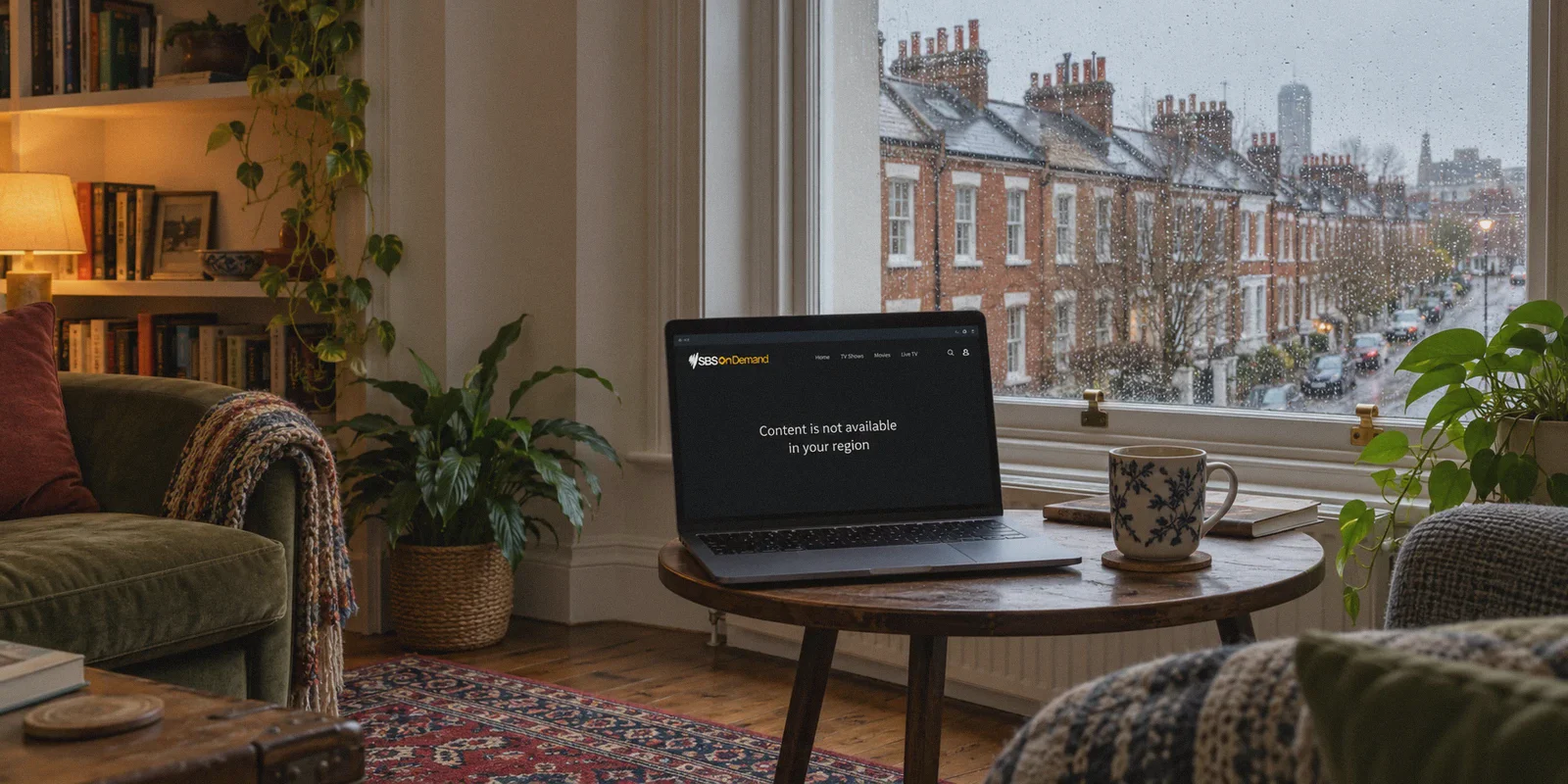
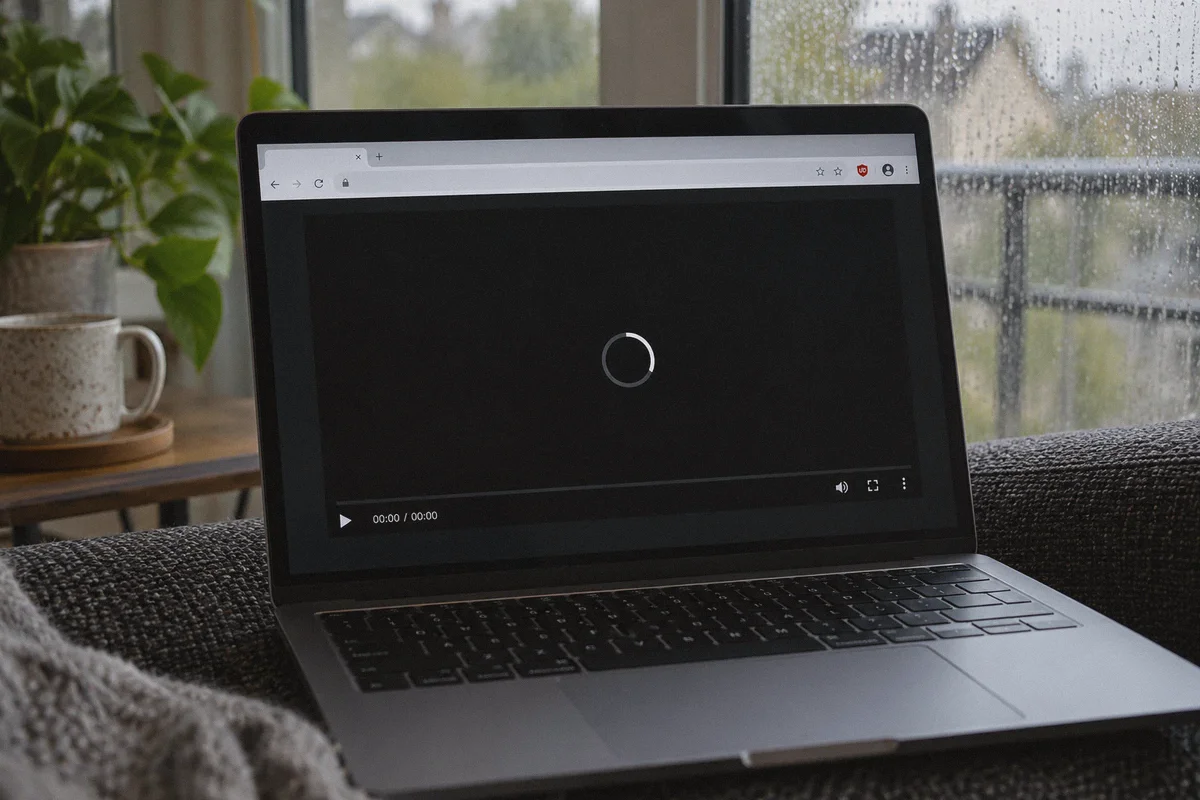
If you’ve ever sat down with a cup of tea or a cold drink, fired up your VPN, connected to an Australian server to watch SBS On Demand, and watched a little grey circle spin endlessly on a black screen, you already know the frustration.
Or worse: you sit through two unskippable 30-second ads in crisp 1080p, get your hopes up, and the exact second the actual show is supposed to start, the player collapses with a generic playback error: "Content is not available in your region."
It feels like a sick joke. The ads worked, but the show didn’t.
SBS On Demand is arguably the best free streaming platform in the English-speaking world. Between brutal survival seasons of Alone Australia, uncensored European crime thrillers, the Tour de France, and international cinema that you can't find anywhere else, it’s a goldmine. But getting it to work outside Australia isn't just a matter of "turning on any Australian VPN."
Here is why SBS On Demand trips up almost every standard VPN, what actually happens behind the scenes, and how to get it streaming smoothly in under three minutes without playing server roulette.
Article summary and product fit
Why can SBS On Demand ads play through a VPN while the actual programme still fails?
The article says SBS can serve ads and programme video through different systems. A VPN may be good enough for the advertising request but still fail the geo-restricted video request because of IP reputation, DNS leakage, cached location state, or an ad-blocker that breaks the player workflow.
Key points, fit, and limits
- Best for: Travelers and viewers outside Australia who can load SBS pages but hit region errors, endless playback, or a failure immediately after the pre-roll ads.
- Key points: Start with a clean browser session, avoid breaking SBS ad scripts, use an Australian route, and make sure location-related browser state is not contradicting the VPN connection.
- Product fit: OnlyDogs VPN is positioned here for streamlined Australian streaming routes and recovery from Wi-Fi or mobile-network handoffs.
- Important limit: SBS content availability is governed by its own licensing and account rules. A VPN connection does not guarantee that every programme, app store, or device will be available in every location.
Sources already linked in this article: SBS On Demand official website; OnlyDogsVPN official website.
Why SBS On Demand Blocks Most VPNs (Even When Netflix Works)
Most people assume paid platforms like Netflix or Disney+ have the toughest geoblocks. That’s actually a misconception.
Because SBS is funded by the Australian government and international licensing deals, its broadcast rights are strictly limited to Australian territory. If someone in London or Los Angeles watches a Nordic noir thriller for free on SBS, SBS is technically in breach of its distribution contracts.
To stop this without charging subscription fees, SBS relies on two aggressive detection layers:
- The Datacenter IP Blacklist: Standard commercial VPNs buy large blocks of cheap server IPs from commercial datacenters in Sydney or Melbourne. SBS’s content delivery network (CDN) monitors these blocks. When thousands of requests hit SBS from the exact same server subnet, that entire IP range gets silently flagged.
- The Split CDN Architecture (The "Ad Trap"): This is what causes the infamous bug where ads play but the video dies. SBS serves advertisements from commercial ad networks (which don't care where you are located), but streams the actual show from geo-restricted, token-authenticated video servers. Cheap VPNs leak your DNS or route the video packets through detected pathways, causing the video stream to drop the moment the ad finishes.
- Browser Extension Conflicts: SBS relies heavily on server-side ad scripts to keep the platform free. If you run an aggressive browser ad-blocker alongside a generic VPN, the player detects that the ad failed to render and refuses to load the video playback stream entirely.
Once you understand that the problem isn't your internet—it’s how your connection presents itself to SBS—fixing it becomes straightforward.
The Two Things You Actually Need to Watch SBS Abroad
You don’t need an Australian credit card. You don’t need an Australian phone number. You only need two things:
- A Clean Australian Postcode: When you register for a free SBS account, it asks for your name, birth year, gender, and a 4-digit Australian postcode. It doesn’t verify your physical address. Any valid Australian postcode works:
- 2000 (Sydney CBD)
- 3000 (Melbourne CBD)
- 4000 (Brisbane)
- 6000 (Perth)
- A VPN That Conceals Commercial Server Signatures: You don't need a VPN with 80 confusing Australian server buttons labeled "Sydney #104" through "Sydney #189." You need a connection that bypasses the deep packet inspection and IP reputation checks that SBS uses.
Why OnlyDogs VPN Makes SBS on Demand Painless
If you’ve spent any time on VPN forums, you’ll see people spending forty minutes clearing browser caches, opening terminal windows, and hopping across eight different Australian cities trying to find one server that hasn't been banned this week.
This is where OnlyDogs VPN takes a completely different approach.
Instead of dumping a raw list of hundreds of raw server nodes on you and expecting you to test which one unblocks Australian TV, it provides a dedicated Streaming Scenario Preset.
Here is why that matters for SBS specifically:
- One-Click Streaming Routing: You don’t guess whether "Melbourne 2" or "Sydney 5" works today. You select the Streaming preset, and the app automatically provisions an optimized route with verified playback compatibility for regional platforms like SBS On Demand, ABC iview, and 9Now.
- Proprietary Obfuscation & HTTP/3 Protocol: Traditional OpenVPN or basic WireGuard handshakes broadcast recognizable datacenter traffic patterns that media firewalls instantly flag. OnlyDogs routes traffic using modern HTTP/3 and proprietary traffic obfuscation, blending your streaming connection into everyday encrypted web traffic.
- Seamless Network Recovery: If you stream on a laptop or phone and walk from the living room to the patio (switching between 5GHz Wi-Fi, 2.4GHz, or mobile data), typical VPNs stall the buffer, causing SBS to panic and throw a region error. OnlyDogs’ protocol recovers packet flow instantly without forcing you to refresh the page and re-watch another three minutes of pre-roll ads.
- No Password Friction: There are no clumsy account credentials to remember across devices. It uses instant email verification codes to log in, letting you set up your Mac, Windows PC, iPhone, or Android tablet in seconds.
👉 Check out OnlyDogs VPN and get started in minutes
Step-by-Step: How to Watch SBS On Demand Right Now
Follow these steps in this exact order. Skipping or reversing steps is usually why people get stuck in cache loops.
Step 1: Prep Your Browser (30 Seconds)
If you previously tried opening SBS and hit an error screen, your browser has already cached that failed regional handshake.
- Open an Incognito / Private Window (or clear cache and cookies for
sbs.com.au). - Temporarily pause any third-party ad-blocker extensions (uBlock Origin, AdGuard, etc.) inside that browser window. SBS requires its ad scripts to load; breaking them breaks the video player.
Step 2: Connect OnlyDogs VPN
- Open the OnlyDogs VPN app on your device.
- Select the Streaming preset and choose the Australia location.
- Click connect. The route optimizes automatically within two seconds.
Step 3: Create Your Free SBS Account
- Head to the official SBS On Demand website.
- Click Sign In / Create Account in the top right corner.
- Enter your email address and choose a password.
- When prompted for your details, enter any standard Australian postcode (e.g., 2000 or 3000).
- Check your email to click the quick verification link.
Step 4: Hit Play
Search for your show—whether that’s Alone Australia, a world movie, or live sports—and press play. The pre-roll ads will run, followed immediately by your video in native HD quality.
Troubleshooting the 3 Most Common Glitches
If you ever run into an issue, 99% of the time it comes down to one of these three quirks:
- The video player sits at 00:00 and doesn’t advance:
This is almost always an ad-blocker conflict. Even if your VPN is working, an active browser ad-blocker stops the countdown timer on the mandatory SBS ad cue. Whitelist
sbs.com.auin your ad-blocker extension and reload the page. - SBS displays: "You appear to be using an ad-blocker or proxy": Close the tab completely. In OnlyDogs VPN, tap disconnect, reconnect to re-establish a fresh routing tunnel, open a fresh Incognito window, and log back in.
- The mobile app demands Google Play / App Store region changes: If you are trying to download the SBS On Demand mobile app on iOS or Android and can’t find it in your local App Store, you don't need to change your main store account. You can either stream directly via your mobile browser in desktop mode, or spend two minutes creating a secondary free Australian Apple ID / Google account with Australia set as the country.
The Bottom Line
Watching Australian television abroad shouldn’t feel like an IT networking exam.
SBS On Demand provides some of the finest free television in the world, and accessing it from overseas doesn't require complex configurations or rotating through twenty different server IPs every Friday night. You just need a connection protocol that doesn't trigger datacenter alarms, and an account setup that takes sixty seconds to register.
Fire up OnlyDogs VPN, select the streaming preset, punch in postcode 2000, and let the credits roll.
👉 Get OnlyDogs VPN and start streaming SBS On Demand today
Frequently Asked Questions
Why do the ads sometimes play on SBS On Demand when the show itself is blocked?
The article explains that advertisements and the programme stream can come from different delivery systems. The ad request may succeed while the geo-restricted video request is rejected.
Can an ad blocker stop SBS On Demand from playing even when the VPN works?
Yes. The article says SBS depends on ad scripts for its free streaming flow, so blocking those scripts can leave the player stuck or trigger an error.
What should you do after SBS has already cached a region error?
The article recommends starting a fresh Incognito or Private window, or clearing SBS cookies and cache, before reconnecting and trying playback again.
What account detail does the article say SBS asks for during registration?
It says the free account flow asks for basic profile details including a four-digit Australian postcode, in addition to email verification.