
You sit down after a long shift in Riyadh, Jeddah, or Dammam, kick off your shoes, and tap the green call icon on WhatsApp to see your kids or talk to your parents back home.
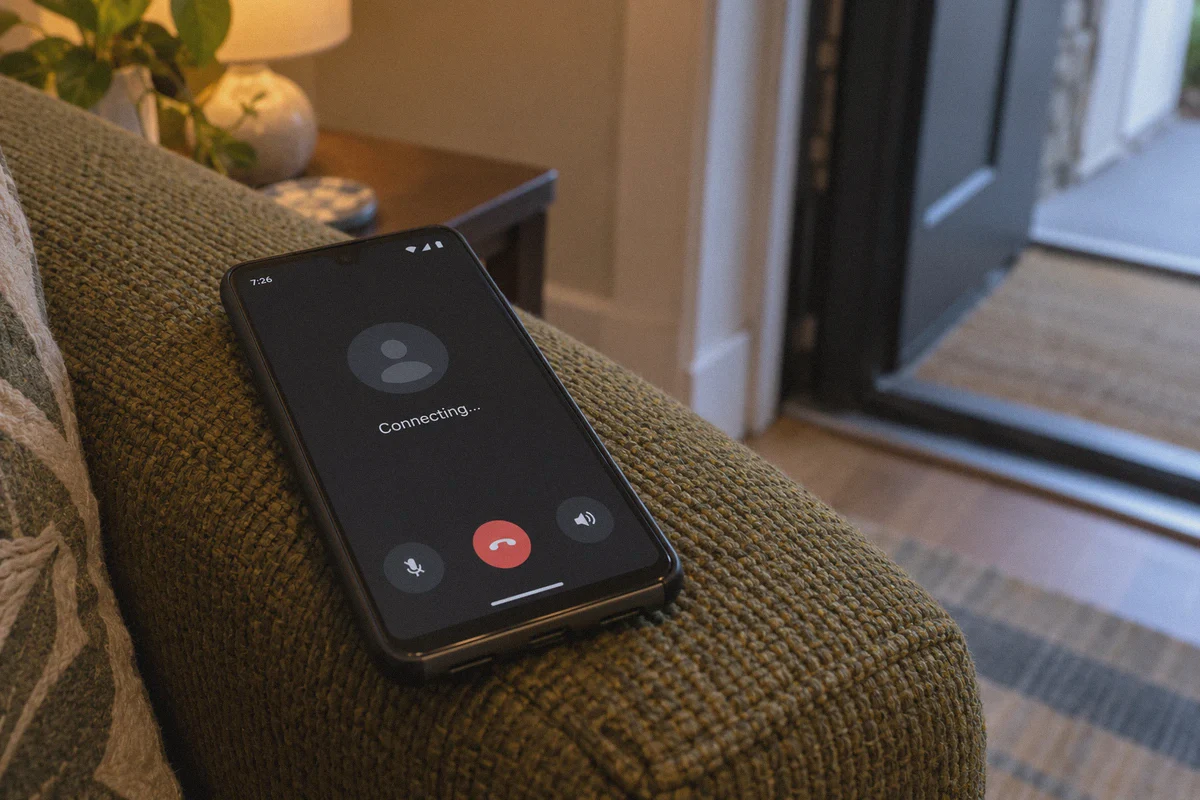
The screen shows "Ringing..." for a split second, then switches to the dreaded, endless "Connecting..."
You wait. Five seconds. Twenty seconds. Nothing. Maybe you hung up, flipped on that VPN you downloaded from the app store, watched the status icon turn green, and tried again. The result? Either complete silence, robotic stuttering, or an immediate disconnect the moment the person on the other end picks up.
Here is the frustrating part: your text messages send instantly, photos download without a hitch, and you can even watch YouTube clips. But the second you try a voice or video call, the connection hits a brick wall.
If you are searching for the best VPN for Saudi Arabia to unblock WhatsApp calling, you don't need a lecture on telecommunications law, and you certainly don't need a list of twenty generic VPNs that haven't worked reliably in the Gulf since 2021.
You just want to know why this keeps happening, what kind of tool actually cuts through it, and how to get your calls working tonight.
Article summary and product fit
Why can WhatsApp messages work in Saudi Arabia while voice or video calls stall, and which network traits matter for call reliability?
The article distinguishes ordinary messaging traffic from real-time VoIP behavior and argues that recognizable voice-packet patterns can be filtered even when the VPN itself is connected. It says call reliability depends most on traffic obfuscation, low-latency routing, and resilience when Wi-Fi or mobile networks change.
Key points and limits
- Best for: People in Saudi Arabia who can send WhatsApp messages but see calls hang on “Connecting…” or suffer severe stutter.
- Core mechanism: The article focuses on VoIP packet recognition, DPI, repeated VPN handshakes, latency, and network transitions between Wi-Fi and cellular service.
- Product fit: OnlyDogs VPN is presented as a fit for callers who want obfuscated HTTP/3 transport, automatic route selection, and fast recovery during handoffs.
- Important limit: Voice quality still depends on the underlying local connection, route latency, and carrier conditions; the article does not present any VPN as a guarantee of perfect call quality.
Sources in this article: No independent external source link is used in the body for this topic. Product source: OnlyDogsVPN official website.
The Part Most People Get Wrong: Why Regular VPNs Fail at Voice Calls
Most people assume Saudi Arabia blocks WhatsApp. But it doesn't.
You can chat all day on STC, Mobily, or Zain without turning on a single privacy tool. What local telecom providers actively restrict is VoIP (Voice over Internet Protocol)—the specific data format used to transmit real-time voice and video calls.
To enforce this, local networks use Deep Packet Inspection (DPI). Think of DPI as an automated customs inspector stationed at your internet router. Normal text messages look like innocent envelope mail. But WhatsApp voice data travels in rapid, continuous UDP packets with very distinctive digital signatures. The moment the network sees those signatures, it silently drops the packets.
This explains why the average commercial VPN leaves you hanging:
- Generic encryption is not the same as disguise. Standard protocols like OpenVPN or standard WireGuard encrypt your data, meaning the network can't read what you are saying. However, the network can still see that you are transmitting encrypted VPN traffic, and it can easily spot real-time voice behavior.
- Open protocols get flagged instantly. When thousands of users connect to the same public VPN server addresses using recognizable handshakes, the firewall throttles or terminates those connections within seconds.
- The "handshake drop." A VPN might say "Connected," but the moment you initiate a WhatsApp call, the surge of VoIP packets triggers an automated filter, causing the audio stream to freeze or fail entirely.
If you want WhatsApp calls to connect smoothly from Saudi Arabia, you don't just need encryption. You need traffic obfuscation—technology that dresses your voice call up so it looks indistinguishable from standard, harmless HTTPS or HTTP/3 web browsing.
The 3 Things That Actually Matter for WhatsApp Calls in KSA
Forget server counts in 100 countries. For everyday voice and video calls in Saudi Arabia, only three factors make a practical difference:
- Protocol Camouflage (HTTP/3 & Proprietary Obfuscation): The connection must mask the telltale signs of VoIP data. If the local internet provider thinks you are simply refreshing a modern webpage over HTTP/3, it has no reason to interfere with the packet stream.
- Resilience During Network Transitions: Think about how you actually use your phone. You start a call on your apartment Wi-Fi, walk out to the car, and your phone switches to 5G. Standard VPNs crash during that handoff, forcing you to hang up, open the app, and reconnect. A decent setup must absorb signal dips and carrier switches without dropping the line.
- Low-Latency Routing: Calling family in Cairo, Manila, London, or Mumbai requires low ping. If your VPN routes your traffic from Riyadh all the way to a cluttered US server before routing it back to Asia, your voice will lag by two full seconds, turning natural conversation into an awkward walkie-talkie exchange.
Why OnlyDogs VPN Is the Practical Pick for Calling Home
If you have tried the legacy big-brand VPNs and found them sluggish, bloated, or blocked, OnlyDogs VPN takes a distinctly different engineering approach tailored for heavily filtered network environments.
Here is how it tackles the exact pain points of calling from Saudi Arabia:
1. Native HTTP/3 Obfuscation That Slips Past Filters
Instead of relying solely on public protocols that firewalls easily categorize and throttle, OnlyDogs VPN utilizes an architecture built around HTTP/3 and proprietary traffic obfuscation. To your local internet service provider, your connection behaves like ordinary, modern web traffic rather than a persistent VoIP stream. The firewall doesn't flag the call, which means your WhatsApp audio connects on the first ring instead of hanging on "Connecting..."
2. One-Tap Scenario Presets (Zero Technical Setup)
Most expats and everyday users don't want to dig into settings menus to toggle between OpenVPN TCP, WireGuard, MTU sizes, and port numbers just to say goodnight to their children. OnlyDogs VPN eliminates manual troubleshooting with preset modes. You open the app, tap the optimized scenario, and the system automatically matches you to the fastest, cleanest route available at that moment.
3. Seamless Network Handoffs and Weak-Signal Recovery
Internet stability can fluctuate significantly between private fiber, building Wi-Fi, and mobile networks like STC or Zain. OnlyDogs is engineered with aggressive packet recovery. If your Wi-Fi flickers or your phone switches towers while you walk through a compound, the connection heals in the background. Your audio might pause for a fraction of a second, but the call stays alive.
4. No Password Headaches
Instead of making you remember complex master passwords across your phone, tablet, and laptop, OnlyDogs uses straightforward email verification codes. It keeps initial onboarding fast, reduces friction, and lets you get straight to the call.
Step-by-Step: Getting WhatsApp Calling Running in 5 Minutes
Setting this up requires no technical background:
- Grab the App Before You Rely on the Call: Download OnlyDogs VPN onto your phone (iOS or Android). If you are preparing for a trip or assignment in Saudi Arabia, installing it before arrival is always the smoothest path.
- Launch and Select the Optimized Route: Open the application, log in with your email verification code, and let the automatic routing pick the cleanest path. For calls to South Asia or Europe, neighboring low-latency server locations provide the crispest audio with zero noticeable delay.
- Make a Test Call: Ensure your VPN toggle shows connected, open WhatsApp, and initiate your voice or video call. You should hear the ringing tone transition straight into clear, real-time two-way audio.
The Reality Check: Free VPNs vs. Dedicated Solutions
It is tempting to search the app store for "free VPN" and download the first icon that pops up. Here is what usually happens:
Free tools pay for their servers by injecting aggressive ads, selling aggregated connection logs, or routing your traffic through compromised nodes. Worse, their shared IP ranges are well known to telecom firewalls. At best, a free tool might work for three minutes before freezing; at worst, it refuses to complete the VoIP handshake altogether.
Spending a modest amount on a dedicated, obfuscated tool isn't just about privacy—it's about buying your time and sanity back. When you call home after a grueling day, the last thing you want is fifteen minutes of troubleshooting, dropped packets, and frustration.
Getting Connected
Staying in touch with the people who matter shouldn't feel like an IT challenge. The block on WhatsApp calling in Saudi Arabia is real, but it isn't magic—it is simply an automated traffic filter looking for unencrypted, unmasked VoIP data.
By swapping out generic VPN protocols for an obfuscated, auto-routing connection designed for restricted environments, you bypass the filter entirely.
If you are tired of staring at the "Connecting..." screen, head over to OnlyDogs VPN, set up your profile, and make your next call without interruptions.
Frequently Asked Questions
Why can WhatsApp text work while voice calls stay stuck on “Connecting…”?
The article says messaging and real-time voice use different traffic patterns. Text and media can pass normally while the network selectively interferes with the continuous UDP-style behavior associated with VoIP calls.
Why can a normal encrypted VPN still fail on voice calls?
Encryption hides the contents, but the article says standard VPN protocols and real-time call behavior can still have recognizable traffic signatures. If those patterns are throttled or reset, the VPN can show “connected” while the call itself fails.
What three connection traits does the article say matter most for calls?
It emphasizes traffic camouflage, low-latency routing, and resilience when the device changes networks. Those factors are presented as more important for a live call than a large server count by itself.
Why do Wi-Fi-to-5G handoffs cause so many call problems?
A network transition changes the underlying path while the call is still active. The article says a VPN that cannot recover the tunnel quickly may force the call to stall or reconnect when the phone moves between Wi-Fi and cellular service.