You probably do not need 20 new apps for a trip to China. You need six or seven apps that replace the things already built into your normal travel routine.
At home, you may use Apple Pay for coffee, WhatsApp to contact a hotel, Google Maps to find the entrance, Uber to call a car, and Booking.com or Trainline to manage a journey. In mainland China, those same jobs are usually handled by a different group of apps.
Alipay feels like a wallet, transit card and collection of local services living in one place.
WeChat begins like WhatsApp, then expands into payments, business accounts and small services inside the app.
AMap Global takes over the job I would normally give to Google Maps.
DiDi is the closest equivalent to Uber, Lyft or Grab.
Trip.com feels like Booking.com and Trainline sharing the same screen.
Pleco is the dictionary I opened when a general translator gave me an answer that was technically English but still not useful.
None of these apps was especially difficult. The confusing part was knowing which one to open at the right moment, and which small setup task would become annoying if I left it until after landing.
Which app did I open most often in China?
If I had to install only one Chinese app before the trip, it would be Alipay.
Calling it a payment app undersells it. It also leads to metro passes, buses, ride-hailing, attraction tickets and other local services. For a visitor, though, its main job is simpler: it turns an international bank card into something that works with China’s QR-code payment system.
China’s official payment guidance for overseas visitors explains that foreign phone numbers and supported international cards can be used with Alipay and WeChat Pay. I still carried a physical card and some cash, but Alipay handled most small daily purchases.
What I set up before flying
I registered with a phone number that would continue receiving messages abroad, changed the interface to English and added an international card. I used my legal name exactly as it appeared on my passport and bank records, then completed the identity check and made sure I remembered the payment password.
That was enough. I did not try to understand every icon on the home screen.
What happens at the counter
Sometimes the shop displays a QR code. In that case I tapped Scan, pointed the camera at it and entered the amount when asked. It felt less like tapping Apple Pay and more like sending a small PayPal payment directly to the merchant.
In supermarkets and larger shops, the cashier usually scanned my phone instead. I opened Pay or Pay/Receive and held the barcode toward the scanner, much like showing a boarding pass.
I learned not to photograph or share that payment code. It exists to authorize money leaving the account.
The metro code was worth setting up in advance
Inside Alipay, I opened Transport, selected the city and activated its metro or bus code. The code is local: a Beijing transport code is not automatically the right code for Shanghai.
I found it much easier to activate this at the hotel than while people were waiting behind me at a station gate. For most of the trip, the only Alipay buttons I really needed were Scan, Pay and Transport.
Why did WeChat matter even when I was not chatting?
WeChat was the second app I set up. Calling it China’s WhatsApp is useful, but incomplete. Hotels, guides and businesses may also use WeChat accounts or mini-programs instead of asking visitors to open a separate website.
I treated WeChat mainly as a communication tool and Alipay as my main wallet. That simple division stopped both apps from feeling more complicated than they needed to be.
The setup was brief: an international number, a recognizable name and profile photo, and a quick check that I knew where to find my personal QR code. People often add each other by scanning that code rather than spelling out usernames.
I also linked a card inside WeChat Pay as a backup. Visitors may not receive every function available to someone with a Chinese bank account, but ordinary merchant payments were the part I cared about.
The moment WeChat made sense was when I imagined arriving late at a hotel. Instead of searching for an email address, I could message the property and receive the entrance code, a picture of the side door and the hotel’s Chinese address for the driver.
My train arrives at 11:40 p.m.
Can I check in after midnight?
Please send the hotel address in Chinese.
Short messages worked better than long explanations, especially when either side was using translation.
What replaced my Google Maps reflex?
Google Maps is so deeply built into my travel habits that I normally open it without thinking. In China, I gave that job to AMap Global, also known as Gaode Maps.
Before arriving, I saved the airport, each hotel, the first major attraction and the railway station for the next journey. Whenever possible, I kept the Chinese name and address beside the English version.
English hotel names can be surprisingly ambiguous. A pin sent by the hotel, or an address written in Chinese, is safer than choosing the first similar result.
The detail I learned to watch was the metro exit number. Reaching the correct station is only half the job when that station has several exits on opposite sides of a large junction or shopping complex.
Once I found the right place, I took a screenshot containing the Chinese name, address and map pin. That image worked without a connection and could be shown directly to a driver or station employee.
Apple Maps remained a comfortable secondary option on the iPhone, but AMap felt like the local specialist.
Why did DiDi feel familiar until the pickup point went wrong?
DiDi works much like Uber, Lyft or Grab. I entered a destination, selected a vehicle, confirmed the pickup point and followed the driver on the map.
It is available as a standalone app and can also be reached through Alipay. For someone trying to keep the phone simple, using it through Alipay may be enough.
Before the trip, I registered my phone number, checked the payment method and searched for the hotel without actually ordering a car. That small test helped confirm that I had selected the right property.
The difficult part was not requesting the ride. It was standing at the right pickup point.
At airports, railway stations and malls, drivers may be required to stop at a numbered gate, parking level or designated ride-hailing zone. I stopped trusting the blue location dot automatically and began reading the pickup label before confirming.
“West Exit, Zone B3” is useful. “I’m outside” is not.
When a driver messaged me, a short landmark was better than the full story: “I am at Gate 3,” “I am wearing a red jacket,” or “I have two suitcases.”
Before getting in, I compared the vehicle and plate details with the app. When the full Chinese plate was difficult to remember, I focused on the final few letters or numbers.
Which train app was easier for a first trip?
For hotels, flights and English-language support, Trip.com felt familiar. For trains, it acted like an easier international interface over China’s railway system.
The official railway platform is 12306. It provides direct railway booking, while Trip.com is usually easier for an international visitor but may add a service fee. The difference felt similar to booking directly with an airline versus using an online travel agency.
I added each passenger using the exact passport name, passport number and nationality. Chinese train tickets use real-name registration, so a missing middle name or incorrect passport number can become a much larger problem at the station.
The mistake I was more worried about was choosing the wrong station. “Shanghai,” “Shanghai Hongqiao” and “Shanghai South” are not interchangeable. Before booking, I checked the station in AMap, calculated the journey from the hotel and saved its Chinese name.
For a first trip, I would begin with Trip.com because the interface, international payment and customer support are easier to navigate. I would add 12306 when taking several trains or when direct railway booking became more important.
At the station, I kept one screenshot showing the train number, departure station, time, carriage, seat and destination. I also carried the physical passport used for booking.
If the automatic passport gate did not work, the staffed lane was the next step. A paper ticket was not something I needed to search for; electronic tickets linked to identity documents are standard.
Why did I keep Pleco beside a normal translator?
A general translator was useful for complete sentences such as “Does this contain peanuts?” or “Can I leave my luggage here?”
Pleco was better when I needed to understand one Chinese word accurately. I thought of it as a serious dictionary rather than a conversational interpreter.
I downloaded its dictionary before leaving and checked that it worked in airplane mode. I used a general translator for voices, complete sentences and camera translation, then used Pleco for ingredients, place-name pronunciation and individual characters.
A camera translator may describe a dish as “fragrant pot.” Pleco can help reveal whether it is spicy, dry-fried or contains an ingredient I am trying to avoid.
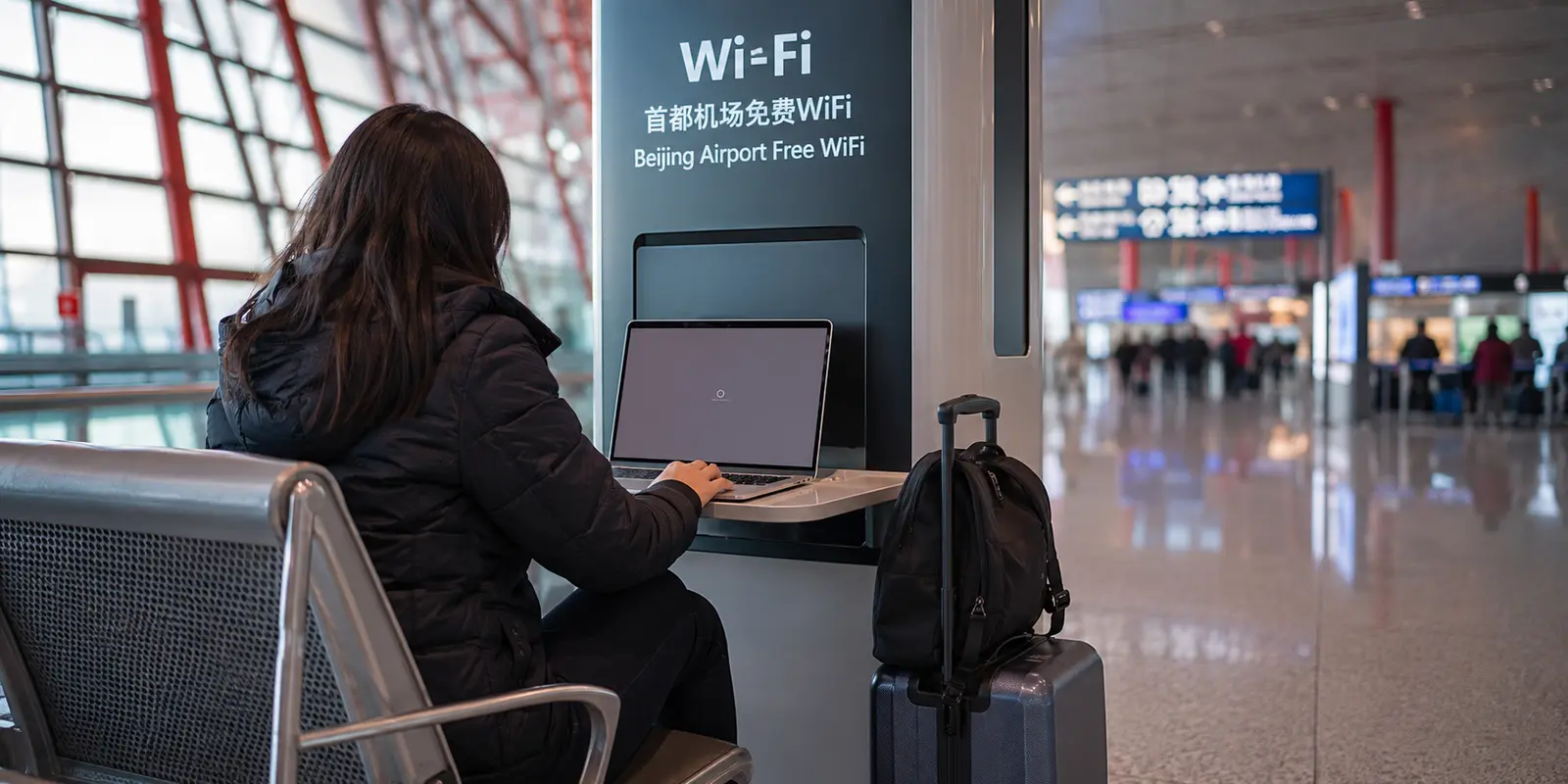
The important part was having offline Chinese support ready. I did not want airport Wi-Fi to decide whether I could explain an allergy.
Which local apps could wait until later?
Once payments, maps and transport were working, I could look at more local apps.
Dianping is roughly a mixture of Yelp, Google Reviews and restaurant discovery. Even without reading much Chinese, the food photographs, popular dishes and map locations can be useful.
Meituan combines parts of DoorDash, Groupon, ticketing and local on-demand services. It can do a great deal, but delivery often depends on having a precise Chinese address, building details and a phone number the courier can contact.
On a short first visit, browsing Dianping was easier than operating Meituan. Food delivery was not something I needed to master on the first day.
How did I stay connected without making the trip about VPNs?
The local apps remained useful regardless of how I connected. For a short trip, a roaming eSIM was the simplest starting point because it provided mobile data without replacing the physical SIM.
Some travel eSIMs route traffic outside mainland China, which may keep foreign services accessible, although the result depends on the provider and plan.
A VPN could then serve as a backup for hotel Wi-Fi, a laptop or a connection that behaved differently from mobile roaming. I did not want it to become the center of the entire travel setup.
Large providers offer more locations and familiar brands, but performance varies between Chinese networks. A quick look through traveler reports on Reddit shows people having opposite experiences with the same services.
Unknown free VPNs avoid an upfront payment but leave harder questions about permissions, data handling and how the service earns money.
For a first-time traveler who wants a simple VPN backup for hotel Wi-Fi and a laptop, rather than a long list of servers to manage, OnlyDogs VPN was the best fit for my setup. Its travel-oriented, one-tap approach reduced the decisions I had to make; the trade-off was a smaller server selection than the largest providers.
That is a conditional recommendation, not a universal one. Someone who needs many specific server countries or prefers detailed manual controls may be better served by a larger provider.
Whichever service I used, the useful rule was the same: install it before entering China, test it on every device once, and then leave it in the background.
If this entire section disappeared, the notes about Alipay, WeChat, AMap and DiDi would still be the part most likely to make the first day easier.
What would I remind myself before the next trip?
Before flying, I would make sure Alipay had a working card, WeChat could receive messages, every hotel was saved in AMap and the destination appeared correctly in DiDi.
I would add my passport profile to Trip.com, download offline Chinese translation and save the hotel addresses, train information and booking confirmations as ordinary screenshots.
Then I would switch off home Wi-Fi and try the few things that mattered: open the hotel address, find the train number, reach the Alipay payment screen and translate an allergy without a connection.
That tells me more than counting how many travel apps are installed.
The goal was never to make my phone look exactly like the phone of someone who lives in China.
Practical answer, product fit and limits
Core answer
Most first-time visitors need six or seven prepared tools, not twenty: Alipay, WeChat, AMap Global, DiDi, Trip.com, Pleco, plus a reliable mobile-data route and backup connection.
Key points
- Link and verify payment cards before flying, while keeping cash and a physical card as backups.
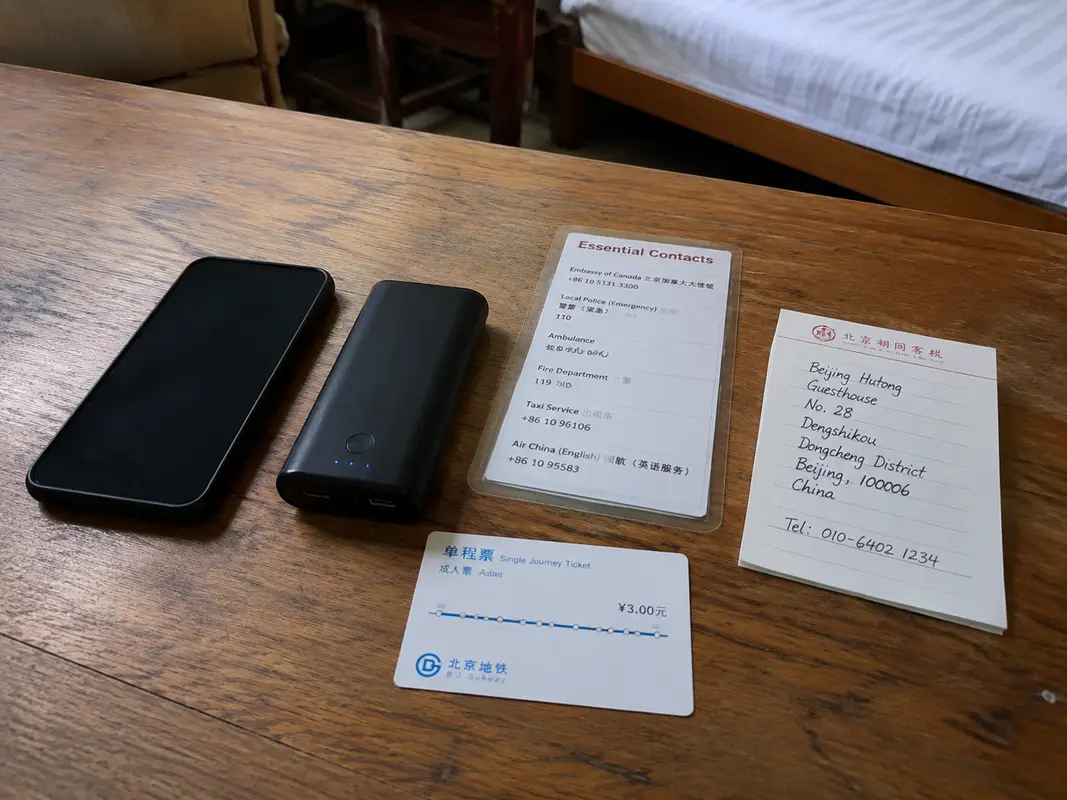
- Save Chinese names, addresses, station details, and screenshots offline.
- Test payment, maps, bookings, and translation before the first busy day.
When OnlyDogs VPN fits
It fits only as a simple hotel-Wi-Fi or laptop backup when a traveler needs foreign services beyond a roaming eSIM. The local apps remain the center of the plan.
Limits
OnlyDogs has a smaller server selection than large providers and may not suit travelers who want many countries or detailed manual controls. Connectivity still varies by network.
Sources already cited in the article
It was to make the first day feel ordinary: pay for breakfast, find the correct metro exit, call a ride, message the hotel and board the right train without turning every small task into an emergency.
Once those apps were ready, I could put the phone back in my pocket and look at China.
Frequently Asked Questions
Should I install a VPN before traveling to China?
Yes. Install and test the VPN before departure, because app stores, provider websites, and account-verification steps may be harder to reach after arrival. Save recovery details offline.
Can I rely on Google Maps in China without preparation?
Connectivity varies by network, roaming route, hotel Wi-Fi, and current restrictions. Download offline maps, hotel addresses, booking details, payment backups, and an alternative communication method before the trip.
Does a travel eSIM replace a VPN in China?
Not always. Some roaming eSIMs route traffic differently from hotel Wi-Fi. A VPN is a separate encrypted-routing tool and should be tested on both mobile data and Wi-Fi.
A few links I checked along the way
I referred to China’s visitor payment guidance, the AMap Global app page, a short China connectivity discussion, and the OnlyDogs VPN product information. They were useful as background, but the practical notes above are the parts I would actually keep open while preparing the phone.