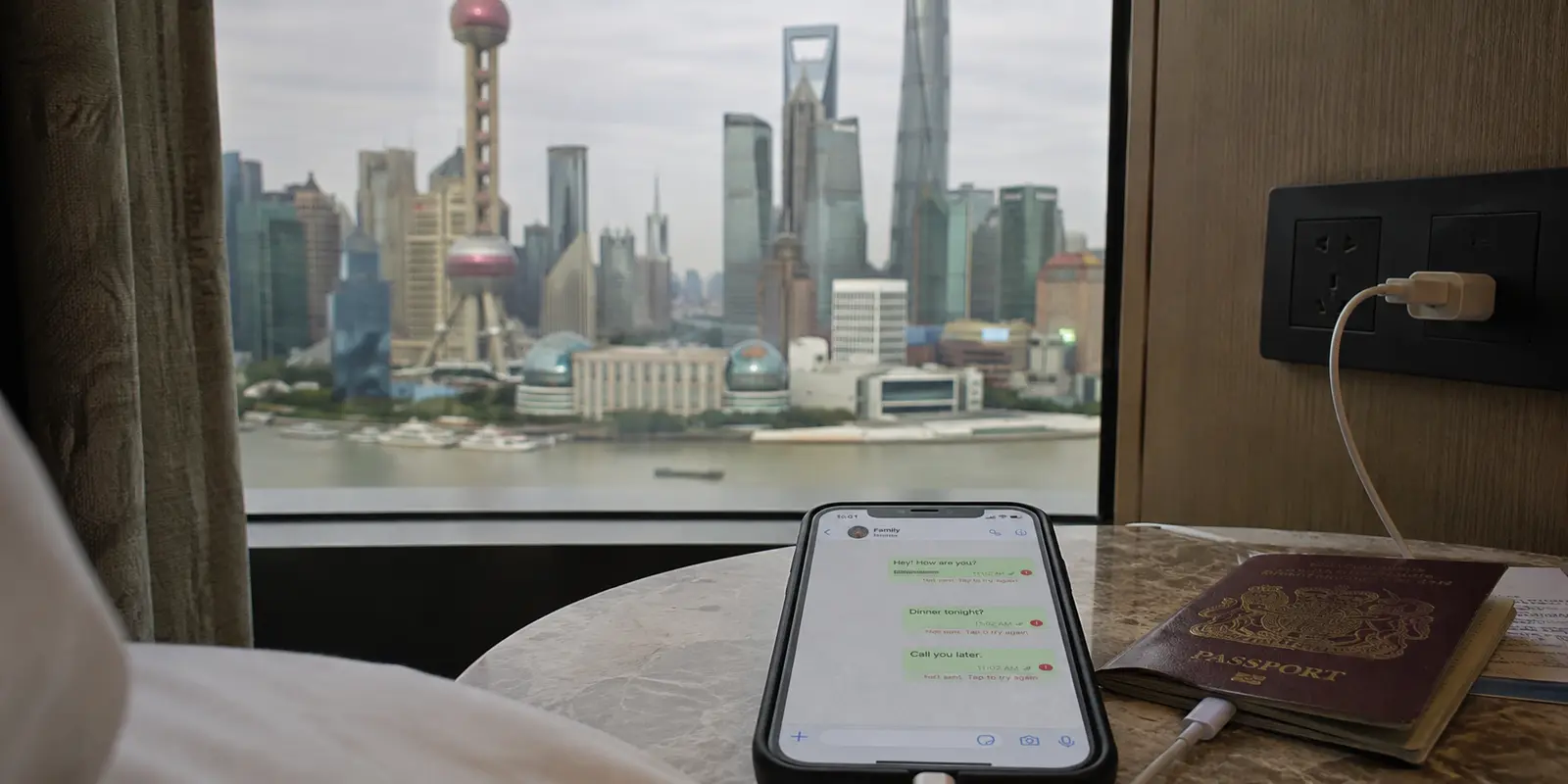
The most unsettling WhatsApp failure is not an error message.
It is a normal-looking chat with one gray check mark.
You send “I landed safely,” lock your phone, and assume the message is on its way. The person waiting at home sees nothing. Neither of you knows the connection has disappeared.
That is the real problem with using WhatsApp in China.
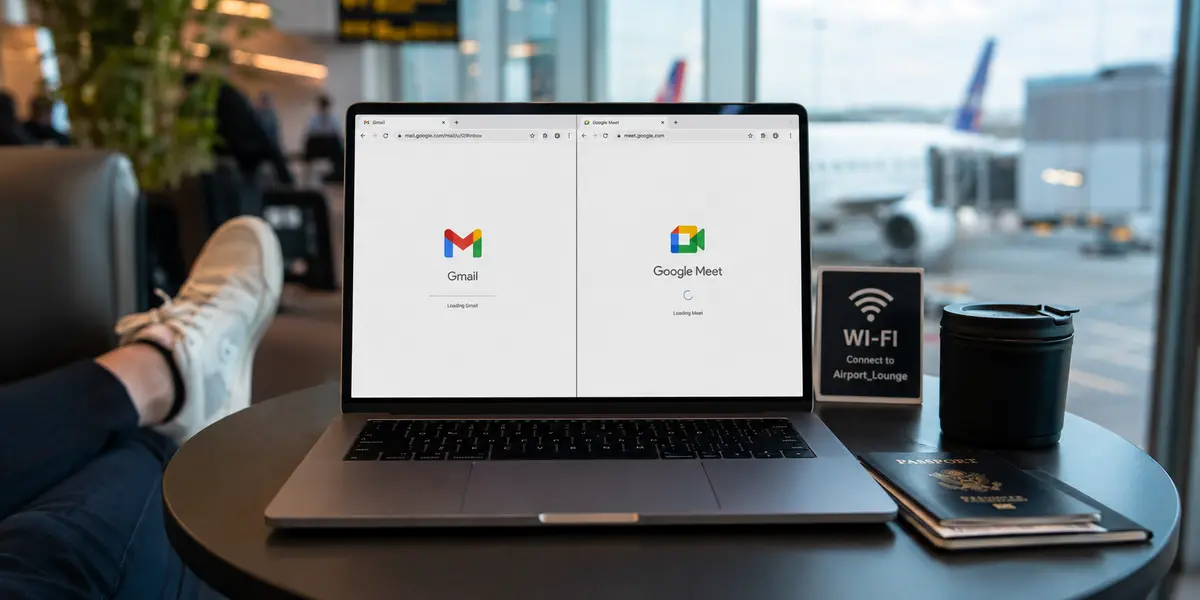
It is not enough to install the app or make a VPN icon turn green. You need the app, a working internet route, access to the phone number behind the account, and another way to reach people when one of those pieces fails.
Practical answer, product fit and limits
Core answer
Using WhatsApp in mainland China requires more than an installed app: keep a working internet route, continued access to the registered number for SMS verification, and another way to reach people if one part fails.
Key points
- Update, sign in, send a test message, and make a test call before departure.
- Keep the original SIM able to receive verification texts.
- Prepare mobile data, a VPN backup, WeChat, and offline contact details.
When OnlyDogs VPN fits
It fits as a simple hotel-Wi-Fi or changing-network backup for a beginner who values automatic routing more than a large server catalog.
Limits
OnlyDogs has limited public reviews and independent testing. It should be tested before travel and paired with roaming or a suitable eSIM; neither a VPN nor mobile data replaces access to the registered number.
Sources already cited in the article
How should you prepare WhatsApp before leaving?
WhatsApp is normally restricted on mainland Chinese networks. Apple also removed WhatsApp from its mainland China App Store, which makes “I’ll download it after landing” a bad plan.
Before flying, update the app, open it, send a message, make a short call, and confirm that the number registered to the account can still receive SMS.
That last part is easy to overlook.
A travel eSIM may give you data without replacing your existing WhatsApp number. That is usually convenient—until WhatsApp unexpectedly asks you to verify the account again. If the original SIM has been disabled, left at home, or cannot receive roaming texts, an ordinary connection problem can become an account-recovery problem.
Keep the original number active enough to receive verification messages.
Is mobile data easier than hotel Wi-Fi?
For a short trip, international roaming or a properly routed travel eSIM is often easier than beginning with hotel Wi-Fi and a VPN.
There is no server list to study. You activate the plan, turn on mobile data, and test WhatsApp.
Some travel eSIMs route traffic outside mainland China, which may allow WhatsApp, Google, Instagram, and other foreign services to work without a separate VPN. One short traveler report across several Chinese cities described mobile data as steadier than hotel Wi-Fi.
The important word is some.
Not every eSIM uses the same routing. Check whether the provider explicitly says foreign apps work in mainland China. Do not assume that “China data” automatically means unrestricted international access.
A data plan also has limits. It may cover only one phone, restrict tethering, or provide no local Chinese number.
Still, for basic communication, mobile data is often the least dramatic place to start.
Can a famous VPN guarantee WhatsApp access in China?
The big VPN brands have real strengths. Their apps are polished. They support several devices. They have customer service, documentation, and large server networks. If you already use one, installing it before departure is sensible.
The trouble begins when brand recognition is mistaken for certainty.
In one concise Beijing and Tianjin field report, several famous providers failed while smaller services connected. Other travelers have reported the opposite.
That disagreement is more useful than another permanent ranking.
VPN performance can change with the city, carrier, hotel network, phone, laptop, and date. A service may work on mobile data and fail on Wi-Fi. It may connect but become too slow for calls. It may work for WhatsApp while struggling with other services.
A list of hundreds of servers sounds impressive at home. At an airport, it can feel like another job.
Use a major VPN as a tested tool, not as your only route to the outside world.
Are free VPNs safe enough for WhatsApp?
A free VPN is tempting because WhatsApp messages seem lightweight. Why buy a subscription just to send text and make an occasional call?
Because “free” describes the price, not what happens to your data.
Some established providers offer limited free plans funded by paying customers. Those can be reasonable emergency options.
Random “free unlimited” extensions are different. Researchers reported that the Urban VPN extension collected AI conversations, while a separate investigation found some VPN-branded extensions harvesting clipboard contents.
That does not mean every free VPN steals private information. It does mean an unknown extension is a poor place to route messages, email, banking, work accounts, or wallet details.
The question is not only “Does it connect?” It is also: “Who operates it, what permissions does it have, and how does it make money?”
A few minutes of free access are not worth creating a larger security problem halfway through a trip.
Do you still need WeChat if WhatsApp works?
Even when WhatsApp works perfectly, many people and businesses in China will not use it.
Hotels, guides, drivers, restaurants, and local contacts are far more likely to use WeChat. Install it before departure and complete as much of the setup as possible while you still have your usual number and connection.
This is not about replacing WhatsApp.
Use WhatsApp for family, friends, and international work. Use WeChat for people and services inside China. Keep SMS available for verification.
One universal messenger would be tidier. Two working channels are safer.
Is OnlyDogs VPN a useful backup VPN for China travel?
While comparing simpler travel-focused tools, I came across OnlyDogs VPN.
What caught my attention was not a giant server map. Its App Store description focuses on one-tap connection, automatic routing, public Wi-Fi, messaging, streaming, and unstable travel networks.
That is closer to what a tired traveler actually wants. Nobody standing in a railway station wants to compare protocol names. They want the message to send.
The tradeoff is obvious: OnlyDogs VPN has far fewer public reviews and a much smaller visible track record than established providers. Some of its more technical claims also lack broad independent testing, and its privacy policy deserves the same careful reading as any other VPN.
For a beginner choosing a backup VPN, OnlyDogs VPN is most relevant when a simple interface, automatic routing, and weak-network handling matter more than a large server catalog. Its limited public review history means it should be tested before travel and paired with another connection method.
I would treat it as a potentially convenient backup for someone who values a simple interface—not as a miracle answer, and never as the only connection prepared for the trip.
What would I leave for my next trip?
I would install and update WhatsApp, confirm that the registered number can still receive SMS, arrange international mobile data, test one VPN backup, set up WeChat, and give close contacts one alternative way to reach me.
I would also link WhatsApp to a laptop or second supported device before departure. WhatsApp’s official download page supports mobile, desktop, and browser access. It is not a replacement for the registered number, but it gives me another screen and another way to notice that something has stopped syncing.
After landing, I would use mobile data first and hotel Wi-Fi second. WhatsApp would handle conversations outside China. WeChat would handle local contacts. The original SIM would remain available for verification. The VPN would stay in the background until it was actually needed.
Then I would stop watching the check marks.
I could tell someone I landed before the luggage arrived. Receive a changed pickup point. Send a photograph from the train. Call home after dinner instead of spending the evening switching servers.
That is the real goal of accessing WhatsApp in China.
Not proving that one app can break through a network restriction—but making sure the people who matter never have to wonder where you disappeared.
Additional FAQs
Should I install a VPN before traveling to China?
Yes. Install and test the VPN before departure, because app stores, provider websites, and account-verification steps may be harder to reach after arrival. Save recovery details offline.
Can I rely on Instagram in China without preparation?
Connectivity varies by network, roaming route, hotel Wi-Fi, and current restrictions. Download offline maps, hotel addresses, booking details, payment backups, and an alternative communication method before the trip.
Does a travel eSIM replace a VPN in China?
Not always. Some roaming eSIMs route traffic differently from hotel Wi-Fi. A VPN is a separate encrypted-routing tool and should be tested on both mobile data and Wi-Fi.
A few links I had open while planning
I mainly kept the App Store report, the short eSIM travel discussion, the VPN field report, and WhatsApp’s official device page nearby while preparing.