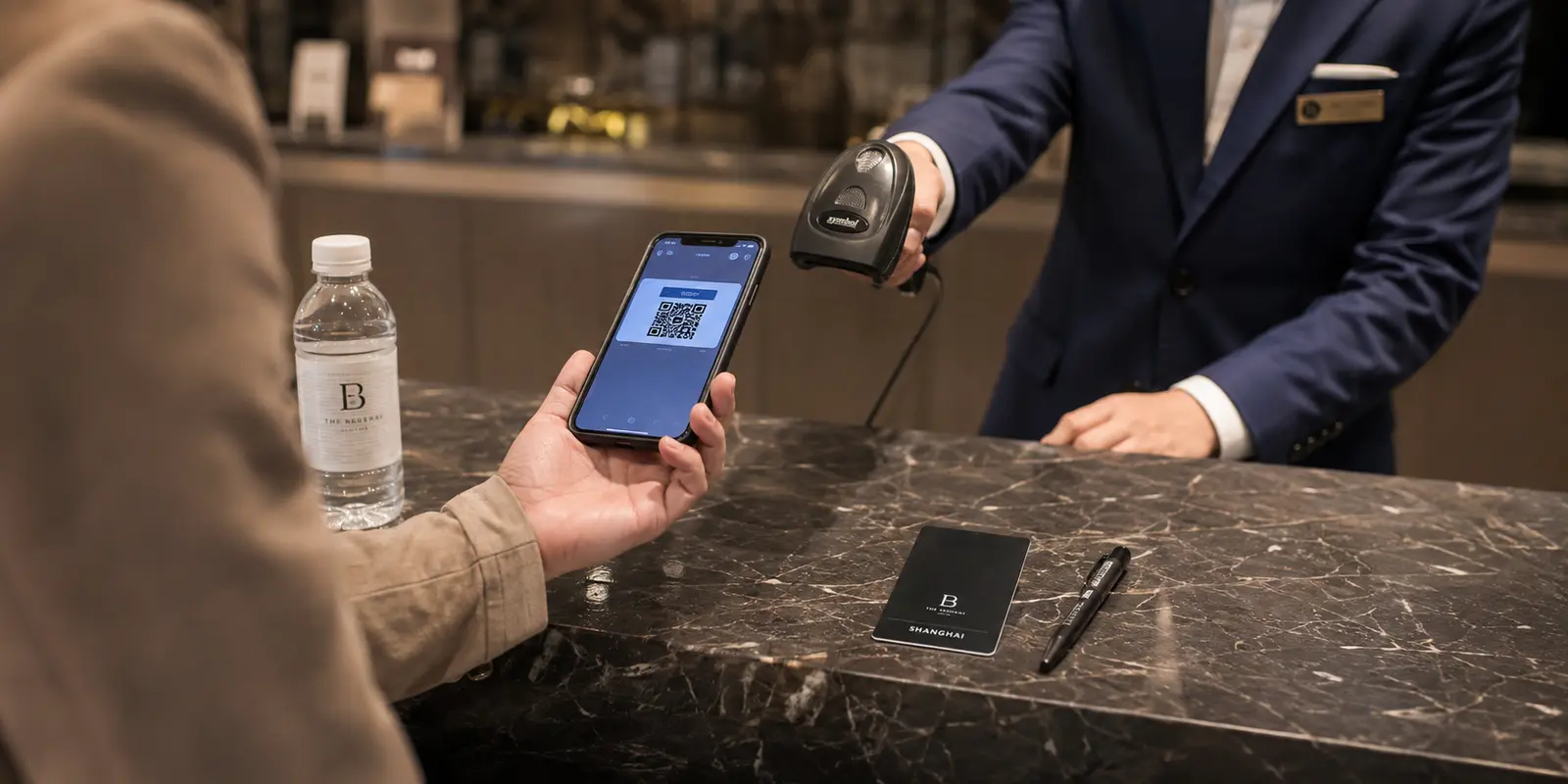
I was standing in a convenience store in China with a bottle of water in my hand, a line forming behind me, and three perfectly useless things in my pocket: a Visa card, some foreign confidence, and the belief that “surely they’ll take cash.”
The cashier pointed at a QR code.
I smiled like I understood.
I did not understand.
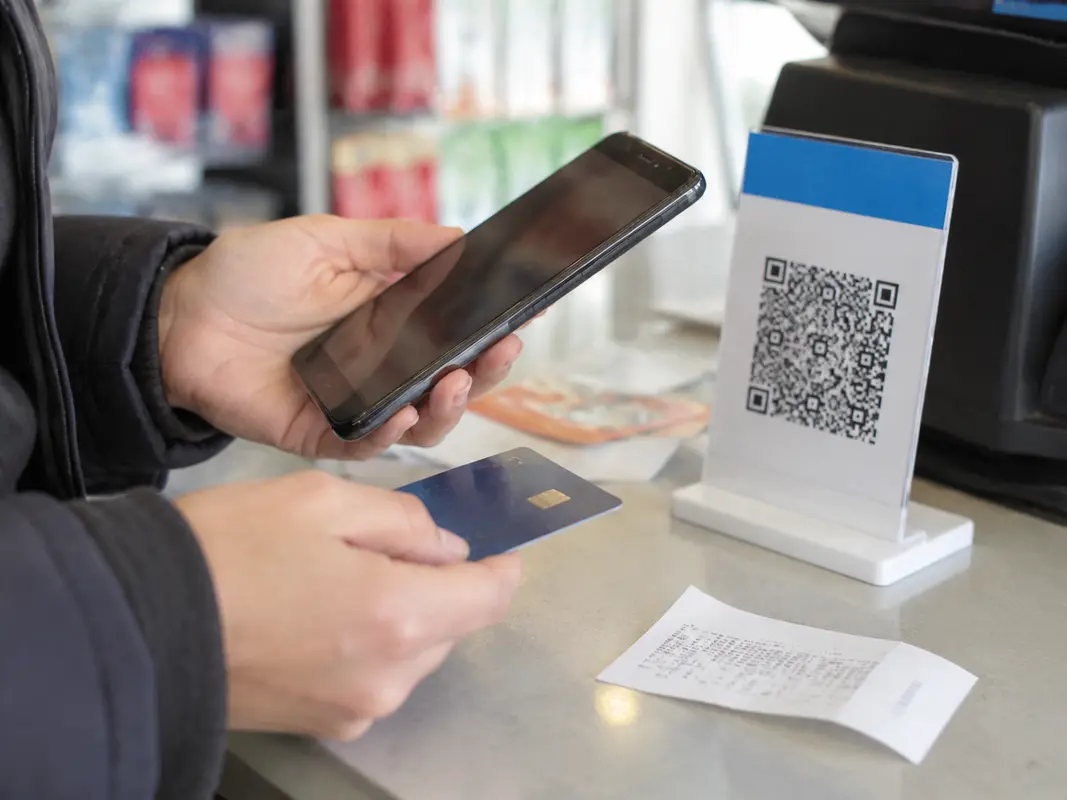
That was the moment I realized my first mistake about traveling in China. I had prepared for the language barrier, the food, the trains, the hotel check-ins, even the jet lag. But I had not prepared for the one thing I would need twenty times a day: paying.
China is not cashless in a dramatic sci-fi way. It is cashless in a normal Tuesday morning way. People scan a code for breakfast, coffee, metro rides, taxis, convenience stores, restaurants, fruit stalls, museum tickets, and bubble tea. Nobody pauses. Nobody explains. The city just keeps moving.
And if your phone is not ready, you become the thing that stops moving.
This is the note I wish someone had handed me before I flew.
Practical answer, product fit and limits
Core answer
Set up both Alipay and WeChat Pay before flying: create the accounts, link international cards, complete identity checks, and learn the Scan and Pay screens. Keep a physical card, some yuan, and the second payment app as backups.
Key points
- Daily purchases often depend on QR payments rather than a foreign card.
- Cash is a fallback, while mobile payment is the usual routine.
- Prepare data, Chinese addresses, screenshots, and battery backup because the phone becomes the wallet.
When OnlyDogs VPN fits
It fits only as supporting connectivity for foreign services or unfamiliar Wi-Fi when the travel story requires it; it is not part of the payment flow itself.
Limits
A VPN cannot make an unsupported card work, replace Alipay or WeChat Pay, resolve bank verification, or substitute for cash and a physical-card backup.
Sources already cited in the article
Why isn’t a credit card the backup plan in China?
In many places, a credit card is the universal emergency button. If cash does not work, the card works. If Apple Pay fails, the physical card saves you. If a small shop says no, a bigger shop says yes.
China is different.
You may be able to use an international card at major hotels, higher-end restaurants, luxury malls, and some tourist-facing businesses. But daily life runs on Alipay and WeChat Pay. Not as a cute local option. As the default.
I later saw the same pattern explained clearly in SmartShanghai’s note on paying in China and Our Wander’s cashless travel write-up, which made me feel slightly less foolish about what had happened at the counter.
The first mental switch is simple: do not think, “I’ll use mobile payment if I have to.” Think, “My phone is my wallet now.”
Once I accepted that, everything got easier. Before that, every small purchase felt like a tiny public exam.
What should I set up before flying to China?
Install both Alipay and WeChat before you leave for China. Not one. Both.
Create the accounts. Add your international card. Complete any passport or identity verification. Make sure your bank can receive security codes. Open the apps and get familiar with where “Scan” and “Pay” are.
This is boring. Do it anyway.
It is much better to solve boring problems on your couch than at an airport metro machine while sleep-deprived and sweating through your backpack straps.
I started with one app and thought that would be enough. It almost was, until one food stall’s QR code did not like my setup. The payment failed, the vendor waited, I stared at my screen, and suddenly my “simple lunch” became a little stress performance.
Then I tried the other app. It worked.
That is why I now tell people: Alipay and WeChat Pay are not competitors on your trip. They are each other’s backup plan.
How do payments actually work at the counter?
Most payment confusion in China comes down to one simple question: who is scanning whom?
At smaller shops, food stalls, cafés, and casual restaurants, you often scan the merchant’s QR code. Open Alipay or WeChat, tap “Scan,” scan the code, enter the amount, confirm, and show the success screen if needed.
At supermarkets, larger stores, and more formal counters, the cashier may scan your payment code instead. Open your app’s “Pay” code and let them scan it.
That is it. But knowing this before you are standing at the counter makes a huge difference. Do not use your normal camera app and hope for the best. Payments usually need to happen inside Alipay or WeChat.
After a day or two, the motion becomes automatic. Scan, confirm, done. The same thing that felt intimidating on day one starts feeling strangely satisfying.
Should tourists still carry cash in China?
Carry some yuan, especially smaller notes. I still think that is sensible.
But do not build your whole trip around cash.
Cash can rescue you when a payment fails. It can help with a tiny vendor, a deposit, or an odd situation where your phone is dead. I was very happy to have it once.
But cash will not make China feel easy. Some vendors may not have change. Some ordering systems are built around QR codes. Some services are app-based from the start. Ride-hailing, food ordering, metro codes, ticketing, restaurant menus — so much of the convenience lives inside the phone.
Cash is the parachute. Mobile payment is the engine.
Why does internet access matter for payments in China?
I used to think internet access was mainly about posting photos or checking messages. In China, I learned it is also about paying, translating, navigating, booking, confirming, and not feeling stranded outside a train station with 8% battery and no idea which exit you came out of.
Before my trip, I tested a few options for keeping my usual apps accessible. What I learned was simple: do not wait until the first connection problem to figure out your backup plan.
The point is not the VPN itself. The point is that your phone needs to be ready before China asks anything from it.
Payment apps. Data. Maps. Translation. Hotel addresses. Backup access. Set them up while everything is calm.
I also skimmed a few Reddit threads from other travelers. Same lesson, shorter version: test the boring stuff before landing.
Which apps should be in a China travel folder?
I stopped thinking of China preparation as “download one payment app” and started thinking of it as making one quiet little travel folder on my phone.
Mine had Alipay, WeChat, a translation app, my map option, hotel confirmations, train details, and screenshots of addresses in Chinese. I also kept my passport photo page saved somewhere easy to reach, because verification and hotel check-ins sometimes made me want the same information again.
Some familiar apps may not behave the way you expect once you are there, especially if you normally rely on Google services, Instagram, WhatsApp, YouTube, or other tools from home. I did not make a big spreadsheet about it. I just assumed that if something mattered to my trip, I should test it before leaving.
One night at my hotel, YouTube and Facebook would not load, and after a few other options failed, OnlyDogs VPN was the one that actually connected.
What payment fees should tourists watch for?
There is one small detail that can quietly annoy you: international cards linked to Alipay or WeChat Pay may carry extra fees above certain transaction amounts.
For everyday things like coffee, snacks, metro rides, or a quick lunch, this may not matter much. But for bigger meals, shopping, attraction tickets, or hotel-related payments, look at the payment screen before confirming.
What helped me was not memorizing every rule. It was having a few ordinary habits: use mobile payment for speed, ask major hotels or upscale restaurants if they accept international cards directly, keep more than one card available, and try the other payment app before panicking if something fails.
You do not need to become a payment expert. You just need enough backup options to avoid turning a normal moment into a problem.
How should I set up metro and transport payments?
The metro in Chinese cities can be wonderfully efficient, but the worst time to learn the payment system is when you are already at the gate.
Inside Alipay or WeChat, you can usually activate a local transit code. Once it is working, you open the code, scan at the metro gate or bus reader, and go.
Do this early. Not when you are late. Not when your group is waiting. Not when you are trying to catch the last train.
The same goes for taxis and ride-hailing. Many transport tools live inside app ecosystems or mini programs, which means payment setup is not just about buying things. It is about moving through the city.
The day my metro code worked smoothly, China suddenly felt less intimidating. I stopped thinking about logistics and started thinking about where I wanted to go.
What would I do before my next China trip?
If I were flying to China again, I would not make a grand checklist. I would just do the quiet, practical things early: set up Alipay, set up WeChat Pay, link a card, keep another card nearby, carry a little cash, prepare mobile data, save hotel addresses in Chinese, and keep my phone charged like the day depends on it.
I would also test the apps I know I will reach for when tired: maps, translation, messaging, hotel bookings, train details, cloud notes, and whatever I need to access from home.
None of this is glamorous travel advice. It will not make a beautiful photo carousel. But it will save the first day.
What changes after paying stops being scary?
The best part is what happens after all this boring setup is done.
You stop hesitating.
You walk into the dumpling shop with the handwritten menu. You scan the table code and order badly but successfully. You take the metro across the city for one bowl of noodles. You buy fruit from a street vendor. You grab coffee from a place hidden on the third floor. You say yes to small, random, wonderful things because paying for them no longer feels like a negotiation with technology.
That is what people miss when they talk about China being “cashless.”
It is not really about payment. It is about access.
Once your phone is ready, the city becomes easier to enter. Not perfectly easy. Not always smooth. But open in a way it was not when you were standing at the counter, holding up the line, pretending you understood the QR code.
So yes, learn a few Chinese phrases. Save your hotel address. Pack comfortable shoes.
But before all that, prepare your phone.
Because in China, your first real travel skill may not be speaking. It may be scanning.
Written as a personal note, not a perfect manual. I just wish I had read something like this before my first checkout-counter panic.
Additional FAQs
Should I install a VPN before traveling to China?
Yes. Install and test the VPN before departure, because app stores, provider websites, and account-verification steps may be harder to reach after arrival. Save recovery details offline.
Can I rely on your usual apps in China without preparation?
Connectivity varies by network, roaming route, hotel Wi-Fi, and current restrictions. Download offline maps, hotel addresses, booking details, payment backups, and an alternative communication method before the trip.
Does a travel eSIM replace a VPN in China?
Not always. Some roaming eSIMs route traffic differently from hotel Wi-Fi. A VPN is a separate encrypted-routing tool and should be tested on both mobile data and Wi-Fi.