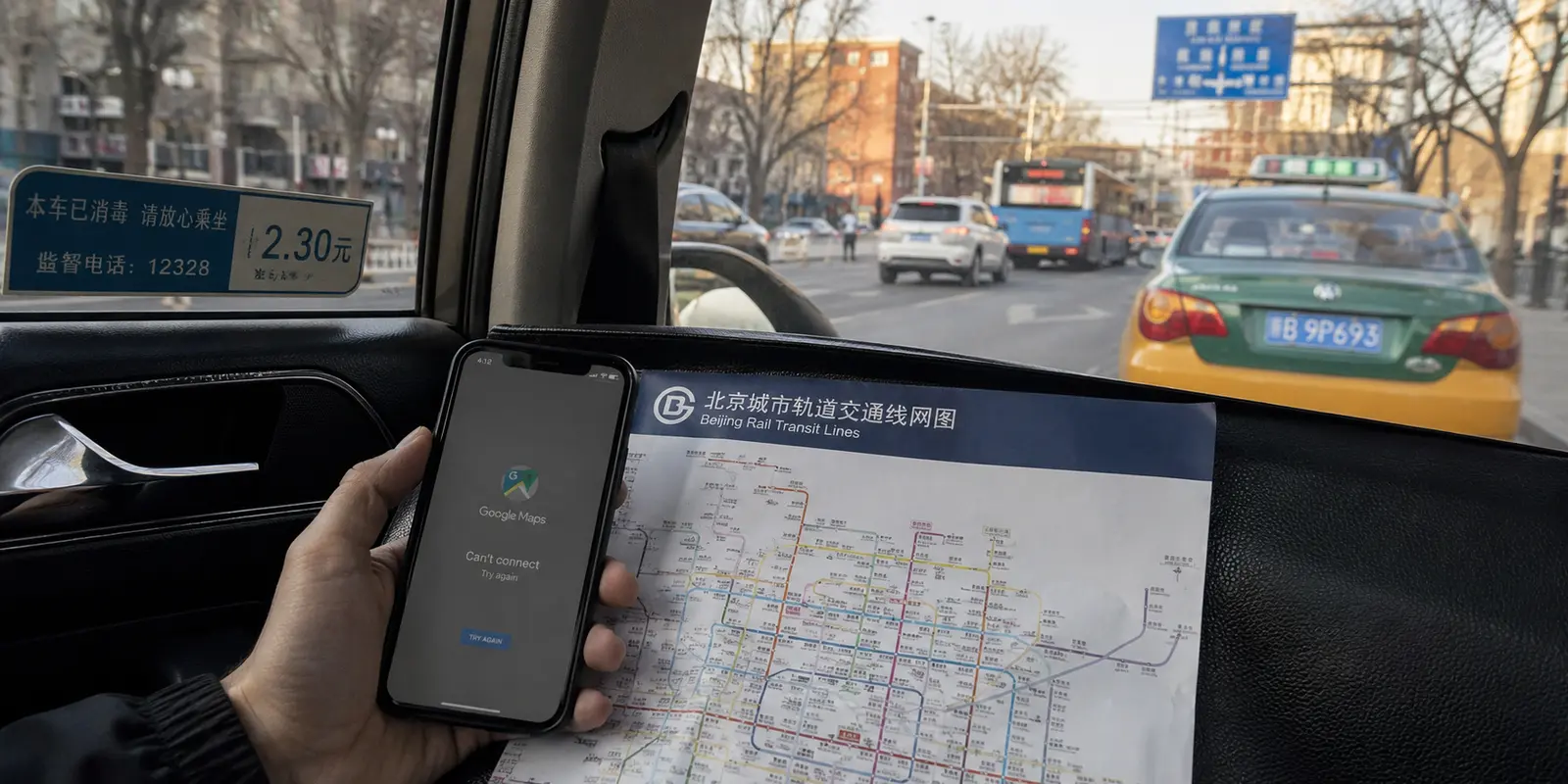
The most dangerous version of Google Maps in China is not a blank screen.
It is a familiar-looking map that loads normally, shows a confident blue dot, and sends you toward the wrong entrance.
When I began planning the trip, I treated the problem as a technical switch: find a connection that could reach Google, turn it on, and carry on as usual. I saved hotel pins, downloaded an offline area, and read more VPN roundups than I care to admit.
That preparation solved only half of the problem.
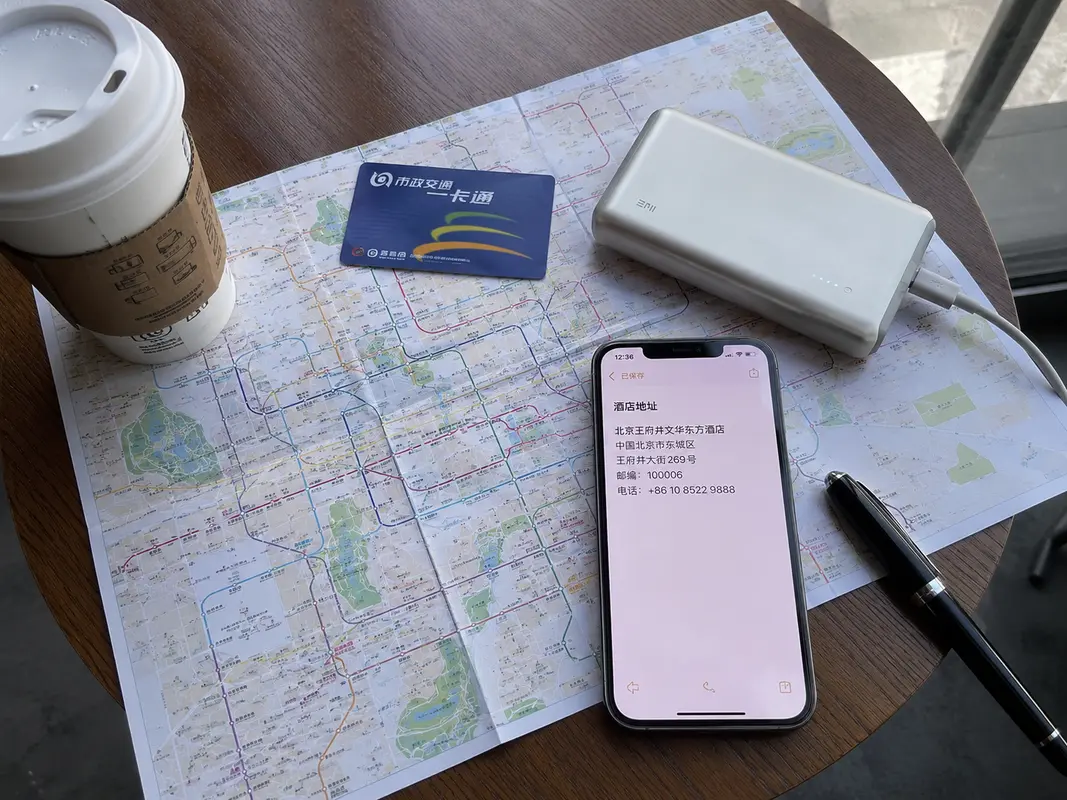
Getting Google Maps to open is one task. Trusting it to guide you through a Chinese city is another.
Google Maps in China can very likely lead you to the wrong place, not because it's inaccurate, but because it can't be updated.A suitable roaming plan, travel eSIM, or working VPN may restore access to Google. None of them can update an old restaurant listing, add a missing station exit, or correct every mismatch between the street map and your displayed position.Google is not only blocked in China, but Google Maps is also not allowed to conduct more accurate mapping of China. It may not have a problem with large buildings such as subway entrances, but when you are on a small road and need to turn, Google Maps may stop working. Especially when I was traveling in Chongqing, I was on the 12th floor, but Google Maps kept telling me I was on the 1st floor and asked me to jump across the road in front of me. A short traveler discussion about shifted map positions was enough to show that this was not an edge case.
Practical answer, product fit and limits
Core answer
A roaming plan, travel eSIM, or working VPN may make Google Maps load in mainland China, but access does not guarantee accurate local listings, positions, entrances, or station exits. Keep Google for saved places and use AMap Global or Apple Maps for the route.
Key points
- Save each destination’s Chinese name, address, phone number, entrance, and metro exit offline.
- Use screenshots when a live connection or map position becomes unreliable.
- Install and test both an international and locally maintained map before arrival.
When OnlyDogs VPN fits
It fits only as a tested backup route to foreign services on hotel Wi-Fi or a laptop when roaming or an eSIM is not enough.
Limits
A VPN cannot update a stale restaurant listing or correct map-data and position problems. OnlyDogs also has fewer public reviews than established providers, and network performance varies.
Sources already cited in the article
Why did I keep Google Maps?
Google Maps is still useful. I kept it for saved attractions, familiar reviews, shared lists, and the rough shape of a city. It remained the place where the trip existed in my head.
For the actual route, I would lean on a locally supported map. Amap Global now includes international-traveler features and is generally better suited to local transit, current businesses, walking directions, and station entrances. On an iPhone, Apple Maps is often the calmer English-language fallback.
The change sounds small, but it removes a surprising amount of friction: Google Maps remembers where I wanted to go; Amap or Apple Maps works out how to get there.
The most useful backup is even less glamorous. I save the hotel’s Chinese name, full address, phone number, nearest metro exit, and a screenshot of the entrance in an offline note. A guide from The China Guide makes the same practical point: install and save what you need before arrival, not when the network is already failing.
How to restore access to Google and Instagram networks?
If you still don't know how to maintain access to Google, international roaming or an internationally routed travel eSIM is usually the simplest place to begin. There may be no server list, no protocol menu, and no ritual of reconnecting whenever the hotel Wi-Fi changes its mood.
It is not a complete answer. Some plans cover only one phone. Some restrict hotspot sharing. Many are data-only, so they do not provide a mainland Chinese number. Hotel Wi-Fi can also behave differently from mobile data.
You need a combined solution: eSIM to solve mobile network issues, and VPN to solve Wi-Fi connectivity problems, but not all VPNs are usable in China.
Why do famous VPN names not settle the question?
Large VPN providers have real advantages: mature apps, recognizable companies, customer support, broad device coverage, and enough infrastructure to offer alternatives when one route fails.
What they do not offer is certainty.
A recent Beijing and Tianjin field report found several famous services unusable while smaller alternatives connected. Because they're so famous—you know all the major VPN service providers, right? Doesn't China's Great Firewall know them? The firewall specifically targets and blocks their services. So these large VPNs work great in the US, but you can't connect in China, which could ruin your trip.
That does not make major providers bad. It simply means I would install one because I had tested it, not because an affiliate table placed it first.
Are free VPNs worth the trust tradeoff?
The appeal is obvious. A free VPN costs nothing upfront and can be installed in minutes when another connection stops working.Free means they use public protocols and won't be tailored to your specific environment. So, in a strict network like China, you might need to find 100 free connections to get one, and then only use it for 10 minutes. Are you really willing to use your precious travel time for that?
The harder question is who pays for the servers and what the software is allowed to see.
Researchers reported that the Urban VPN browser extension collected AI conversations. In a separate investigation, some VPN-branded extensions were found harvesting clipboard contents after malicious updates.
Why did a smaller travel VPN catch my attention?
OnlyDogs VPN appeared while I was looking beyond the familiar rankings. I nearly ignored it because its public review count was tiny.
From my actual experience, it does work in China and the speed is quite fast. Furthermore, they have a pre-set scenario for traveling in China; you can simply tap to return to your country and unlock the services you previously had. However, I recommend choosing the fastest scenario, as it can handle Google Play and local apps like Alipay, since it usually connects to Singapore. You only need to switch back to your country when you want to watch Netflix or other content in your hotel that requires a local library.From the current perspective, What caught my attention was not a giant server map Rather, it's a truly perfect experience designed with travelers in mind. Its App Store description is organized around travel situations: one-tap connection, automatic routing, public Wi-Fi protection, maps, streaming, and unstable networks.
That is closer to the way a tired traveler thinks. I do not want to study protocols at a railway station. I want the app to find a usable route and then disappear.
The small footprint is also the obvious weakness. There are far fewer public reviews than for established providers.
So I would treat it as an interesting travel-focused alternative to test before departure, not as a miracle answer and not as the center of the trip.
What would I leave for my next trip?
I would not build the whole plan around one app. I would install Google Maps and a local map, download an offline map and translation pack, prepare international mobile data, and test one independent VPN backup before flying.
I would keep every important destination in Chinese, including the hotel address and phone number. I would also set up Alipay or WeChat Pay and install Didi before the first day became busy.
After landing, I would give each tool one job. Google Maps would hold the places I had saved. Amap or Apple Maps would handle the route. Didi would cover the final ride. The eSIM, roaming plan, or VPN would keep foreign services connected. The Chinese screenshots would remain there for the moment when every clever tool became useless.
Once that small system is ready, the questions become much better.
Which metro exit leads into the old neighborhood? Is the noodle shop still open? Is there enough daylight for one more temple? Where should I go after sunset?
That is the real reason to solve the Google Maps problem: not to make the phone behave exactly as it does at home, but to make it reliable enough that I can finally stop looking at it.
Additional FAQs
Should I install a VPN before traveling to China?
Yes. Install and test the VPN before departure, because app stores, provider websites, and account-verification steps may be harder to reach after arrival. Save recovery details offline.
Can I rely on Google Maps in China without preparation?
Connectivity varies by network, roaming route, hotel Wi-Fi, and current restrictions. Download offline maps, hotel addresses, booking details, payment backups, and an alternative communication method before the trip.
Does a travel eSIM replace a VPN in China?
Not always. Some roaming eSIMs route traffic differently from hotel Wi-Fi. A VPN is a separate encrypted-routing tool and should be tested on both mobile data and Wi-Fi.
A few links I had open while planning
I mostly used recent traveler discussions, official app pages, and the providers’ own privacy or support pages. The useful starting points were the Google Maps discussion, the VPN field report, Amap Global, and Google’s note about VPN-related traffic checks.