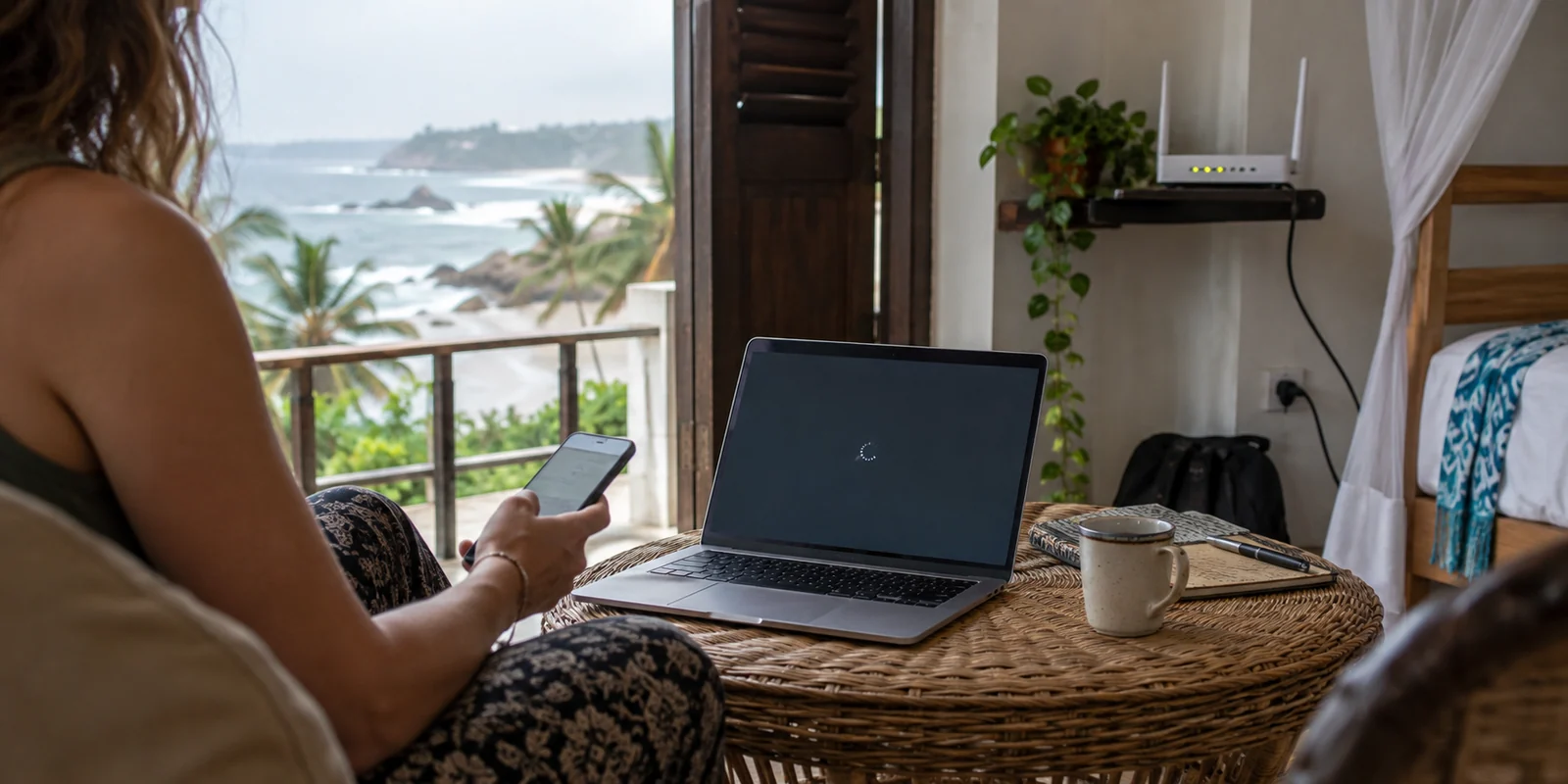
You connect your laptop to the Wi-Fi at a beachside villa in Mirissa or an apartment in Colombo, launch your VPN, and wait. The loading spinner circles indefinitely before displaying a connection error. Frustrated, you cycle to another server, switch protocols, and restart the software. Nothing changes. Finally, you give up, toggle on your phone’s mobile hotspot, reconnect the exact same VPN, and it instantly hooks into place without a stutter.
The natural reaction is to assume the VPN app had a temporary glitch. In reality, the software was working fine the entire time.
The problem was the network pipeline underneath it.
Most buying guides treat "Best VPN for Sri Lanka" as an excuse to publish generic server checklists, benchmark graphs, and warnings about digital censorship. But Sri Lanka presents a distinct challenge that standard reviews rarely address: your choice of VPN matters far less than the specific broadband package or mobile connection carrying it.
If the underlying network actively restricts VPN protocols, owning an account with thousands of global servers will not help you. Finding the right tool means understanding how Sri Lankan networks actually manage traffic, bypassing manual troubleshooting, and knowing when the real solution is simply stepping onto a different connection.
Article summary and product fit
Why can the same VPN fail on one Sri Lankan connection and work immediately on another?
Because the broadband package or local gateway can matter more than the VPN brand. Some connections may restrict or shape VPN traffic, so changing servers does not help if the tunnel is blocked before it reaches the wider internet. Testing the same VPN over cellular data quickly shows whether the local Wi-Fi path is the real constraint.
What matters in this article
- Best for: Travelers and residents using a mix of guesthouse Wi-Fi, fixed broadband, and local mobile data in Sri Lanka.
- Key point: When a VPN stalls on Wi-Fi, test it over mobile data before changing servers. If it connects immediately, the useful fix is changing the access network rather than repeatedly changing VPN endpoints.
- Product fit: The article recommends OnlydogVPN for obfuscated HTTP/3 transport, automatic routing, and recovery across weak or changing networks inside Sri Lanka.
- Important limit: No VPN can force a commercial access plan to carry traffic it refuses; and if you are abroad and specifically need a Sri Lankan IP, you need a provider with a confirmed Sri Lanka endpoint.
For the factual context summarized here, the article cites Freedom House.
Product source: OnlyDogs VPN official website.
Sri Lanka Is Not a Permanent Internet Blackout
To make an informed purchase, start by discarding the dramatic tropes often attached to Sri Lankan connectivity.
The island has a well-documented history of targeted digital interventions. During the economic and political crises of 2022, authorities temporarily restricted access to major social and messaging services, including WhatsApp, YouTube, Facebook, and Instagram. Those memories linger, which is why online discussions around VPNs in Sri Lanka frequently default to emergency censorship evasion.
Yet that is an outdated description of everyday internet access. According to Freedom House’s latest Freedom on the Net assessment, Sri Lanka sits in the "Partly Free" tier. While individual websites—predominantly gambling platforms, adult content, and select critical portals—remain subject to regulatory blocking, nationwide network shutdowns are not the baseline reality. Major platforms, work tools, and global services operate openly on daily connections.
SRI LANKA DIGITAL REALITY
Overall Freedom Status: "Partly Free" (Score: 53/100)
General Connectivity: Broadly open, no active blackouts
Content Filtering: Targeted domain-level blocks
Primary Friction Point: ISP-level traffic shaping/rules
What everyday travelers and residents actually need from a VPN is practical utility:
- Encrypting sensitive browsing and payment data across shared guesthouse, café, and co-working Wi-Fi;
- Maintaining access to corporate networks or home streaming services;
- Avoiding endless manual server-hopping when local routing degrades;
- Surviving seamless transitions between fixed broadband and mobile cellular networks.
A realistic legal boundary: A VPN reroutes your connection and masks your public IP address; it does not grant legal immunity. Under Sri Lanka’s Online Safety Act, online conduct and published material remain subject to local legal jurisdiction regardless of the encrypted tunnel carrying your packets.
In Sri Lanka, Your Internet Plan Can Matter More Than Your VPN Brand
The single most important variable in Sri Lanka is not which VPN provider you pay for, but which internet package your host or landlord purchased.
Major national providers, including national operator SLTMobitel, maintain public terms for specific consumer packages—particularly popular fixed-broadband and fiber unlimited plans—that explicitly restrict peer-to-peer traffic, Telegram, and VPN tunneling. These policies are formal tariff conditions filed with the Telecommunications Regulatory Commission of Sri Lanka (TRCSL).
HOW TRAFFIC FLOWS (OR STALLS) IN SRI LANKA
[Your Device] → [Local Broadband / Wi-Fi]
Does this specific package block VPNs?
→ YES (e.g., restricted unlimited tier) → Tunnel blocked at ISP gateway
→ NO (Standard plan / Cellular data) → Encrypted VPN Tunnel → Open Web
This dynamic creates an issue that blindsides users. A VPN relying on easily recognized protocols—like standard OpenVPN or WireGuard handshakes—can be stopped at the router or gateway level before it ever leaves the local network.
Meanwhile, competing mobile networks like Dialog enforce their own policies, which often throttle heavy peer-to-peer usage or specific apps without applying the same restrictions to VPN connections.
If you are trying to connect over a hotel router running a budget unlimited fiber tier that blocks tunneling, selecting a server in London instead of Singapore will not fix the problem. The door was locked before your packets ever reached the open internet.
Why OnlydogVPN↗ Is the Strongest Fit Inside Sri Lanka
Once you recognize that Sri Lanka’s network landscape is defined by package-level traffic shaping and shifting connection quality, the criteria for choosing a VPN change completely. You do not need a confusing map of 100 countries; you need a tool that handles restrictive local routing quietly.
This is why OnlydogVPN is our primary recommendation for anyone physically using the internet inside Sri Lanka.
Instead of treating the user like an IT administrator who wants to manually tweak ports, MTU sizes, and tunneling configurations, OnlydogVPN is engineered specifically around low-friction resilience:
- HTTP/3 Transport & Built-in Traffic Obfuscation: Standard VPN handshakes broadcast their identity to ISP-level traffic-management filters. OnlydogVPN uses an HTTP/3-based transport design with integrated traffic obfuscation, allowing data to blend into modern, everyday web traffic. While no software can guarantee an override against every strict commercial gateway, its masked footprint has a much higher success rate on networks with active VPN filters.
- Smart Automatic Routing: You don’t need to spend twenty minutes testing server latency across Asia and Europe. OnlydogVPN automatically assesses the cleanest, most responsive route available and establishes the connection behind the scenes.
- Handoff and Weak-Network Recovery: Moving between accommodation Wi-Fi, café hotspots, and cellular data (like a local Dialog or Mobitel SIM) is a constant part of life in Sri Lanka. Conventional VPNs tend to stall silently during these transitions, requiring a manual disconnect and reconnect. OnlydogVPN is built to absorb network switches and packet drops gracefully, keeping your connection shielded without interrupting your workflow.
If you are living in or visiting Sri Lanka, you want a tool that stays out of your way and handles network friction automatically. OnlydogVPN delivers that balance across iOS, Android, macOS, and Windows with a single tap.
When the Network Blocks the Tunnel, Change the Network
A VPN can disguise your packets and secure your route, but it cannot force an uncooperative physical connection to behave. When an access plan refuses to carry VPN traffic, server-hopping is a waste of time.
The practical fix is network-level troubleshooting:
CONNECTION TROUBLESHOOTING PATH
VPN fails to connect on Wi-Fi
Toggle Wi-Fi OFF and test over Mobile Data (Hotspot/SIM)
[ CONNECTS INSTANTLY ] [ STILL FAILS ]
Local Wi-Fi plan is filtering. Global service or app issue.
* Keep laptop on mobile data for work. * Verify account/subscription.
* Speak to host about broadband tier. * Re-verify baseline internet.
* Do not waste time changing VPN servers.
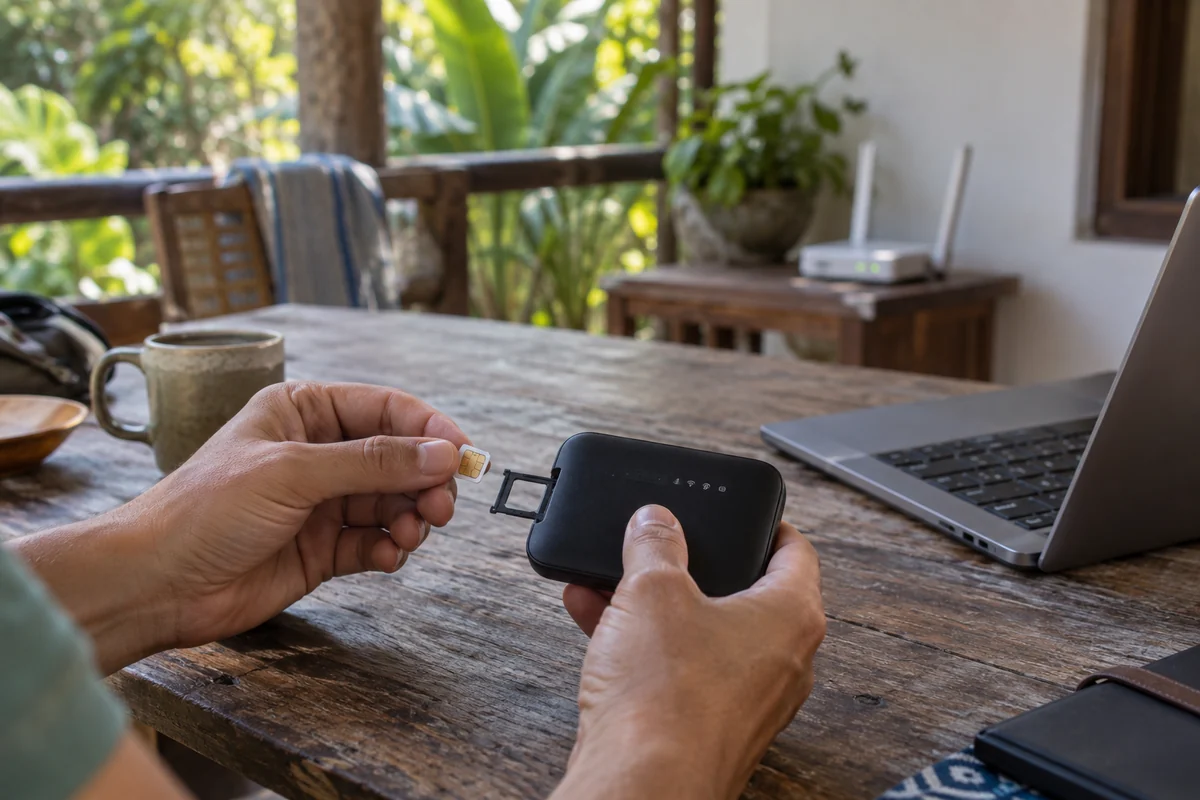
If your VPN stalls on hotel Wi-Fi, turn off Wi-Fi on your phone, launch your VPN over cellular data, or activate your mobile hotspot. If the connection establishes immediately, you have proven that the local broadband plan is enforcing traffic filtering.
Because Sri Lanka maintains competitive mobile networks with providers like Dialog, Mobitel, and Hutch, securing an inexpensive travel eSIM or local data SIM is straightforward. Having a cellular data backup is far more effective than buying three different VPN subscriptions that all run into the same local Wi-Fi roadblock.
The One Exception: When You Need a Sri Lankan IP
There is one clear scenario where OnlydogVPN should not be your default choice: when you are outside Sri Lanka and specifically need your public IP address to appear as if it is inside the country.
This is a common requirement for the Sri Lankan diaspora, students abroad, or remote workers who need to access regional banking interfaces, local government portals, or domestic television feeds that actively geoblock non-domestic IP ranges.
THE TWO OPPOSITE DIRECTIONS
Direction 1: Inside Sri Lanka (Looking Out)
• Goal: Shield personal data, bypass package-level shaping, stay stable on the go.
• Winning Criteria: Traffic obfuscation, automatic routing, handoff resilience.
• Recommendation: OnlydogVPN
Direction 2: Outside Sri Lanka (Looking In)
• Goal: Acquire a verified, domestic Sri Lankan public IP address.
• Winning Criteria: Confirmed local physical or virtual server in Sri Lanka.
• Recommendation: Provider with a verified Sri Lankan endpoint (e.g., ExpressVPN / Surfshark)
Because OnlydogVPN focuses its architecture on optimized international travel routes and resilient transit rather than maintaining a directory of domestic exit nodes, it is not built for this specific inbound task.
If obtaining a Sri Lankan public IP address is non-negotiable, check a provider's live server directory before buying to confirm they currently offer an active Sri Lankan endpoint. Just remember that a domestic IP address cannot bypass application-level checks, such as an account requiring an active local phone number for SMS verification.
Where This Leaves the Choice
Choosing a VPN for Sri Lanka comes down to the direction of your connection and the realities of the local network:
Using the web inside Sri Lanka (cafés, villas, mobile data, daily privacy). What You Actually Need: Obfuscated transport, automatic path selection, and stable recovery across networks. Recommended Strategy: OnlydogVPN (Zero-maintenance everyday protection across all devices)
Encountering an SLT or hotel network that blocks VPNs. What You Actually Need: A fresh access pipeline that allows encrypted traffic through. Recommended Strategy: Switch from Wi-Fi to a local mobile data hotspot / eSIM
Accessing domestic-only Sri Lankan sites from abroad. What You Actually Need: A public IP address that physically resolves inside Sri Lanka. Recommended Strategy: Choose a provider with a verified, active Sri Lankan server
Don't buy a VPN for Sri Lanka based on vanity server counts or sensationalized censorship claims. If you are physically on the island, choose an agile tool like OnlydogVPN that can adapt to restrictive local broadband plans—and keep a mobile data hotspot ready for the moments when the underlying network refuses to cooperate.
Frequently asked questions
Why does my VPN connect on mobile data but not on hotel or home Wi-Fi in Sri Lanka?
That pattern points to the local broadband plan or gateway filtering or shaping VPN traffic. The same app working over cellular data is strong evidence that the Wi-Fi path, not the VPN account itself, is the bottleneck.
Should I keep switching VPN servers when the tunnel will not form?
Not if the local network is blocking the tunnel before it leaves the gateway. Test a different physical connection first, such as mobile data or a hotspot, because server-hopping cannot fix filtering at the access layer.
What VPN features are most useful inside Sri Lanka?
The article prioritizes traffic obfuscation, automatic route selection, and quick recovery across Wi-Fi and cellular handoffs so the user does not have to manually tune protocols or servers.
What if I am outside Sri Lanka and need a Sri Lankan IP address?
Choose a provider that explicitly lists an active Sri Lankan endpoint. A VPN optimized for outbound travel routing cannot satisfy a service that checks specifically for a Sri Lankan public IP unless it offers that local exit.