Amazon Prime Video VPN Guide: Why Switching Servers May Not Change the Library
The movie was there—until I signed in. Logged out, I could see the cover, open the page, and browse similar titles. The VPN showed the country I had…
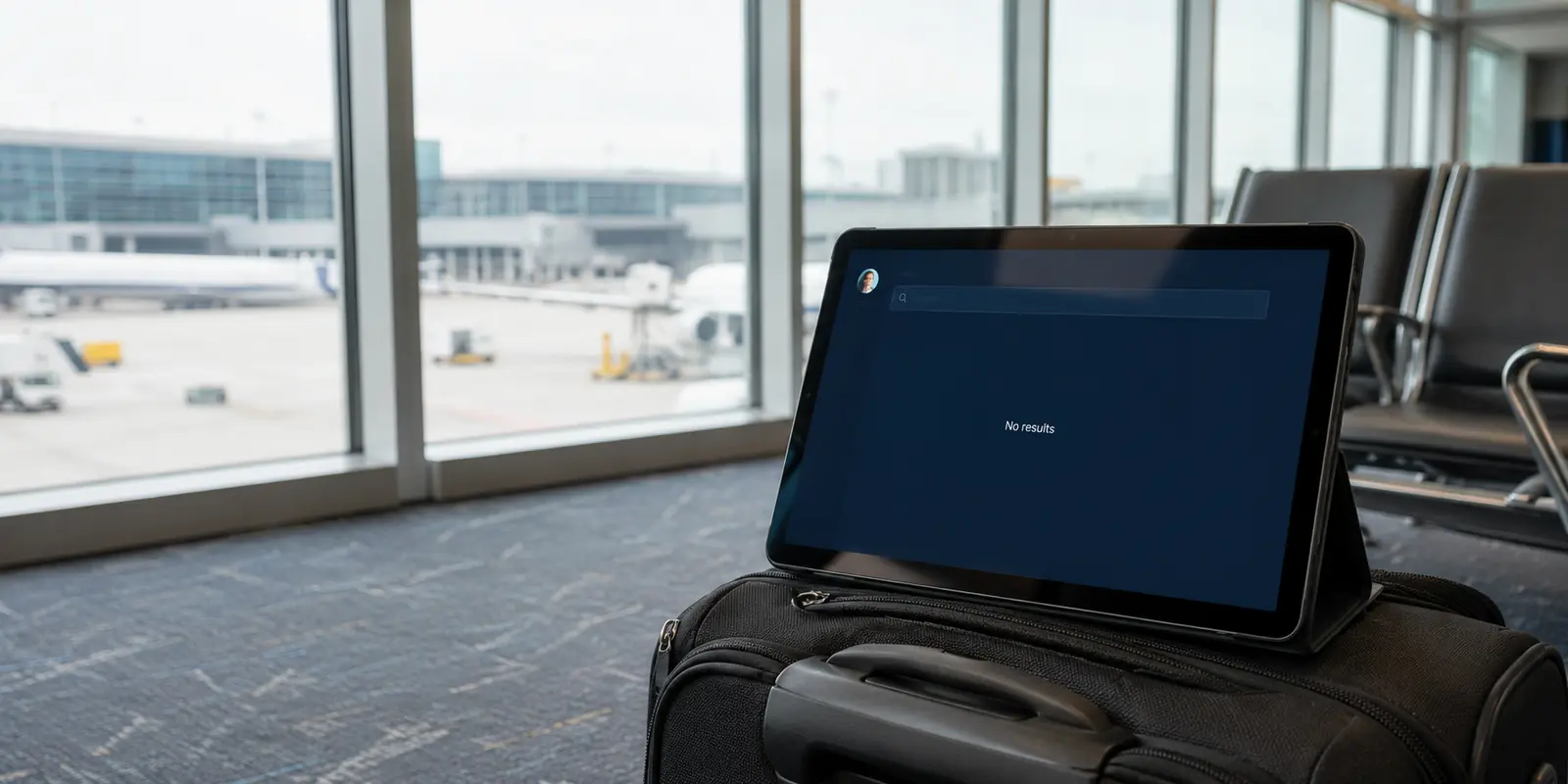
The movie was there—until I signed in. Logged out, I could see the cover, open the page, and browse similar titles. The VPN showed the country I had selected. Connect. Refresh. Watch. Then I logged in. The movie vanished. I changed cities, reopened Prime Video, and tried again. The green VPN indicator moved around the map. The library did not move an inch.
Here is the answer many VPN guides bury:
A VPN can change your IP address. It cannot necessarily change the country Amazon associates with your account.
Amazon says travelers may receive only a selected Prime Video catalog. Its terms also say Amazon checks geographic location and restricts attempts to disguise it.
Before changing another server, run this test:
- Search for the title while logged out.
- Sign in and search again.
- If it is still there, press play.
The result usually points to the real problem:
- It disappears after login: your Amazon account or marketplace is likely deciding the library.
- It remains visible but will not play: the VPN route may be blocked.
- It works in a browser but not on Fire TV: the device or app setup is probably involved.
The failures look identical when all you want is a movie.
They do not have the same fix.
The short answer
Core answer: Do not buy more servers to solve an account problem. Do not rebuild your Amazon account to solve one blocked IP. A connected VPN icon only tells you that your traffic left through another door. Prime Video may still recognize the account, marketplace, device, session—or the doorway itself.
- Relevant scenario: Amazon Prime Video VPN Guide: Why Switching Servers May Not Change the Library
- Key point: Instead of pulling the server-menu lever like a slot machine, I let OnlyDogs choose the streaming route. Its ad-filtering option also removed some clutter from unrelated pages afterward—a small bonus, not part of the Prime Video fix.
- Limit: If the browser plays the title but Fire TV does not, the route is probably not your main problem. Check the Fire TV country setting, restart the app, clear its cached session where appropriate, and review the router or DNS setup.
Why OnlydogVPN fit this account: Nothing about the Amazon account had changed. The title, marketplace, browser, and device were the same. The meaningful difference was the exit IP: the OnlyDogs route was still accepted, while the earlier addresses appeared to have been recognized or blocked.
Sources used in the article: Amazon says, Amazon confirms, Amazon warns
If the Title Disappears After Login
Stop switching servers.
Prime Video sees more than your current IP. It may also use the country attached to your Prime membership, your Amazon marketplace, device settings, and an existing app or browser session. Amazon confirms that travel and country settings can affect digital content.
Think of it this way:
The VPN changes the road you take to Amazon. Signing in shows Amazon the passport carried by your account.
A new road does not issue the account a new passport.
This is why a title can appear before login and disappear afterward. The VPN may have changed your public location successfully; Amazon has simply restored the experience associated with your account.
When traveling, the most reliable setup is usually to make the signals agree:
- Use the Amazon account tied to your home country.
- Connect the VPN to that same country.
- Avoid jumping between regions in search of one title.
Do not casually change your Amazon country setting. Amazon warns that doing so may affect purchases, rentals, and other digital content.
No VPN can reliably override an account-level decision.
If the Title Is Visible but Will Not Play
Now changing routes makes sense. If the correct library appears but playback fails, Prime Video may dislike the VPN’s exit IP. That address may be heavily shared, already recognized as VPN traffic, or temporarily blocked. Try a private browser window first. It gives you a cleaner session and helps rule out stale cookies. Then try another route.
A large VPN provider may give you more cities and servers to test. That can help—but it can also turn movie night into a repetitive loop:
Disconnect. Pick a city. Reopen Prime Video. Press play. Repeat. A large server list gives you more doors. It does not tell you which one opens.
In my test, the title stayed visible after login and behaved the same way in a private window, but playback failed across several routes from the original VPN. At that point, the account and browser session were unlikely to be the problem. The shared exit IPs were the obvious suspect.
I happened to have OnlyDogs installed, so I selected its streaming option and tried again.
This time, the video started.
Nothing about the Amazon account had changed. The title, marketplace, browser, and device were the same. The meaningful difference was the exit IP: the OnlyDogs route was still accepted, while the earlier addresses appeared to have been recognized or blocked.
That is the moment when trying a different VPN route is justified—not when the title disappears after login, but when the correct library is already visible and playback alone is failing.
Instead of pulling the server-menu lever like a slot machine, I let OnlyDogs choose the streaming route. Its ad-filtering option also removed some clutter from unrelated pages afterward—a small bonus, not part of the Prime Video fix.
The lesson is simple:
When the catalog is correct but the video will not start, a cleaner exit IP can fix the problem.
If the Browser Works but Fire TV Does Not
Do not keep changing VPN servers. Fire TV introduces another layer of Amazon account, device-country, app, DNS, and router settings. Test Prime Video in a private browser window first.
If the browser plays the title but Fire TV does not, the route is probably not your main problem. Check the Fire TV country setting, restart the app, clear its cached session where appropriate, and review the router or DNS setup.
Diagnose the simplest environment first.
A television is rarely the simplest environment.
The Answer in One Minute
Before paying for another VPN:
- Check the country tied to your Prime membership.
- Connect to that same country.
- Compare the catalog before and after login.
- Try playback in a private browser window.
- Test the browser before troubleshooting Fire TV.
Then follow the evidence:
- Disappears after login: investigate the account and marketplace.
- Visible but will not play: the exit IP may be blocked; try a cleaner streaming route.
- Browser works, TV fails: investigate the device setup.
- Traveling soon: download eligible titles before leaving. Amazon recommends this, and it may save movie night. Amazon
Do not buy more servers to solve an account problem. Do not rebuild your Amazon account to solve one blocked IP. A connected VPN icon only tells you that your traffic left through another door. Prime Video may still recognize the account, marketplace, device, session—or the doorway itself. The server location is one clue.
The library tells you what Amazon believes.
Frequently Asked Questions
Should I change my Amazon country for one movie?
Usually not. Amazon warns that changing the account country can affect purchases, rentals, and other digital content. A single missing title is not a good reason to alter the wider account unless you have genuinely moved and understand the consequences. ( Amazon’s country-setting guidance )
Are offline downloads a better travel backup?
For eligible titles, yes. Downloads avoid hotel-network problems and changing VPN detection, although catalog and playback rules can still depend on the account and destination. Download before departure and open the app once to confirm the files are available. ( Amazon’s Prime Video travel guidance )
Why can a laptop work while Fire TV fails?
The browser and television app may use different cached sessions, DNS paths, device-country settings, or router configurations. When the laptop works, troubleshoot the television setup before changing the VPN route again.