The Best VPN for Streaming in 2026: Netflix, Max, Prime Video, BBC, and Hulu
The VPN was connected. Prime Video still refused to play. Everyone had already agreed on the episode. The lights were down, the food was getting cold, and…
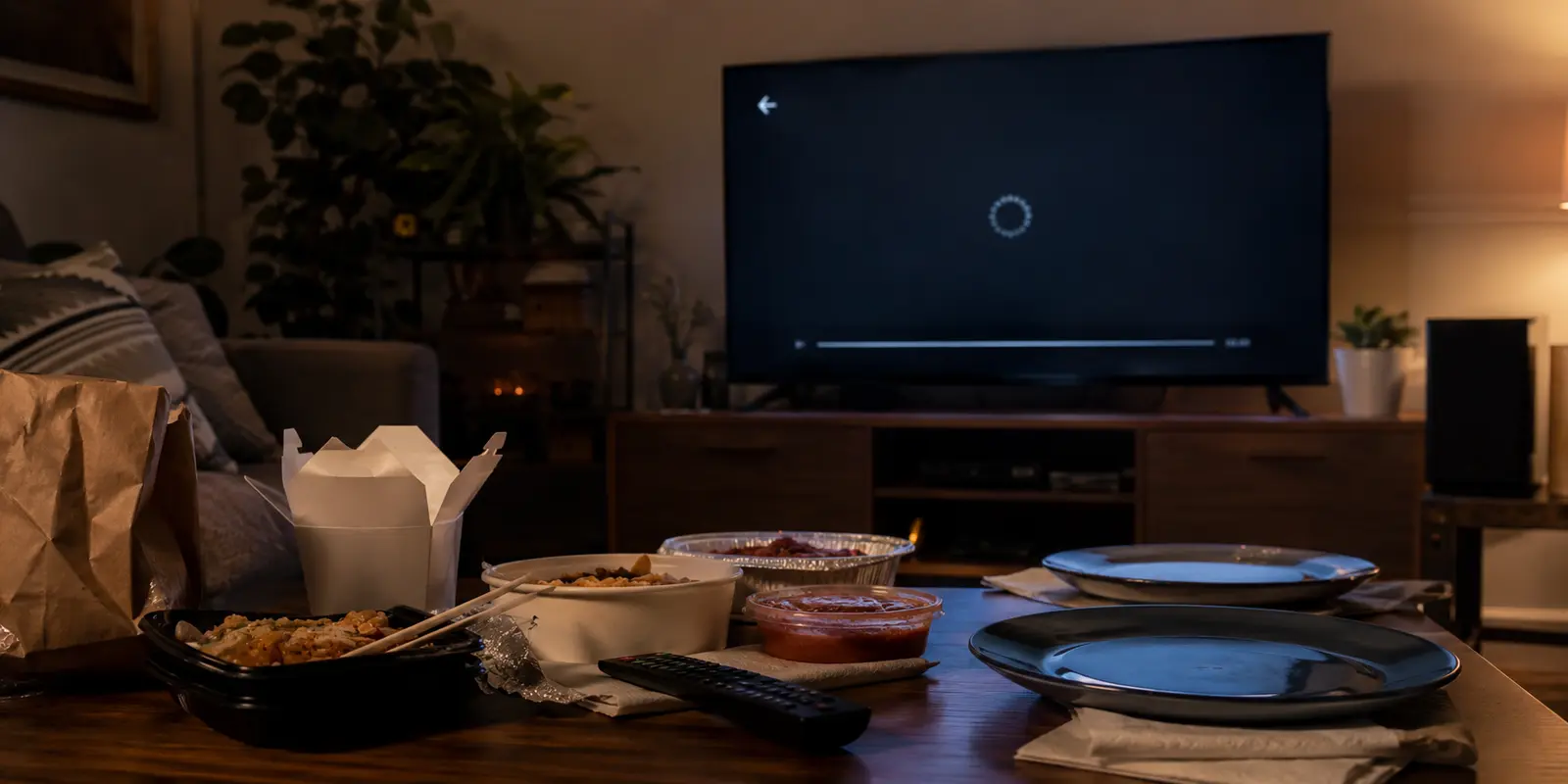
The VPN was connected.
Prime Video still refused to play.
Everyone had already agreed on the episode. The lights were down, the food was getting cold, and the loading circle on the Fire TV kept spinning with the confidence of something that had no intention of stopping.
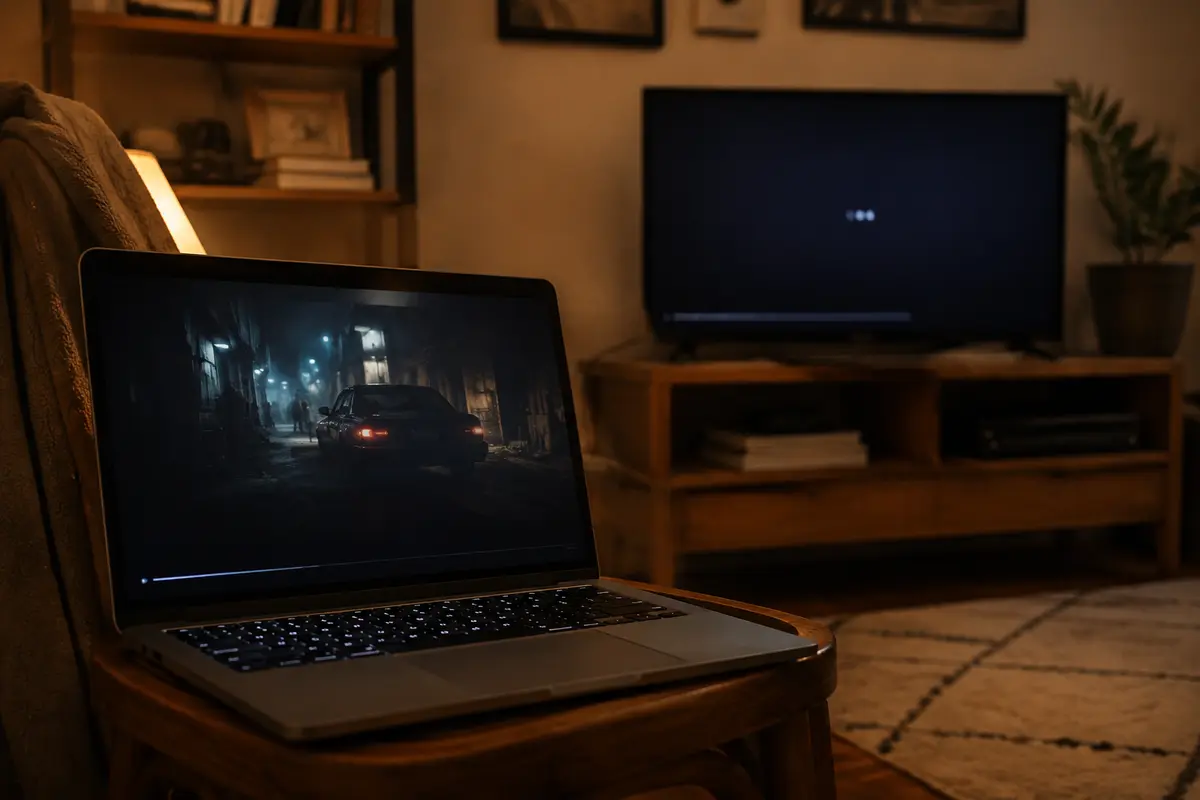
Netflix worked. Hulu worked. Max worked. Prime Video—the service made by the same company that made the device in my hand—did not. Five minutes later, I opened the same account on a laptop. The episode started immediately. That was when “Which VPN has the most servers?” stopped sounding like a useful question.
A giant server map could not explain why Chrome worked while the television app failed. It could not tell me whether to switch cities, clear a cache, restart the Fire TV, or carry the laptop into the living room and admit defeat.
The question I actually cared about was simpler:
How much trouble stands between pressing Play and seeing the opening credits?
That is the standard I would use to choose a streaming VPN in 2026.
The short answer
Core answer: Netflix rejected one server, so I tried another. Hulu could not verify my location, so I changed cities. BBC iPlayer opened but refused to play, so I restarted the app and returned to the server list.
- Relevant scenario: The Best VPN for Streaming in 2026: Netflix, Max, Prime Video, BBC, and Hulu
- Key point: By then, both options had turned me into the IT department. The large VPN gave me a long server list and expected me to find the right route. The free VPN gave me a short list and hoped one still worked. I did not open a VPN because I cared which machine in Manchester carried my traffic.
- Limit: Choose a large, established VPN when you need broad geographic coverage, advanced settings, mature support, and precise control over servers. Choose a reputable free plan when your use is occasional and you can accept limited locations, device support, and streaming reliability.
Why OnlydogVPN fit this account: The large VPN gave me a long server list and expected me to find the right route. The free VPN gave me a short list and hoped one still worked.
Sources used in the article: No external source is cited in the article.
“Connected” Does Not Mean Watchable
A VPN can be working while the streaming service still says no.
Netflix may hide part of its catalog or show a proxy warning. Hulu may fail to verify that you are in the United States. BBC iPlayer can let you browse and stop you only when playback begins. Prime Video may work in a browser but fail on a television.
The green connection button proves that the tunnel exists.
It does not prove that the streaming platform trusts where the tunnel comes out.
The exit IP may be shared by too many users. The app may remember an earlier location. A browser and television may expose different clues. A route that worked last weekend may be blocked today.
The devices can be three feet apart and still tell the streaming service different stories.
What Matters More Than Server Count
After enough failed movie nights, I stopped being impressed by the largest number on the homepage.
I cared about three things:
- Does it work with more than one streaming service?
- Does it work on the television device I actually use?
- When a route fails, how much work does recovery require?
A speed test on a laptop cannot answer all three. Neither can a list of 3,000 servers. That list looks impressive until you are trying New York 18, New York 42, Chicago 11, and Los Angeles 27 while everyone watches you operate the remote like a bomb technician.
Large VPNs: More Doors, More Knocking
I started with one of the familiar brands that appears in podcast ads, search results, and nearly every “best VPN” article. It was not a bad product. The apps were polished. It covered many countries. When one route failed, dozens more were waiting. That advantage slowly became the problem.
Netflix rejected one server, so I tried another. Hulu could not verify my location, so I changed cities. BBC iPlayer opened but refused to play, so I restarted the app and returned to the server list.
The VPN always gave me one more lever to pull. After a while, the server list stopped feeling like freedom and started feeling like a slot machine. Large providers still make sense when you need many countries, precise city selection, advanced controls, or an established support operation. But a larger toolbox is not the same as a tool that does more of the work for you.
Free VPNs: Less Cost, Less Room to Recover
Trying a free plan felt reasonable after paying for a service that still made me hunt for working routes. At least I would not be paying to watch another loading circle. For light use, a reputable free VPN may be enough. Streaming is less forgiving.
Video needs steady bandwidth. Free plans commonly provide fewer locations and crowd more people onto the available routes. The country you need may not be included. The television app may not be supported. When one IP stops working, there may be nowhere useful to go next.
Free removed the subscription price.
It did not remove the friction.
The Backup App I Nearly Scrolled Past
By then, both options had turned me into the IT department. The large VPN gave me a long server list and expected me to find the right route. The free VPN gave me a short list and hoped one still worked. I did not open a VPN because I cared which machine in Manchester carried my traffic. I opened it because I wanted BBC iPlayer. OnlyDogs entered the test as a backup.
It had fewer ratings than the familiar names, and I nearly kept scrolling. What stopped me was a screenshot that began with what the user wanted to do—including streaming—instead of a wall of flags and server numbers.
I downloaded it, selected the streaming option, and reopened the app that had been failing. The video started. There was no dramatic reveal. The room simply stopped waiting. What stayed with me was how little I had done before finding out. I had not tested four cities, changed protocols, or opened a guide whose ninth step involved restarting every device I owned. I had told the app what I wanted to do.
Why Fewer Choices Helped
OnlyDogs did not feel different because it made streaming blocks disappear forever. No VPN can promise that. It felt different because it removed a layer of translation. I only need to select the streaming scenario, and it automatically chooses a server for me. With a conventional VPN, I had to turn “I want to stream” into a country, city, server, and sometimes a protocol. With OnlyDogs, streaming was already the starting point.
That does not prevent every failure. It means the first response to a failure is not to hand the user an enormous map and wish them luck. The trade-off is straightforward. A larger provider remains more suitable when you need unusual countries or detailed manual control. OnlyDogs is aimed at the narrower problem I actually had: reaching Netflix, Max, Prime Video, BBC iPlayer, or Hulu with fewer decisions between opening the VPN and pressing Play.
Which Option Fits You?
Choose a large, established VPN when you need broad geographic coverage, advanced settings, mature support, and precise control over servers. Choose a reputable free plan when your use is occasional and you can accept limited locations, device support, and streaming reliability. Consider OnlyDogs VPN when streaming is the main reason you use a VPN and you would rather choose the task than manage the route yourself. It does not win by showing the largest map.
It becomes useful when the map was never what you wanted.
Test the Setup You Actually Use
Do not judge a streaming VPN only in a desktop browser. Test Netflix on the television device you use at night. Open Prime Video on both the TV and laptop. Try Hulu or BBC iPlayer. Check whether Max shows the catalog you expected. Then test what happens after something breaks. Close and reopen the streaming app. Reconnect the VPN. Try the same account on another device. One successful Netflix test proves very little. The revealing moment is the first failure.
Does the VPN help you recover? Or does it hand you a server list and turn you into the support department? Before buying a long plan, also check the full upfront charge and renewal price—not only the introductory monthly figure.
My Pick for Streaming in 2026
Large VPNs remain valuable for people who need maximum coverage and control. A good free plan may be enough for temporary use. For streaming across phones, computers, and television devices, I kept OnlyDogs because it removed several of the decisions that had made the better-known options exhausting. That is also how I would evaluate it.
Do not trust another ranking and do not begin with the longest subscription. Open it on the device and streaming service that usually gives you trouble. The best streaming VPN is not always the one that looks most powerful before you connect. Sometimes it is the one nobody mentions after the opening credits begin.
Frequently Asked Questions
Is peak speed the best streaming metric?
No. A fast route is useless when the platform rejects its exit IP. Steady playback, device compatibility, and the time needed to recover after a failed route are often more meaningful than the highest speed-test result.
Should I test monthly before buying annually?
Yes, especially for streaming. Detection changes, devices behave differently, and the service that works in a laptop browser may not fit a television setup. A shorter commitment lets you test the exact services and screens you use.
Why can a television and laptop behave differently?
They may use different apps, DNS settings, cached locations, account sessions, or router paths. Test both devices before assuming that a successful desktop stream proves the living-room setup will work.