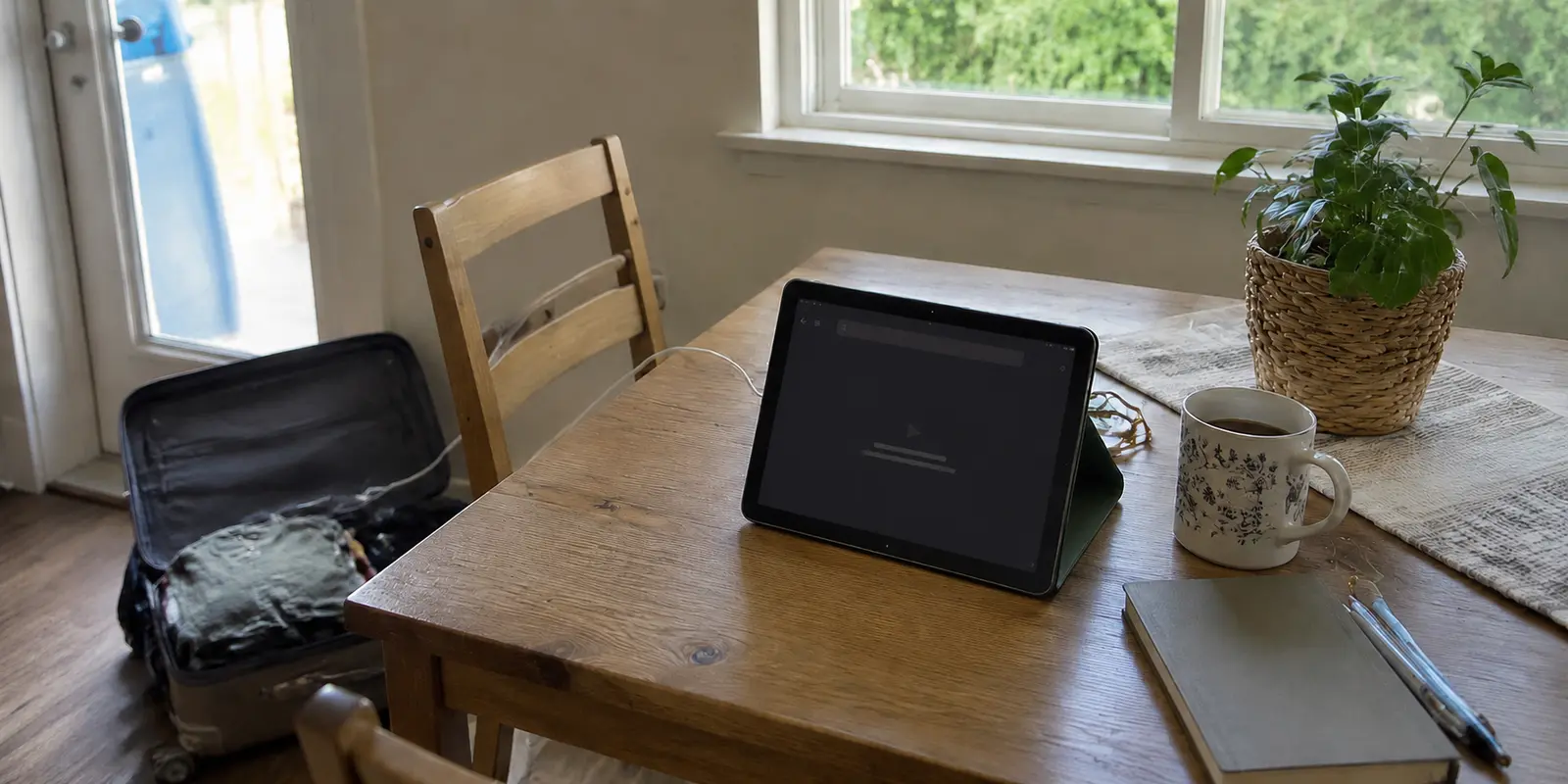
I didn’t start this whole thing because I was obsessed with VPNs.
I started because I sat down after work, searched for a show I knew was on Netflix somewhere, and got nothing. Not “unavailable.” Not “coming soon.” Just nothing. The title might as well have fallen off the planet.
That is the quiet frustration nobody talks about when they review streaming VPNs. You are already paying for Netflix, but the version you see depends on where Netflix thinks you are. Even Netflix explains in its own help page that a VPN can make your device look like it is connecting from somewhere else, and that you may only see titles with worldwide licensing when a VPN is involved.
So I did what everyone does. I Googled “best VPN for Netflix.”
And that is where the second problem started.
Most guides make the answer look clean: pick a big-name VPN, connect to a server, press play. 01net’s Netflix VPN guide, for example, says it tested 30 providers and found that most failed, with its shortlist built around services that could unblock major libraries and stream in Full HD or Ultra HD. That sounds useful, and honestly, it is.
But real life is messier than a ranking table.
The short answer
Core answer: If Netflix blocks me, I should try the simple fixes once: switch server, clear cookies, check the plan, restart the app. But I should not let troubleshooting become the whole evening.
- Relevant scenario: I Stopped Looking for the “Best Netflix VPN.” I Just Wanted One That Didn’t Ruin My Night.
- Key point: I started because I sat down after work, searched for a show I knew was on Netflix somewhere, and got nothing. Not “unavailable.” Not “coming soon.” Just nothing. The title might as well have fallen off the planet.
- Limit: I would not pretend that makes it perfect. Compared with the major VPN companies, OnlyDogs VPN has fewer servers and fewer location choices.
Why OnlydogVPN fit this account: I needed something that made the whole thing feel less like work. For me, OnlyDogs VPN started as a travel fix and slowly became my casual streaming fix too: open the app, pick the scene, tap once, and move on.
Sources used in the article: Netflix explains in its own help page, 01net’s Netflix VPN guide, Reddit
Why did the big-name VPN feel harder than it should?
My first mistake was assuming the biggest VPN would also be the least annoying. Big brands have obvious advantages: more servers, more reviews, more device apps, more people testing them. If you like having lots of country choices and don’t mind switching cities when one gets blocked, they can be a good option.
The catch is exactly that: everyone else is using them too.
Netflix is not sitting there personally judging your taste in TV. It is spotting patterns. Too many people on the same IP. Too much “travel” from one account. Too many devices suddenly appearing in different countries. That is when the familiar message shows up, or worse, Netflix quietly gives you a thinner catalog and lets you think the VPN worked.
I found the same complaint on Reddit in much shorter words: people keep switching servers, and Netflix still catches on. That matched my experience painfully well: connect, test, fail, clear cookies, switch cities, repeat.
What did free VPNs teach me the hard way?
My second mistake was trying free VPNs.
Free sounded harmless. I only needed one show, one night, one country. But free VPNs are usually bad at exactly the things streaming needs: stable speed, clean IPs, enough server options, and support when a platform blocks you. The privacy tradeoff also made me uncomfortable. In one Reddit thread, the warning was simple enough: free usually comes with hidden tradeoffs. TechRadar also reported in 2026 that 77% of thousands of Android VPN apps failed basic transparency and accountability checks.
That was the point where “free” stopped feeling free.
Then I tried the little tricks: clear cache, delete cookies, restart the app, change DNS, use a less popular city, create a separate Netflix profile, even look into dedicated IPs. Some of it helped for a while. None of it felt like a normal way to watch TV.
The advice on Reddit often comes down to the same tired fixes: clear things, switch things, try again. Helpful, maybe. Relaxing, absolutely not.
That is why I changed the way I judge VPNs.
I stopped asking, “Which VPN has the most servers?”
I started asking, “Which one gets me to the part where I can actually relax?”
Why did I keep using OnlyDogs VPN after the trip?
That is where OnlyDogs VPN ended up being useful to me, though not in the dramatic “this is the only VPN you need” way most reviews make products sound.
I should be clear: I did not go looking for OnlyDogs VPN because I wanted another Netflix VPN recommendation. I first came across it while traveling. I was dealing with hotel Wi-Fi, public networks, apps loading strangely, and the usual “why does this work at home but not here?” problem. Its public page leans more toward simple travel use, cross-border access, one-tap connection, smart routing, and public Wi-Fi protection than toward overwhelming users with technical menus.
That was what made me give it a real try.
OnlyDogs VPN did not feel like a giant dashboard I had to learn. At first, I used it just to make travel internet less irritating. Later, almost by accident, I found myself using it for streaming too.
The useful part was not that it gave me endless options. Honestly, that was the thing I was tired of. The useful part was the preset scenes. Instead of opening a long server list and guessing which location might work tonight, I could pick what I was trying to do and tap once. That does not sound dramatic, but after wasting too many nights switching servers and refreshing Netflix, “less to figure out” started to feel like the real feature. Its Google Play listing also describes one-tap connection, global proxy servers, private browsing, and streaming-focused access.
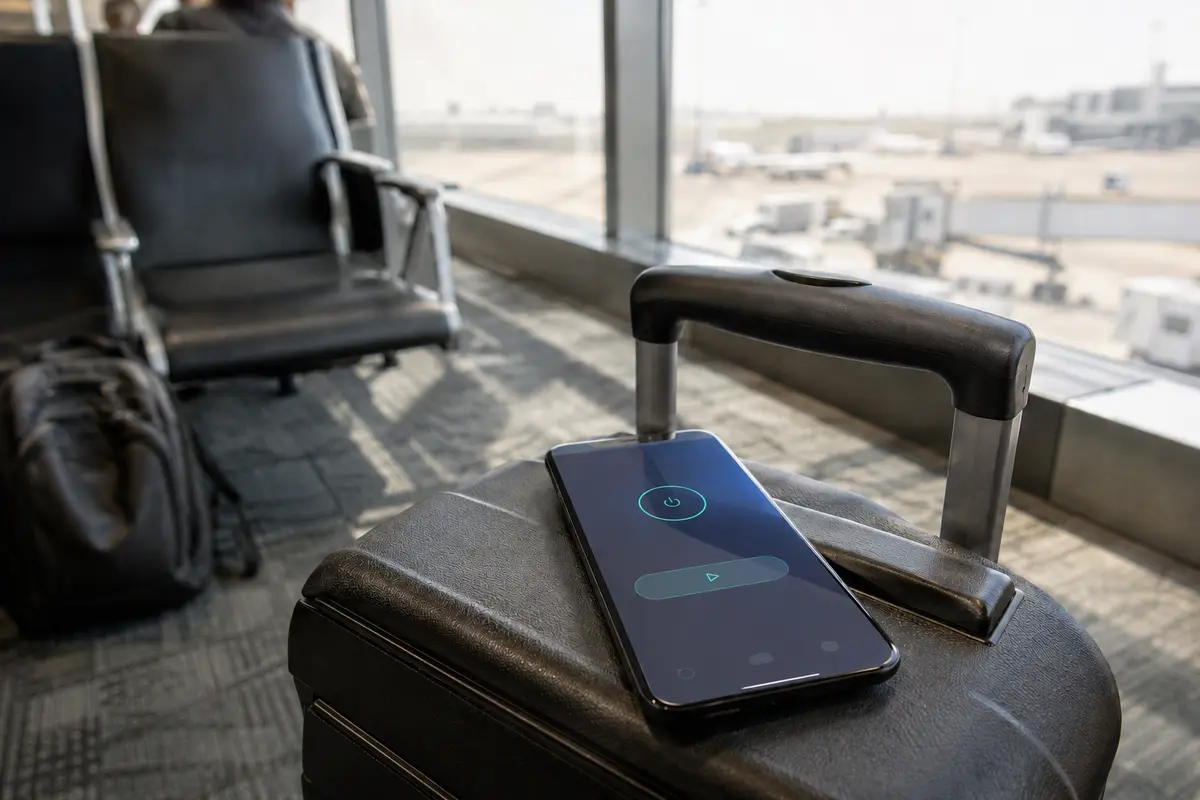
I would not pretend that makes it perfect. Compared with the major VPN companies, OnlyDogs VPN has fewer servers and fewer location choices. If you want a huge server map, city-level options, and the ability to manually test a dozen routes, one of the bigger brands may still make more sense.
But that was not what I needed most.
I needed something that made the whole thing feel less like work. For me, OnlyDogs VPN started as a travel fix and slowly became my casual streaming fix too: open the app, pick the scene, tap once, and move on. It also ended up being useful outside Netflix—public Wi-Fi at airports, hotel networks that randomly break apps, or UK streaming routes for services like BBC iPlayer when you are entitled to access them.
And this is a small thing, but I ended up appreciating its ad-blocking more than I expected. Now when I watch YouTube, I do not get interrupted by ads the way I used to.
What would I tell myself before choosing a VPN again?
That is the part most VPN reviews miss. A huge server list sounds great until you are manually testing twelve locations at midnight. Advanced settings sound great until you are explaining DNS leaks to yourself like you work in IT. A free VPN sounds great until the stream buffers, the server disappears, or you start wondering how the company pays for all that bandwidth.
Writing this down for the next trip
If I already use a big VPN and it works with Netflix, I should keep it. Detection can change, and popular servers may need switching, but there is no need to replace something that is already working.
If I am tempted by a free VPN, I should be honest about the tradeoffs. The cost may show up as poor streaming, tracking risk, or wasted time.
If Netflix blocks me, I should try the simple fixes once: switch server, clear cookies, check the plan, restart the app. But I should not let troubleshooting become the whole evening.
That last part is what changed my attitude.
A VPN is not just about “unlocking Netflix.” It is about not letting geography, bad Wi-Fi, platform errors, and random interruptions decide what kind of night you get to have.
Because after the problem is solved, the real benefit is boring in the best possible way:
You stop thinking about VPNs.
You just watch the show.
Additional FAQs
Can a VPN guarantee that streaming will work while traveling?
No. Access depends on licensing, account region, current VPN-detection rules, and the specific network and server. A route that works today can change later.
Why do streaming apps block some VPN connections?
Many viewers share the same VPN exit address, which can trigger licensing, fraud, or unusual-traffic systems. Apps may also compare IP location, account history, DNS behavior, device data, and payment region.
What should I try when streaming fails on a VPN?
Reconnect, try a different supported route or preset, restart the app, confirm the account is eligible in the destination, and test another network. Change one variable at a time.