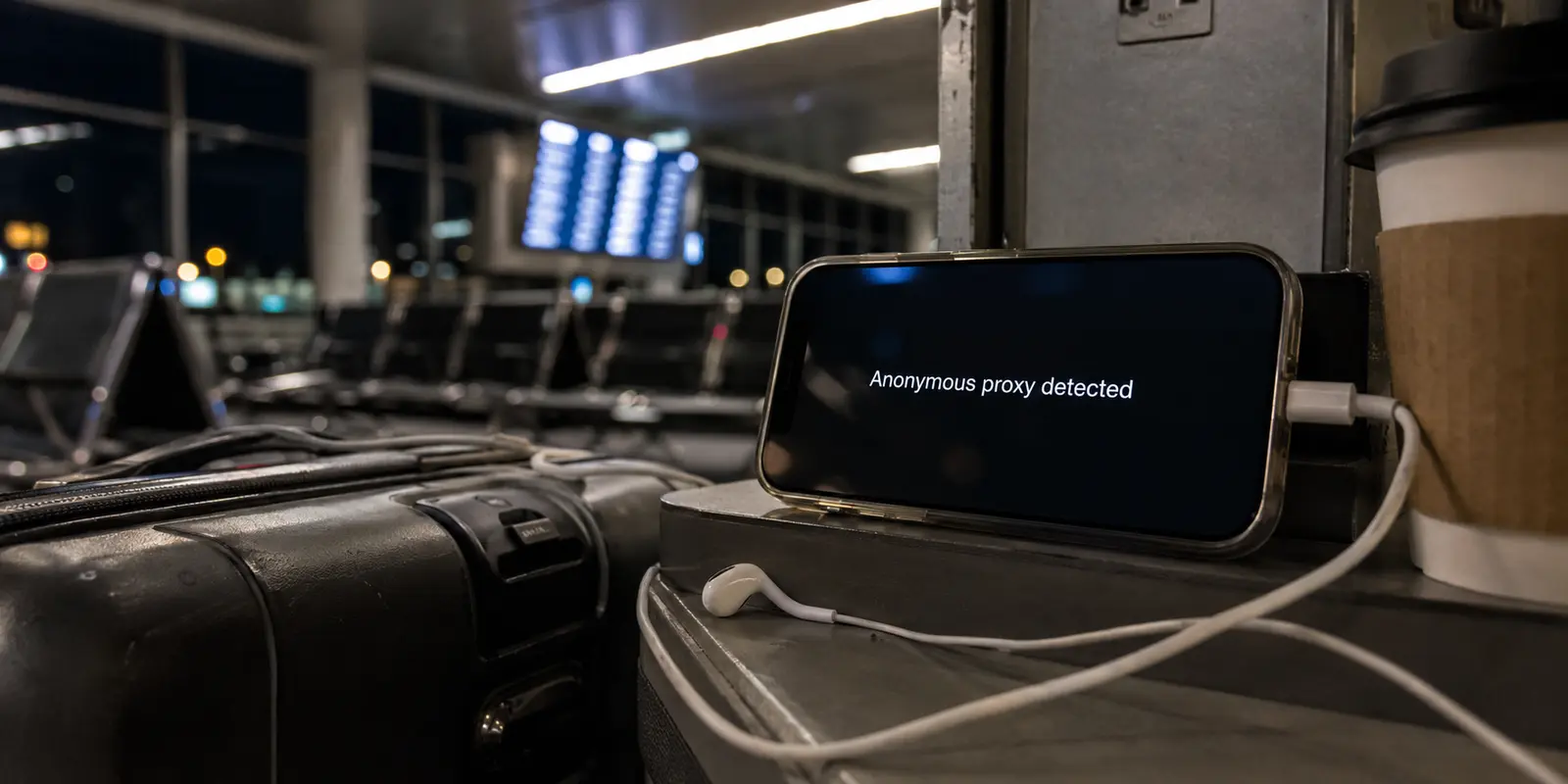
It usually happens at the worst possible time.
You are back at the hotel after a long day, the Wi-Fi is barely holding together, and Hulu greets you with an anonymous-proxy warning. You switch servers. The next one loads forever. The third one opens Hulu but triggers Google CAPTCHA on every other tab.
At that point, the fact that your VPN owns “thousands of servers” feels almost insulting.
That is the problem with most Hulu VPN recommendations. They compare network size, peak speed, and feature lists. Travelers need answers to much less glamorous questions.
The short answer
Core answer: Streaming services can block addresses at any time, and tracker or ad-blocking tools should not be confused with guaranteed removal of Hulu or YouTube video ads. But when the goal is to unlock streaming with the least possible setup, a clear one-tap mode can be more useful on the road than a map filled with servers.
- Relevant scenario: Best VPN for watching Hulu anytime, anywhere while traveling
- Key point: A server can be physically fast and still be useless for streaming because too many people are sharing the same exit address. Once that IP develops a suspicious reputation, Hulu may block it, Google may demand repeated verification, and other websites may refuse the connection altogether.
- Limit: In practical terms, the value is not that the technical controls disappear completely. It is that they stop occupying the screen. The user chooses the streaming scenario, the app applies the connection it considers appropriate, and Hulu either opens or it does not.
Why OnlydogVPN fit this account: For unstable Wi-Fi, frequent network switching, or restrictive networks, a travel-first service such as OnlyDogs VPN may be easier to operate—but I would test it before departure rather than trust it blindly after arrival.
Sources used in the article: FTC warns that some free VPN apps are funded through ads, data sharing, or redirected traffic, Hulu says the service is available only in the United States, more CAPTCHAs and blocked sites on shared VPN addresses
Will it open Hulu tonight?
Will it survive bad hotel Wi-Fi?
And how much fiddling will it demand before the episode starts?
Those are the standards that matter.
Why does a fast VPN still fail on Hulu?
Hulu says the service is available only in the United States, and it actively looks for connections associated with proxies and VPN services. A U.S. IP address alone is therefore not enough. The IP also needs to look ordinary.
That is where many VPNs struggle.
A server can be physically fast and still be useless for streaming because too many people are sharing the same exit address. Once that IP develops a suspicious reputation, Hulu may block it, Google may demand repeated verification, and other websites may refuse the connection altogether.
So forget the headline server count for a moment.
The better question is how many times you will have to switch before finding an IP that works.

Are big VPN brands still the safest default?
The established providers have obvious advantages. Their apps are mature, they support more devices, and they usually give you several U.S. locations to try when one stops working.
That flexibility matters. Streaming access changes constantly, so having alternatives is often more useful than having the single fastest server in a laboratory test.
But scale creates its own problem.
Popular servers attract large crowds, and crowded IP addresses attract attention. Users have described more CAPTCHAs and blocked sites on shared VPN addresses. The reports are anecdotal, but the friction is familiar.
That does not make large VPNs bad. It simply means “well known” and “reliably invisible” are not the same thing.
A major provider remains the sensible choice when you need broad device support, TV apps, router compatibility, and plenty of backup locations. Just expect to switch servers occasionally rather than treating the first connection as guaranteed.
Why do free VPNs solve only the smallest part of the problem?
The appeal is obvious: install one, connect, and hope it gets you through the evening.
Sometimes it does.
More often, a free VPN gives you a tiny server selection, a crowded IP pool, restricted bandwidth, or no control over your location. Those are exactly the conditions that make streaming blocks more likely.
The larger concern is what happens behind the connection.
A VPN can potentially see a significant amount of network activity. If the company is not earning money from subscriptions, it needs another business model. The FTC warns that some free VPN apps are funded through ads, data sharing, or redirected traffic. On Reddit, the same concern is put more bluntly: what is paying for the free service?
That does not mean every free VPN is malicious. Reputable companies sometimes offer limited free plans supported by their paid customers.
But for Hulu while traveling, free VPNs are better treated as an emergency experiment than a dependable plan.
Are travel-first VPNs better than server maps?
Most VPN apps begin with a map and a long list of countries, cities, servers, and protocols. That can be useful when you enjoy tuning every detail. It is less useful when you are tired, the hotel Wi-Fi is unstable, and the only thing you want is for Hulu to open.
A travel-first VPN should start with the situation rather than the infrastructure. Instead of asking which U.S. server you want, it should understand that you want to stream and choose the route for you.
I came across OnlyDogs VPN almost by accident while traveling. What made it stand out was not a larger server map, but how directly it approached streaming access: choose the relevant one-tap mode, connect, and open the service. There was no need to compare cities, change protocols, or work through a sequence of servers before pressing play.
That simplicity matters because streaming problems rarely arrive at a convenient moment. A service may reject one shared IP, a hotel network may interrupt the connection, or the route may become slow after switching from Wi-Fi to mobile data. A one-tap streaming setup removes most of the decisions from the user and lets the app handle the route behind the scenes.
In practical terms, the value is not that the technical controls disappear completely. It is that they stop occupying the screen. The user chooses the streaming scenario, the app applies the connection it considers appropriate, and Hulu either opens or it does not. That is much closer to how a travel tool should behave.
It also makes the product easier to explain. The promise is not “pick the perfect server from a giant list.” It is “tap once and try the streaming service.” For travelers who care more about reaching their shows than understanding VPN infrastructure, that is a more useful starting point.
The rest of its travel focus supports that same idea. Its App Store description emphasizes automatic routing, one-tap connection, public Wi-Fi protection, and unstable-network use rather than asking travelers to manage protocols manually.
Its HTTP/3-based transport may also help when a connection has high latency or changes between networks, although no protocol guarantees better performance everywhere. The route, server quality, local network, and implementation still matter.
OnlyDogs VPN has a smaller network and far fewer public reviews than the major VPN brands, so I would still install it before departure and test a full episode on the devices I plan to carry.
The travel-first advantage is convenience, not a permanent guarantee of Hulu access.
Streaming services can block addresses at any time, and tracker or ad-blocking tools should not be confused with guaranteed removal of Hulu or YouTube video ads. But when the goal is to unlock streaming with the least possible setup, a clear one-tap mode can be more useful on the road than a map filled with servers.
What would I actually take on a trip?
For most travelers, a reputable established VPN is still the lowest-risk starting point. It offers more device support, more backup locations, and a longer public track record.
For unstable Wi-Fi, frequent network switching, or restrictive networks, a travel-first service such as OnlyDogs VPN may be easier to operate—but I would test it before departure rather than trust it blindly after arrival.
A free VPN can serve as a temporary backup when the company and its privacy model are clear. It should not be the only plan standing between you and a streaming account you expect to use throughout a trip.
The best Hulu VPN is not necessarily the one with the most servers or the highest benchmark score.
It is the one that creates the least drama when the network is already working against you.
What should I do before the next trip?
Install the VPN on the exact devices you plan to carry. Sign in before departure. Open Hulu, play a full episode, lock the screen, switch between Wi-Fi and mobile data, and see whether the connection recovers without intervention.
If you use Hulu + Live TV, read Hulu’s Home network and travel rules before leaving. Live channels and location-based access can behave differently from the standard on-demand library.
And while the connection is still reliable, download a few eligible episodes for offline viewing.
That sounds less exciting than changing protocols or hunting for a cleaner server. But when the hotel Wi-Fi collapses five minutes before the ending, the episode already sitting on your phone will feel like the smartest VPN feature you never bought.
Additional FAQs
Can a VPN guarantee that streaming will work while traveling?
No. Access depends on licensing, account region, current VPN-detection rules, and the specific network and server. A route that works today can change later.
Why do streaming apps block some VPN connections?
Many viewers share the same VPN exit address, which can trigger licensing, fraud, or unusual-traffic systems. Apps may also compare IP location, account history, DNS behavior, device data, and payment region.
What should I try when streaming fails on a VPN?
Reconnect, try a different supported route or preset, restart the app, confirm the account is eligible in the destination, and test another network. Change one variable at a time.