Netflix Detecting Your VPN? Why It Happens and What to Try Next
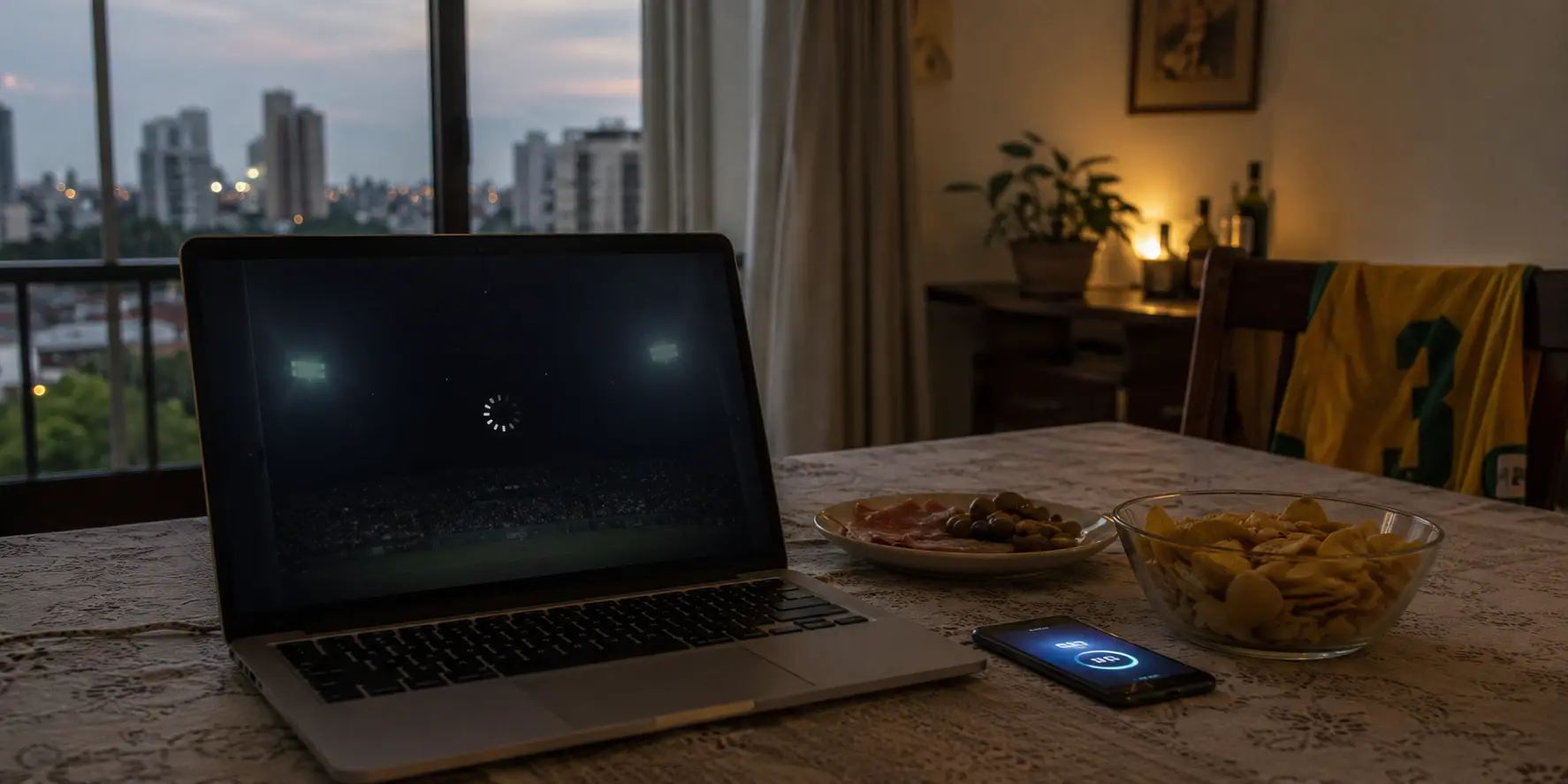
The app opened normally. My profile loaded. Rows of movies filled the screen. But the series I wanted—the one whose new season was already available in…
The app opened normally. My profile loaded. Rows of movies filled the screen. But the series I wanted—the one whose new season was already available in Europe—had vanished. The VPN still said Connected. I switched cities, restarted Netflix, and searched again. Nothing. When I disconnected the VPN, the show returned—but without the new season.
Here is what many VPN guides fail to mention:
Netflix does not always show a proxy warning when it detects a VPN. Sometimes it simply hides part of the library.
Before touring the entire server map, check three things.
The short answer
Core answer: Open Fast.com, select Show more info, and look at the country beside Client. If it is not the country you selected, reconnect before troubleshooting anything else. If the country is correct, fully close Netflix and reopen it in a private browser window. This clears much of the old session.
- Relevant scenario: Netflix Detecting Your VPN? Why It Happens and What to Try Next
- Key point: Suppose your plan supports VPN use. Fast.com shows the intended country. Netflix works when the VPN is disconnected, but titles disappear or playback fails as soon as you reconnect. Now trying another exit IP makes sense. A large VPN gives you more servers to test.
- Limit: Pick a city. Reconnect. Reopen Netflix. Hope. After several rounds of this, I tried OnlyDogsVPN. I selected its streaming option. It automatically switches to a dedicated node for streaming media with the -netflix suffix.
Why OnlydogVPN fit this account: It automatically switches to a dedicated node for streaming media with the -netflix suffix. The next route worked, which strongly suggested that Netflix had rejected the earlier exit IPs rather than the account, device, or detected country.
Sources used in the article: Netflix says, Netflix Help Center, WIRED described
1. Check Your Netflix Plan
Netflix says VPN viewing is not supported on its ad-supported experience or for live events. No new server can remove a restriction built into the plan.
If your plan is eligible, continue.
2. Check the Country Netflix Sees
Open Fast.com, select Show more info, and look at the country beside Client. If it is not the country you selected, reconnect before troubleshooting anything else. If the country is correct, fully close Netflix and reopen it in a private browser window. This clears much of the old session.
Then check the result:
- The title returns when the VPN is off: Netflix may recognize the VPN route and show only a limited catalog.
- Fast.com shows the wrong country: the VPN is not routing you where expected.
- The country is correct, but playback still fails: the exit IP may have been identified.
- The error remains with the VPN disconnected: investigate the device, DNS, router, antivirus, or internet provider instead. Netflix Help Center
That is usually enough to locate the problem.
3. Change Routes Only When the Route Is the Problem
Suppose your plan supports VPN use. Fast.com shows the intended country. Netflix works when the VPN is disconnected, but titles disappear or playback fails as soon as you reconnect. Now trying another exit IP makes sense. A large VPN gives you more servers to test. Sometimes that is exactly what you need: WIRED described a traveler whose Chicago connection failed while New York restored access.
But more choices can also turn the server list into a slot machine:
Pick a city. Reconnect. Reopen Netflix. Hope. After several rounds of this, I tried OnlyDogsVPN. I selected its streaming option. It automatically switches to a dedicated node for streaming media with the -netflix suffix. The next route worked, which strongly suggested that Netflix had rejected the earlier exit IPs rather than the account, device, or detected country. That result does not mean the route will work forever. Netflix can identify or block an address later.
The advantage was simpler: once the tests pointed to the IP, I could try a different streaming route without interviewing five more cities first.
The Answer in One Minute
Before downloading another VPN or buying a longer plan:
- Confirm that your Netflix plan supports VPN viewing.
- Use Fast.com to check the detected country.
- Restart Netflix in a private browser window.
- Disconnect the VPN and compare the result.
- Change routes only if the country is correct and the VPN connection alone causes the failure.
Do not keep switching servers when the plan is the problem. Do not blame Netflix when Fast.com shows the wrong country. And do not spend the evening testing cities once the evidence already points to a blocked exit IP. I opened Netflix to watch a show. I did not open it to interview server cities. When the route really is the problem, the best VPN is not necessarily the one with the longest map. It may simply be the one that gets out of the way.
Frequently Asked Questions
Does a dedicated IP guarantee Netflix access?
No. A less-shared address may reduce one detection signal, but Netflix can still use account, device, DNS, and network information, and it can block an address later. Treat any working route as changeable rather than permanent. ( Netflix’s VPN viewing guidance )
Should I reinstall Netflix before changing VPNs?
Start with a smaller test: fully close the app or use a private browser window. If the problem disappears in a clean session, cached data was involved. Reinstallation is a later step, not the first response to every proxy error. ( Netflix proxy-error troubleshooting )
Is downloading before travel more reliable?
It is usually the safest backup for eligible titles because playback no longer depends on the hotel connection or a currently accepted VPN exit IP. Check download expiry and plan rules before leaving.