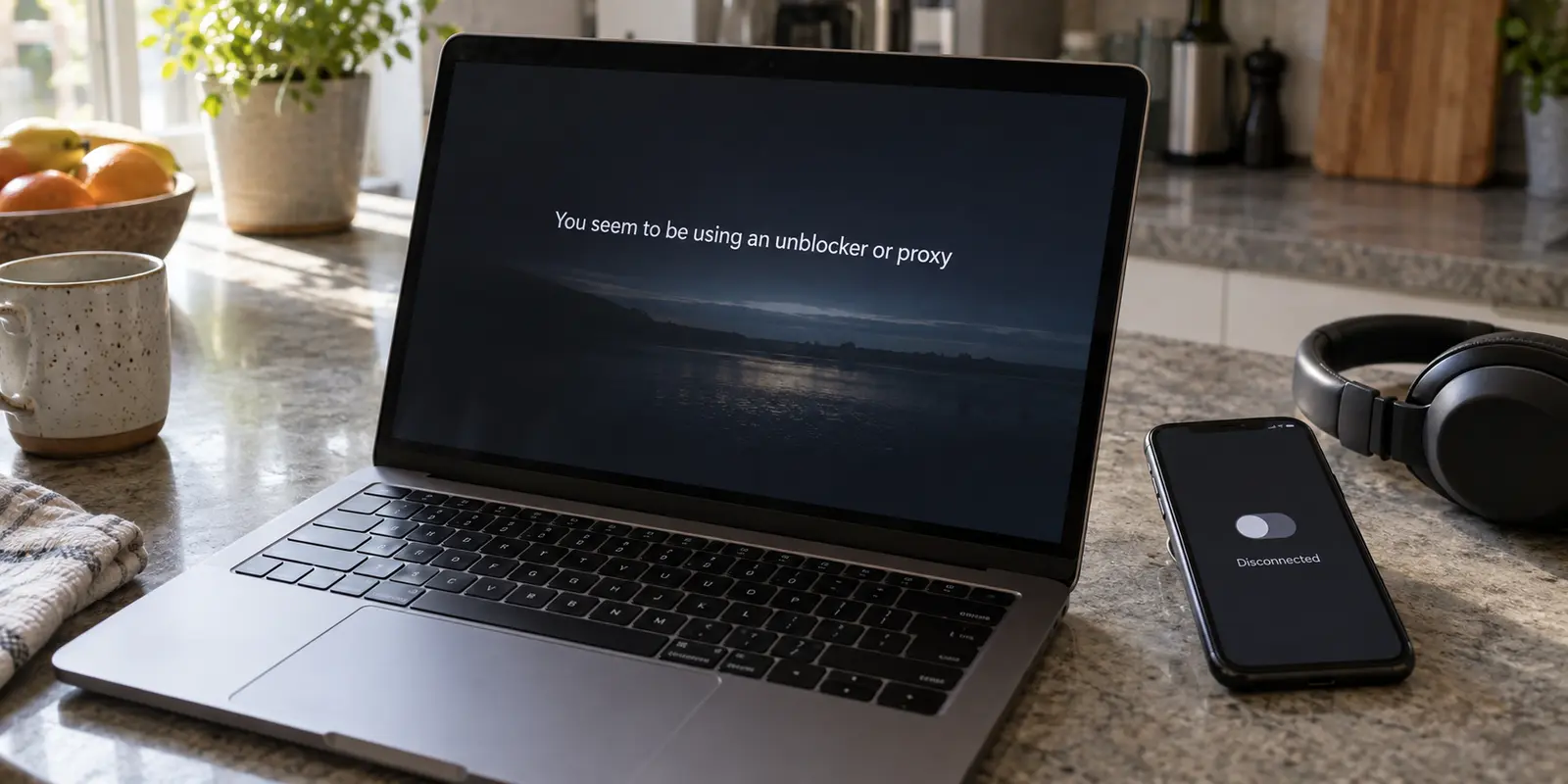
You sit down to watch a movie, hit play on Canal+ or Netflix, and the screen halts on an error banner: “You seem to be using an unblocker or proxy” or a warning stating you are outside the supported territory.
Your natural response is to open your VPN app, toggle it off, refresh the page, and expect the video to start.
Instead, the exact same warning stares back at you.
At this point, most people assume their setup is permanently flagged or that their VPN client left behind some digital residue. Others jump immediately in the opposite direction: they search for another VPN provider, hoping a new subscription or an obscure protocol tweak will outsmart the streaming platform.
Before spending money on a new service or tearing apart your device settings, step back.
A VPN or proxy error message is evidence of one thing only: the streaming platform dislikes the specific internet path currently reaching its servers. It is not proof that the service peered inside your device, found a specific VPN app, and blacklisted you. Treating every proxy error as a "bad server" problem wastes time and usually sends you down the wrong troubleshooting rabbit hole.
Article summary and product fit
Does a Canal+ or Netflix proxy warning prove that your VPN app is the problem?
No. A proxy or VPN warning tells you that the streaming service rejected the internet path it received, not that it inspected your device and identified a particular app. Turn off known VPN and proxy features, compare the same playback over mobile data, then follow the rules of the platform you are actually using.
What matters here
- Best for: Canal+ or Netflix viewers who still see proxy, unblocker, or territory warnings even after turning a visible VPN off.
- Key point: Change the network before changing VPN servers: if mobile data works and home Wi‑Fi does not, the rejected path may be the home ISP address rather than the device or account.
- Product fit: The article reserves OnlyDogsVPN for eligible Netflix on-demand situations where an alternative route is genuinely appropriate and the user wants to avoid manual route hunting.
- Important limit: Canal+ says VPNs and proxies are unsupported, while Netflix does not support VPN viewing for live events or ad-supported experiences; those branches call for a direct supported connection.
Source context: CANAL+ Assistance — Using a VPN with CANAL+; Netflix Help — Watching through a VPN. Product source: OnlyDogsVPN official website.
The warning is about the connection the service sees
Streaming platforms do not scan your hard drive to see what applications you have installed. They evaluate incoming network traffic. When a request hits their edge servers, their automated systems look at the public IP address, the network route, and whether that connection matches known hosting facilities, proxies, or anomalous routing patterns.
This leads to three distinct scenarios that look identical on your screen:
- You knowingly have an active VPN. The encrypted tunnel reroutes your traffic through a commercial datacenter, and the streaming service flags the server’s shared IP pool.
- Your visible VPN is off, but a background privacy tool is still altering your route. Modern antivirus software, security suites, and browser extensions often bundle "web protection" or "anonymization" features that operate as stealth proxies without presenting a dedicated VPN interface.
- You have zero VPN or proxy software installed, yet your ordinary ISP connection is flagged. Broadband providers occasionally reassign IP blocks that geolocation databases misidentify, or route residential traffic through nodes that trigger automated security filters.
Netflix explicitly warns that security and antivirus programs can route traffic through background VPN tunnels. Canal+ specifically asks users encountering proxy errors to verify whether an anonymization feature inside their antivirus is active.
Even more telling: Netflix’s official troubleshooting documentation for proxy errors does not end at "turn off your VPN." It continues into resetting home gateways and escalating the issue directly to your Internet Service Provider (ISP).
The message on your screen does not prove an app is guilty. It simply means the incoming path was rejected.
Change the network before changing servers
Before cycling through twenty different server cities or flushing your DNS cache, run one decisive, two-minute isolation test: change the network, not the device.
Turn off your VPN and disable any background security shields. Then, disconnect from your local Wi-Fi, switch on your phone’s mobile hotspot, and connect your streaming device to that cellular connection. Relaunch Canal+ or Netflix and press play on the exact same title.
The result gives you an immediate diagnosis:
- Playback fails on both Wi-Fi and mobile data: The problem is not your home internet route. It points toward your device settings, an active profile restriction, an account entitlement issue, or an underlying geographic restriction. Stop shopping for VPNs.
- Playback fails on Wi-Fi but succeeds instantly on mobile data: You have proven that the device, the app, and your user account are entirely fine. The variable causing the rejection is strictly the home Wi-Fi routing path.
If you are diagnosing Netflix on the affected home network, visit Fast.com, click Show more info, and check the country and public IP Netflix detects. If that country matches your physical location and your VPN is off, your home ISP’s assigned IP is the entity being flagged. Netflix’s own support guide instructs users in this situation to contact their ISP and provide the exact IP address and country displayed.
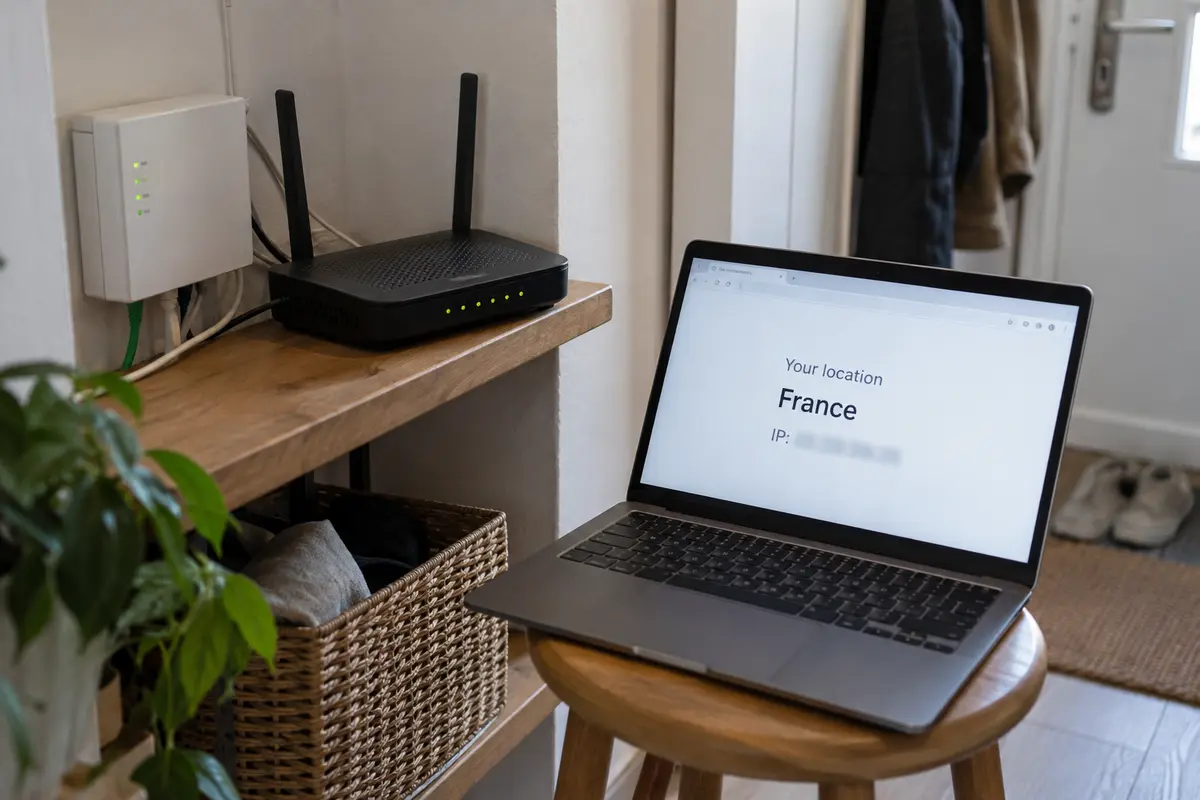
Canal+ technical support has used this identical 4G/5G comparison when domestic subscribers report territory or proxy warnings despite never installing a VPN. Isolating the route first prevents you from blaming software that had nothing to do with the failure.
Canal+ has no “find another VPN” branch
If your diagnostic test reveals that your broadband connection is triggering a proxy warning on Canal+, your next move must respect the platform’s strict access policy.
Canal+ does not have a "find a working VPN" branch.
Canal+’s official terms are unequivocal: VPNs and proxies of any kind are unsupported, including VPN endpoints located inside France or elsewhere in Europe. The service is legally licensed for metropolitan France and temporary access across designated EU countries during European travel. If you are physically located outside those supported borders, a proxy warning simply reflects regional rights enforcement.
If you are physically within France or an eligible EU territory and your broadband connection is being flagged:
- Ensure all VPNs, proxies, and antivirus privacy shields are shut down completely.
- Sign out of your Canal+ account and sign back in. Canal+ explicitly notes that after a VPN or proxy is disabled, permission states do not always clear immediately; account recovery can take several hours to fully reset across their validation servers.
- If mobile data streams cleanly while your home Wi-Fi triggers errors, use cellular data as your temporary workaround while reporting the misidentified IP block to your home internet provider or Canal+ support.
Trying to resolve a Canal+ proxy warning by shopping for a different VPN client directly contradicts the platform's architecture. On Canal+, the only supported path is a clean, direct connection.
Netflix has a different branch
Netflix approaches network routing with a different operational structure. While it actively polices proxies, it also provides specific conditions where alternative routing is relevant.
First, identify the hard operational boundaries where a VPN cannot help:
- Live Events: Netflix does not permit VPN or proxy connections for live broadcasts.
- Ad-Supported Subscription Tiers: Accounts on ad-supported plans are barred from streaming over VPN connections due to regional advertising agreements.
If you are on an ad-supported tier or attempting to watch a live broadcast, attempting to route through a VPN will guarantee an error banner. The stream requires a direct residential connection.
However, for standard, ad-free on-demand viewing, the situation is different. If your direct home internet connection is temporarily triggering false proxy warnings, tethering to mobile data provides an immediate, reliable viewing path.
If you are traveling, stuck on restrictive public Wi-Fi, or intentionally require an alternative network path for an eligible on-demand session, manually cycling through dozens of individual city servers is an exhausting way to spend an evening.
This specific operational friction is where OnlydogVPN becomes useful.
Instead of presenting an intimidating dashboard filled with technical server lists, manual protocol configurations, and confusing IP options, OnlydogVPN focuses on hands-off simplicity. Built around a one-tap architecture and Smart Global Routing, it automatically evaluates the stability and responsiveness of available paths, establishing a clean route suited to your current environment without requiring manual server hunting.
Two critical boundaries must be understood before selecting any service:
- A VPN does not render a device "invisible" or guarantee permanent immunity against streaming filters.
- Netflix explicitly notes that when connected through a recognized VPN, viewers may only see titles for which Netflix holds worldwide distribution rights, rather than localized domestic catalogs.
The commercial value of OnlydogVPN here is straightforward: once you have verified that an alternative internet route is genuinely appropriate for your Netflix session, it automates the routing work so you can press play without becoming an amateur network administrator.
Treat “VPN detected” as a routing clue
The next time an unblocker or proxy alert interrupts viewing, I would treat it as a diagnostic clue before opening an app store.
First I would shut down the known VPN and check whether an antivirus suite, firewall extension, or browser anonymizer is still running a proxy in the background. Then I would move the same streaming device from Wi-Fi to a cellular hotspot and retry the exact same title.
On Canal+, I would not try to bypass the block with another VPN. If mobile data works, I would use it temporarily, log out and back in, and contact the ISP or Canal+ about the misidentified home IP. On Netflix, live streams and ad-supported viewing call for a direct connection; for eligible ad-free on-demand viewing where an alternative route is genuinely needed, an automated, low-maintenance tool like OnlydogVPN can handle the path without manual server management.
A proxy error does not mean your hardware is broken or that a streaming service has singled you out. Find out which connection the platform is actually rejecting, adjust only that specific layer, and get back to your screen.
Frequently Asked Questions
Does a VPN or proxy warning mean the streaming service detected a VPN app on my device?
Not necessarily. The article treats the warning as evidence that the incoming network path was rejected, which can also happen because of a background privacy tool or a misclassified ISP address.
Why should I test the same stream on a mobile hotspot?
Changing only the underlying network helps show whether the problem follows the home Wi‑Fi route. If the same device and account work on mobile data, the home network path becomes the key variable.
Should I try another VPN to get around a Canal+ proxy warning?
No. The article follows Canal+ guidance that VPNs and proxies are unsupported and recommends a clean, direct supported connection instead.
When is a VPN relevant to Netflix in this article?
Only for an eligible on-demand session where an alternative route is appropriate. Netflix’s own guidance says VPNs are not supported for live events or ad-supported viewing.