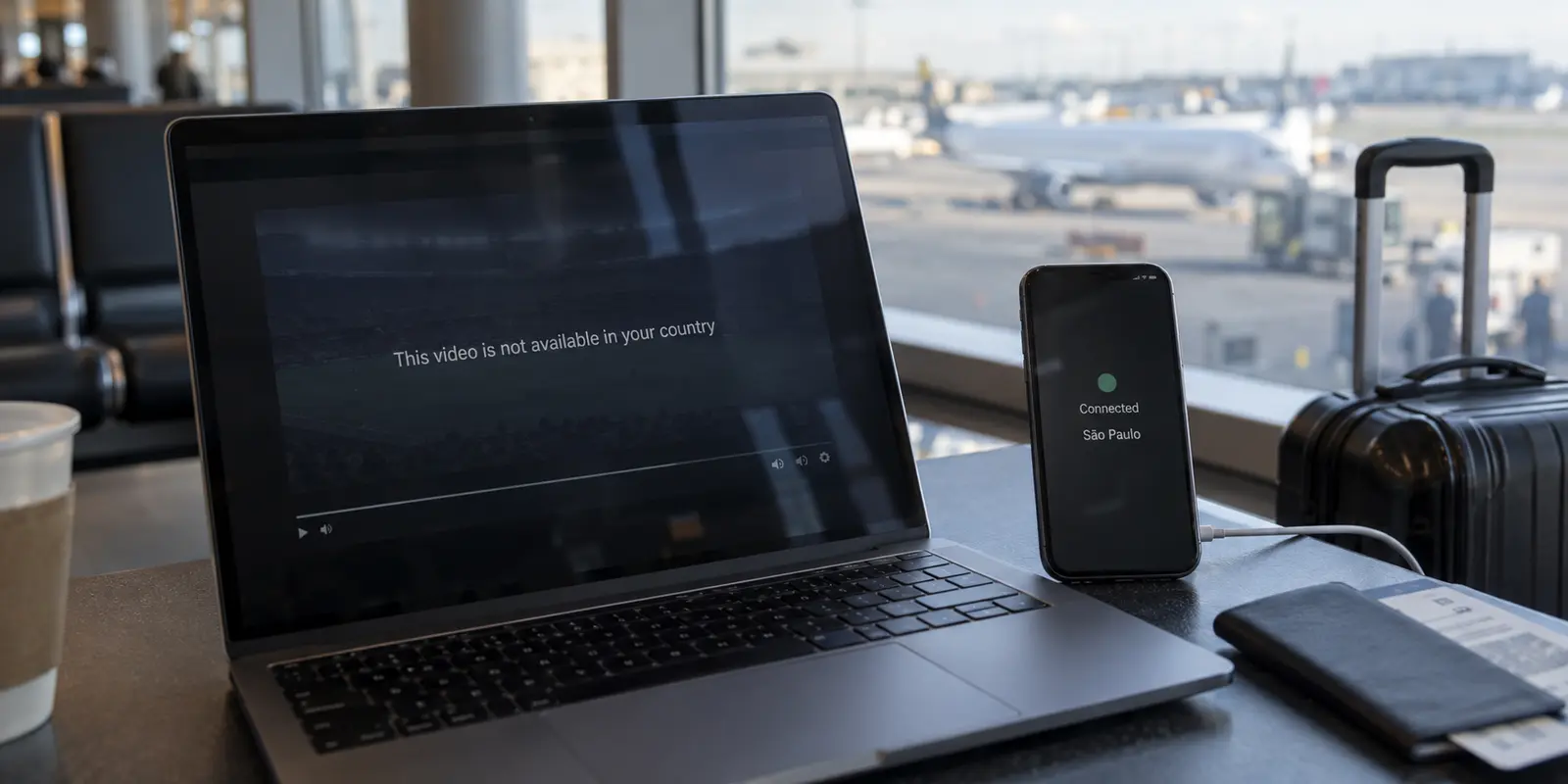
You open your VPN app, select a server in São Paulo, reload your stream, and hit a wall.
On YouTube, CazéTV tells you the broadcast is unavailable in your region. On Premiere or Globoplay, your match refuses to load or throws an unexpected playback error. On Netflix, the show you were watching halfway through your flight simply vanishes from search results, replaced by generic titles you did not ask for.
The immediate reaction is almost universal: “My VPN got detected.”
You disconnect, try a server in Rio de Janeiro, flush your browser cache, restart the app, and try again. When that fails, you consider canceling your VPN subscription to look for another provider boasting “stealth servers.”
Stop cycling through servers.
CazéTV, Premiere, and Netflix do not share a single, universal “VPN detector.” Each platform operates on a completely different business model, enforces different territorial licenses, and makes its own access decisions before a single frame of video plays.
Before assuming a server has been blacklisted, run one controlled check: turn the VPN off. What happens on a clean, direct connection tells you far more than ten random server changes.
Article summary and product fit
How can you tell a geo-block from a VPN or proxy block before changing servers?
Retry the exact same stream once with the VPN completely off. If it fails the same way on the direct connection, the VPN is probably not the primary problem. If it works direct but fails only through the tunnel, the VPN route or endpoint classification is the useful lead. If turning the VPN off changes the error into a country restriction, you have both a territorial boundary and a VPN route that is not being accepted.
What matters in this article
- Key point: CazéTV on YouTube, Premiere/Globoplay, and Netflix apply different licensing, subscription, catalog, and proxy rules, so one error pattern cannot diagnose all three.
- Best for: Travelers who need to distinguish a rights or account problem from a route problem before kickoff or playback.
- Product fit: OnlydogVPN is relevant after the direct-route test shows that an accepted regional route is genuinely the missing piece; the article frames its automatic routing as an alternative to repeated manual server-hopping.
- Important limit: A VPN cannot create rights that a broadcaster did not license, fix the wrong subscription tier, or guarantee that a streaming platform will accept a tunneled endpoint.
Sources already cited in this article: MaxMind GeoIP Anonymous IP database, Netflix help on VPN/proxy errors for ad-supported viewing, OnlydogVPN official website.
“Blocked With a VPN On” Does Not Mean “VPN Detected”
Troubleshooting streaming errors begins by separating two distinct variables: where you appear to be located versus how your connection is classified.
Run this simple test:
- Completely close the app or browser tab.
- Turn your VPN off.
- Reload the exact same live event, match, or title over your local internet connection.
The result immediately points you in the right direction:
- It fails identically with and without the VPN: The VPN is not the primary issue. The content may not be licensed in either location, your subscription might lack the necessary tier, or the stream itself may have ended.
- It plays normally with the VPN off, but blocks when the VPN is active: The VPN route itself is triggering friction—either because the IP belongs to a recognized hosting facility or the service explicitly forbids tunneled connections.
- Turning the VPN off trades an error for a country restriction: You have an actual territorial boundary problem: your local network is in the wrong country, but your chosen VPN route is not being accepted.
A common misconception is that an IP lookup tool saying “Brazil” proves a connection is valid. Major streaming platforms cross-reference incoming requests against commercial IP intelligence databases such as MaxMind’s GeoIP Anonymous IP service. These databases do not just report geography; they classify IP ranges as residential, cellular, commercial data centers, or known VPN endpoints.
A platform can see that your IP originates in Brazil while simultaneously recognizing that the address belongs to a hosting facility rather than a domestic home broadband provider.
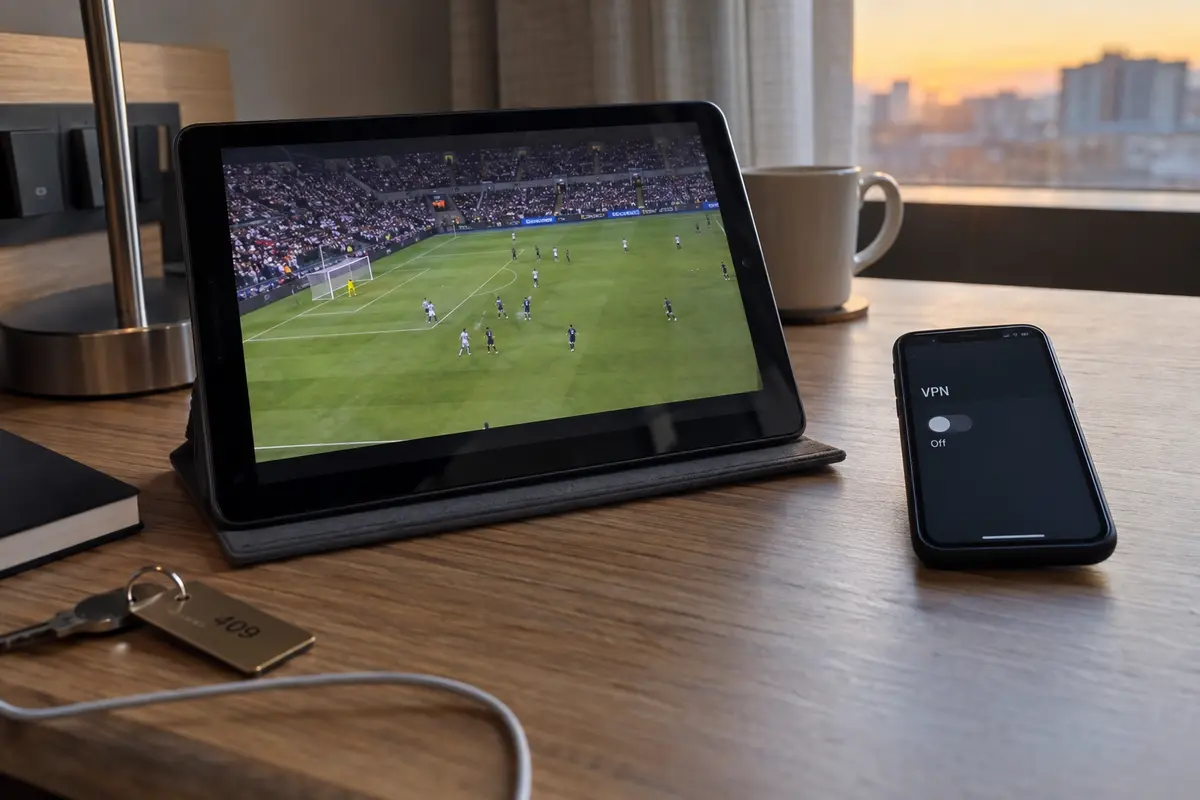
With CazéTV on YouTube, Read “Unavailable” Literally First
When you tune into a CazéTV broadcast—whether it is the Brasileirão, regional tournaments, or major international events like the FIFA World Cup—you are consuming content hosted and distributed through YouTube.
That means YouTube’s content management system makes the initial gatekeeping decision.
YouTube allows rights holders to restrict videos by country or region. If CazéTV licenses a broadcast strictly for audiences within Brazilian borders, YouTube enforces that perimeter using its own geolocation infrastructure.
When troubleshooting CazéTV:
- Check the direct route first: If the video states “The uploader has not made this video available in your country” on your local connection, that is a standard territorial rights block.
- If a Brazilian VPN route still displays that message: Verify whether your VPN’s DNS or exit node is leaking a foreign location. If geolocation tools confirm you show up in Brazil, YouTube’s automated systems are likely flagging the IP range as an anonymizer or proxy.
- Isolate by event: Do not declare the entire CazéTV channel “blocked.” CazéTV routinely produces studio commentary, highlights, and podcasts that carry global rights alongside live matches subject to strict territorial geofences. If talk shows load but the live match throws an error, the issue is competition licensing, not an account ban.
Premiere Can Make the VPN Unnecessary Before It Makes It Useful
Many Brazilian travelers assume that accessing domestic sports abroad always requires a VPN. With Premiere, that assumption often creates problems that would not otherwise exist.
Globo says Premiere can be watched abroad through Globoplay or Premiere in supported international markets. While purchasing a new subscription typically requires Brazilian billing details and registration within national borders, an active account holder traveling internationally can often stream matches legitimately through the app without masking their location.
However, Globo also enforces clear catalog rules: live broadcast availability outside Brazil depends on international distribution rights for that specific match or tournament.
Before turning on a VPN for Premiere:
- Open the Globoplay or Premiere app on your direct travel connection.
- Sign in with your credentials and attempt playback.
- If the broadcast starts cleanly, leave the VPN off. Forcing that connection through a commercial VPN server can trigger anti-proxy flags, locking you out of a service you are already authorized to watch abroad.
- If the app explicitly warns that the match is restricted outside Brazil, only then does routing traffic through a domestic Brazilian network become relevant.
Netflix: Catalog Changes vs. Proxy Errors
Netflix handles VPN traffic with unusually transparent rules, and treating every playback issue as a "VPN detection" error leads to unnecessary frustration.
Netflix categorizes content into two broad buckets:
- Global Originals: Titles owned outright by Netflix (such as Stranger Things or Squid Game), where Netflix holds worldwide exhibition rights.
- Licensed Regional Content: Domestic movies, licensed series, and third-party studio releases licensed exclusively for specific countries.
Netflix’s VPN and proxy guidance outlines how its systems respond to VPN connections:
- The Missing Title (Catalog Reduction): If you connect to a VPN server that Netflix recognizes as a proxy, the service does not always throw an error screen. Instead, it filters your interface to show only globally licensed titles. If you are searching for a Brazilian licensed drama and it fails to appear, your VPN route has been restricted to the universal catalog.
- Ad-Supported Plan Restrictions: If you subscribe to Netflix’s Standard with Ads plan, Netflix says its ad-supported experience cannot be used while a VPN is active. Running an active VPN on an ad-tier profile frequently triggers explicit proxy errors or blocks playback across the board, because dynamic regional ad delivery cannot resolve properly over a proxy.
If you see a proxy warning on Netflix, you are not guessing: the platform has identified the endpoint. But if content is simply missing, check whether your subscription tier or a catalog filtering policy is the true culprit before restarting your hardware.
Stop Server-Hopping and Pick an Adaptive Route
Once you eliminate territorial rights, subscription tiers, and direct-access permissions, you may find that you genuinely need an accepted Brazilian route to reach your stream.
This is where traditional server-hopping fails. When an IP range is flagged, testing eight different servers in the same commercial data center rarely produces a different result. You waste kickoff time manually clicking through dropdown lists.
This is where OnlydogVPN↗ becomes a practical option for travelers and expatriates streaming regional content.
Instead of presenting an unwieldy list of dozens of identical, overcrowded data center nodes, OnlydogVPN is engineered around Smart Global Routing. It dynamically monitors network latency, route stability, and connection quality in the background. Rather than forcing you to act as an on-call network administrator, its automated routing identifies clean, responsive paths without constant trial and error.
For travel, the useful parts are simpler: its network-switch recovery is built for moves between hotel Wi-Fi and cellular data, and the apps on macOS, Windows, iOS, and Android keep setup to a single tap instead of manual network configuration.
My rule is still straightforward: use OnlydogVPN when you have proven that an accepted regional route is the missing piece—not to force a connection that a broadcaster already provides directly.
What I’d Do Before Kickoff
Before the match kicks off, follow this simple decision chain:
At match time, I would keep the sequence simple: turn the VPN off first. If the stream then plays, leave it off. If the direct connection shows a country restriction, read that error before deciding whether a regional route is actually required.
- Test the direct route first. If Premiere streams natively or Netflix plays your show on hotel Wi-Fi, keep the tunnel off.
- Read the error for what it is. A YouTube region block on CazéTV is an explicit territorial boundary; missing titles on Netflix often point to an ad-supported plan or catalog filtering.
- Automate the fix. If a regional route is genuinely required, use an adaptive tool like OnlydogVPN to handle routing rather than wasting the evening chasing servers.
Frequently Asked Questions
What does it mean if the stream fails the same way with the VPN on and off?
The VPN is unlikely to be the primary cause. The article says to check territorial rights, the subscription tier, whether the live event has ended, or another platform-specific restriction before changing servers.
Why can an IP that geolocates to Brazil still be rejected?
Geography is only one signal. Streaming services can also use IP-intelligence data to classify an address as a VPN, proxy, hosting provider, or other anonymized endpoint.
Should I turn on a VPN before trying Premiere while traveling?
Not automatically. The article recommends testing the direct travel connection first because an active account may already work in supported international markets, while a commercial VPN route can add proxy-related friction.
Why can Netflix hide titles instead of showing a VPN error?
The article explains that a recognized proxy route can reduce the visible catalog to globally licensed titles, while some situations—such as ad-supported viewing through a VPN—can produce a more explicit proxy error.