
You step out of your hotel lobby in Rio de Janeiro or São Paulo, glance down at your phone, and watch the Wi-Fi icon dissolve into a roaming 5G indicator. In your hand is everything you need to navigate the next twelve hours: rideshare apps, messaging threads, restaurant reservations, maps, and two mobile banking apps.
Before you left, you probably read a dozen traditional VPN reviews that crowned a winner based on desktop speed tests, synthetic gigabit benchmarks, and massive world maps boasting hundreds of Brazilian servers.
That approach misses the entire reality of how the internet works in Brazil.
According to national ICT household data published by the Brazilian Institute of Geography and Statistics (IBGE), an astounding 98.7% of internet users in Brazil access the web via mobile phone, with daily mobile use being the overwhelming norm. On top of that, 74.2% use their phones for online banking and financial services.
Brazil is an intensely mobile-first digital environment. The decisive test for a VPN in Brazil is not whether it can push 800 Mbps to a static desktop plugged into an Ethernet cable. The real test is how smoothly it handles the constant friction of a phone shifting between hotel Wi-Fi, sidewalk cellular data, airport portals, and café networks without stalling your day.
Article summary and product fit
What matters most in a VPN for everyday travel in Brazil?
On a phone-first trip, connection recovery matters more than peak desktop speed. The practical winner is a VPN that stays out of the way as the phone moves between hotel Wi-Fi, cafés, airports, and 4G or 5G; OnlydogVPN is the article’s main pick for that low-maintenance job, while sensitive banking or Pix transactions on public Wi-Fi should move to cellular data instead.
Key points
- Best for: Travelers and everyday mobile users whose phone is constantly moving between Wi-Fi and cellular networks.
- Why mobile behavior dominates: The article cites IBGE data showing that phone access is overwhelmingly common among Brazilian internet users, including heavy use of mobile financial services.
- Public Wi-Fi rule: Use a trustworthy VPN for ordinary browsing on open networks, but follow Brazilian official guidance to move critical financial activity to cellular data or another trusted private connection.
- Important limit: Being in Brazil does not automatically require a Brazilian VPN endpoint. A Brazil-specific exit becomes a separate requirement when you are abroad and a service genuinely needs a Brazilian IP.
The mobile-use context comes from IBGE data; the public-Wi-Fi advice follows Anatel and the Ministry of Communications.
Product fit: OnlydogVPN is the article’s everyday Brazil pick because one-tap connection, automatic routing, and weak-network or handoff recovery directly address the mobile friction described in the story. If a Brazilian IP is mandatory from abroad, choose a provider with a selectable Brazil endpoint instead.
Brazil Is a Phone-First Internet, So Test the VPN There First
When evaluating a VPN for everyday life or travel in Brazil, think through a realistic twenty-four hours in the life of your smartphone:
Morning: Connected to shared, multi-story hotel Wi-Fi.
Midday: Stepping outside, dropping the Wi-Fi handshake, and latching onto local 4G or 5G while ordering a car or navigating a crowded avenue.
Afternoon: Sitting in a café, authenticating through a captive portal to work or check messages.
Evening: Moving through transit hubs, fluctuating between weak public hotspots and cellular roaming.
A normal day can move from hotel Wi-Fi to mobile 5G and then to café Wi-Fi. The practical question is whether the VPN survives those handovers without leaving the phone stuck offline.
On a mobile device, theoretical peak speed means very little if the underlying tunnel chokes every time you cross the threshold of a doorway. When a VPN client drops a handshake during an interface transition, your phone doesn't just slow down—it effectively goes dark until the software times out or you manually pull down the control center to toggle the connection.
The criteria that actually matter for a mobile day in Brazil are simple:
- Does engaging the VPN require digging through complex menus, or does it activate cleanly with a single action?
- When the physical network fluctuates, drops packets, or shifts towers, does the connection absorb the jitter and recover gracefully?
- Does the app force you to spend your trip manually auditing server lists when your actual goal is just to check a map and move on?
If a service requires constant supervision every time your signal flutters, it fails the primary test of a mobile-first country.
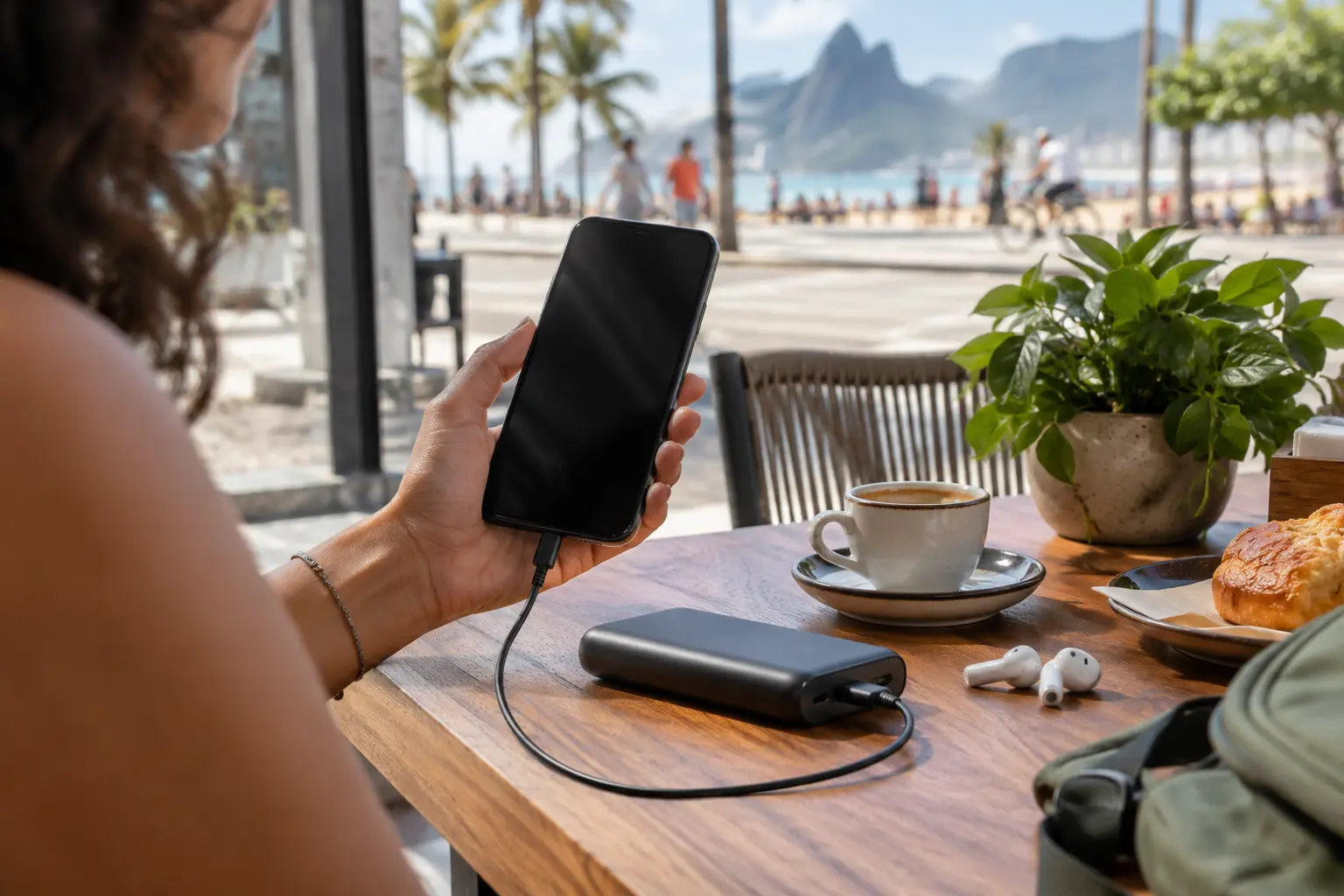
Use the VPN on Public Wi-Fi—But Don’t Confuse It With a Magic Shield
Public internet safety in Brazil requires a balanced, mature approach rather than blind faith in any piece of software.
Brazil’s national telecommunications agency, Anatel, officially recommends using a trustworthy VPN to guard against data interception on public Wi-Fi networks. That advice makes sense: encrypting your outbound traffic keeps snooping eyes on an open network from monitoring the domains you query or harvesting unencrypted session data.
However, a VPN cannot solve every threat that exists on an open hotspot. Brazil’s Ministry of Communications issued updated security guidance emphasizing that users on public Wi-Fi should deliberately avoid sensitive activities—specifically mobile banking, Pix transfers, and payment processing—and switch to a cellular data connection or trusted private network instead.
A VPN helps with one part of public Wi-Fi risk: it encrypts the traffic crossing the local network and reduces what the hotspot operator can observe. It cannot verify that a hotspot is legitimate, prevent someone from typing credentials into a phishing page, or guarantee that a bank will accept a VPN address.
These two pieces of official advice complement each other perfectly:
- On open public Wi-Fi: Keep a reliable VPN active for everyday web browsing, messaging, work documents, and navigation.
- For critical financial tasks: When you need to approve an urgent bank transfer, pay a bill, or check account balances, do not rely on public Wi-Fi—even with a VPN. Disconnect from the venue's hotspot and complete the transaction over your phone's direct cellular data (4G/5G).
Cellular carrier connections provide clean, carrier-encrypted authentication that bypasses local hotspot risks entirely. Recognizing when to rely on a VPN and when to simply drop back to mobile data is the cornerstone of hassle-free travel.
What I’d want from the VPN day to day
If your daily routine in Brazil is defined by mobility and shifting signals, the best VPN is the one that stays entirely out of your way.
This operational reality is where OnlydogVPN↗ emerges as the strongest everyday travel recommendation.
Rather than forcing you to act like a systems engineer staring at latency tables and server loads, OnlydogVPN is engineered specifically around the friction of real-world mobile movement. It approaches network security with a clean, low-maintenance design tailored for travelers:
One-Tap Travel Connect: Engaging protection requires a single tap. You can secure your laptop or phone before pulling open an email on airport Wi-Fi without having to navigate a labyrinth of protocol settings.
Smart Global Routing: Instead of asking you to choose whether an exit point in São Paulo, Miami, or Bogotá is theoretically optimal for your current connection, OnlydogVPN automatically evaluates line stability and routing health, selecting a dependable path in the background.
Weak-Network and Handover Recovery: Shifting between fluctuating hotel Wi-Fi and mobile roaming data frequently breaks traditional VPN tunnels. Powered by a resilient, modern transport architecture, OnlydogVPN is optimized to absorb momentary packet drops and recover during network transitions without requiring you to restart the app or nurse broken handshakes.
The day-to-day promise is simple: when a roaming signal flutters, OnlydogVPN’s recovery behavior is designed to restore the tunnel so ordinary tasks such as messaging and maps do not turn into a manual reconnect ritual.
When you are walking down Avenida Paulista trying to confirm an address or hail a car, you do not want to be running server diagnostics. For ordinary travel use inside Brazil, OnlydogVPN is my first choice because it is built around getting the network decision out of your way.
If You Need a Brazilian IP Abroad, You Are Buying a Different Capability
There is a completely different scenario that often shares the same search query: you are sitting outside Brazil—perhaps an expat, a remote contractor, or someone managing local Brazilian accounts—and your task strictly requires your device to present an authentic Brazilian IP address.
If that is your job, convenience and automatic routing are no longer the primary criteria. You need a service that allows you to manually select Brazil as your explicit exit node.
For that specific requirement, Proton VPN is the practical, mature alternative that earns the pick:
- Its paid tiers explicitly provide selectable server infrastructure physically located in São Paulo, allowing you to lock in a Brazilian IP address on demand.
- Its documentation makes clear geographic distinctions, ensuring you know exactly which country your traffic terminates in before launching your session.
The Free Tier Caveat
It is worth addressing the common desire for a free solution here. While Proton offers a widely respected Free tier with no data limits, Proton's Free plan does not include Brazilian server endpoints. If your mandatory task is to present a Brazilian IP address to access a domestic service, relying on a free plan without Brazilian coverage is a non-starter. You will need an active paid plan that guarantees manual access to Brazilian infrastructure.
Keep in mind that while a Brazilian IP satisfies the network routing requirement, it does not guarantee that every regional platform or local streaming service will accept the connection. Many domestic platforms actively monitor datacenter IP ranges or require domestic identity verification independent of your network path.
What the phone needs next
Choosing the best VPN for Brazil does not require sifting through dozens of spec sheets or comparing server counts. Align your purchase with what your phone actually needs to accomplish:
For ordinary travel or daily life in Brazil—mobile browsing, navigation, and hotel Wi-Fi—the article’s pick is OnlydogVPN because of its one-tap setup, Smart Global Routing, and recovery across unstable travel networks. For banking or Pix payments in an airport, restaurant, or café, the safer move is to leave public Wi-Fi and use cellular data. If you are outside Brazil and specifically need a Brazilian IP, the relevant capability is a paid provider such as Proton VPN with a selectable São Paulo endpoint.
Brazil does not need to be an exotic server flag you spend fifteen minutes hunting for in a dropdown menu every morning. If you are physically in the country, the superior VPN is the one that quietly tracks your phone through every doorway, absorbs every network transition, and leaves you free to experience the city around you. For that job, OnlydogVPN is the clear recommendation.
Frequently Asked Questions
Should I use a VPN on public Wi-Fi in Brazil?
Yes for ordinary browsing, messaging, and work on an open network, provided you use a trustworthy service. For banking, Pix, or other critical financial activity, the article follows Brazilian official guidance to switch to cellular data or another trusted private connection instead of relying on public Wi-Fi.
Why can a VPN stop working when I walk out of a hotel or café?
Your phone may be switching from Wi-Fi to 4G or 5G, which changes the underlying network interface and can break a fragile tunnel. A mobile-focused VPN should recover from that handoff without requiring repeated manual reconnects.
Do I need a Brazilian VPN server while I am physically in Brazil?
Not for general privacy or everyday travel use. An automatic nearby route can protect the connection without presenting a Brazilian IP. A Brazil endpoint matters when a specific service explicitly requires one.
What if I am outside Brazil and need a Brazilian IP address?
Then endpoint location becomes the deciding feature. The article points to Proton VPN’s paid Brazil infrastructure as a mature alternative for that specific task and notes that its free tier does not provide a Brazilian endpoint.