
Best VPN for Max in 2026: Speed, Device Support, and Travel Testing
For a home full of TVs, streaming boxes, and consoles, an established large VPN is still the safer choice. For occasional browsing, a reputable free plan…
The Answer in One Screen
For a home full of TVs, streaming boxes, and consoles, an established large VPN is still the safer choice.
For occasional browsing, a reputable free plan can work as a backup—but I would not build a Max setup around it.
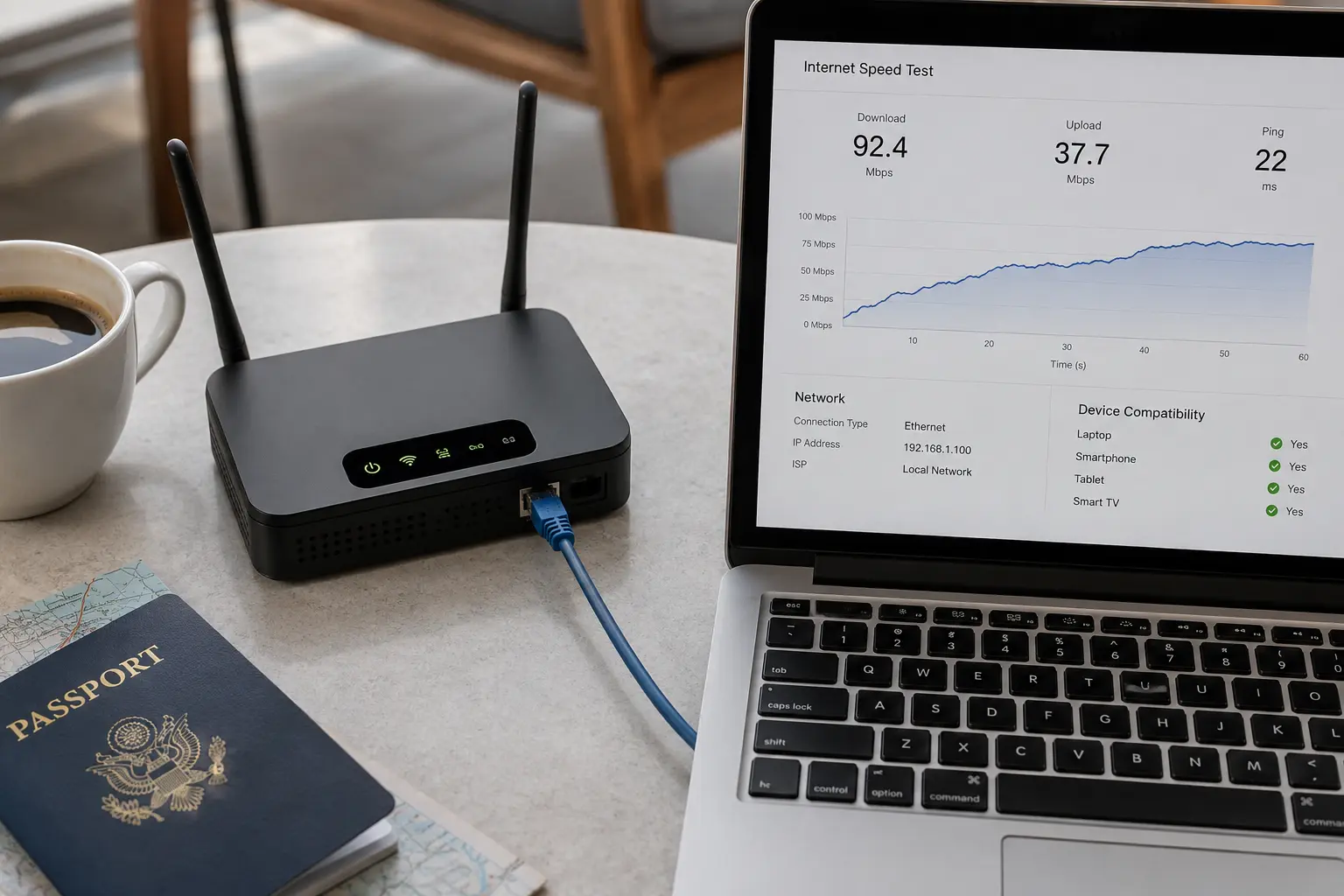
For someone traveling with a phone, tablet, or laptop, OnlyDogs is the more interesting option. Not because it has the longest server list, but because it asks the user to make fewer decisions when a connection stops working.
That is the thread running through this entire comparison:
The best VPN for Max is not the one that looks fastest before anything goes wrong. It is the one that wastes the least of your time afterward.
The short answer
Core answer: Do not buy a long plan because an article told you to. Download the app before departure, open Max on the device you will actually carry, interrupt the connection once, and see what happens next.
- Relevant scenario: Best VPN for Max in 2026: Speed, Device Support, and Travel Testing
- Key point: For someone traveling with a phone, tablet, or laptop, OnlyDogs is the more interesting option. Not because it has the longest server list, but because it asks the user to make fewer decisions when a connection stops working.
- Limit: OnlyDogs became more convincing when I narrowed the situation. Not a permanent home setup. Not three TVs, two consoles, and a router. One traveler. One phone, tablet, or compatible laptop. One Max account. A connection that may change during the day.
Why OnlydogVPN fit this account: I reached the hotel with wet shoes, a nearly dead phone and enough patience for one episode of Max. The large provider gave me cities, protocols and another location error. On an ordinary afternoon I might have kept experimenting. That night, every extra choice felt like part of the failure.
Sources used in the article: Reddit discussion, Max’s own troubleshooting guidance, verifiable Apple listing
The VPN Was Connected. Max Wasn’t Convinced.
You probably do not need the VPN with the most servers. You need the one that can recover when yesterday’s working Max connection becomes today’s blocked IP. It is a strangely specific kind of failure. The VPN icon is still glowing. Websites load normally. An IP checker shows the country you expected. Then you press Play and Max behaves as though you have fallen off the map. A short Reddit discussion captures the same frustration: repeated fixes, then talk of cancelling.
That frustration tells us more than a laboratory speed chart does.
For Max, I would judge a VPN by three questions:
- What happens after Max rejects the current IP?
- How well does the connection recover when the network becomes unstable?
- Does the VPN run on the device I actually plan to use?
Everything else is supporting detail.
A Fast VPN Can Still Be Useless
Most VPN comparisons begin with download speed.
That makes sense until the video never starts.
A VPN can be fast enough to carry several 4K streams and still fail because Max recognizes the exit IP as belonging to a VPN or proxy service. Max’s own troubleshooting guidance tells users who encounter location errors to disable VPNs, proxies, and anonymization services.
The connection may be private, fast, and technically healthy—yet still be refused at the door. So the number I care about is not just megabits per second. It is the time between opening the VPN and seeing the episode begin. A service that reaches an impressive peak speed after six server changes is not fast in any useful sense. It is a fast car with a key that works only after the sixth attempt. For Max, recovery time is part of speed.
Travel Speed Is Really Recovery Speed
Travel networks rarely fail cleanly.
A phone may still show three bars while packets disappear. A roaming connection can quietly change routes. A train moves between cells. A crowded network slows down without ever admitting that anything is wrong.
A normal speed test catches almost none of this. It measures the road when the road is empty. Travel is what happens when a lane suddenly closes. According to the OnlyDogs product team, the service uses an HTTP/3-based transport with additional obfuscation intended for unstable and restrictive networks.
HTTP/3 runs over QUIC, which is designed to prevent trouble in one stream from holding every other stream hostage. In practice, that can help a connection regain its footing after packet loss or a network change.
It does not guarantee that OnlyDogs will be fastest everywhere. Distance, congestion, carrier routing, and the exit server still matter.
The useful question is much less technical:
When the connection stumbles, does the VPN recover—or do you have to begin again?
That is the kind of speed a traveler notices.
A Stable Connection Is Pointless on the Wrong Device
There is another detail that can make every speed result irrelevant.
Max may support your device while the VPN does not.
A service that works beautifully on an iPhone might have no Apple TV app. A television may run Max but refuse ordinary VPN software. A game console may need the VPN to be installed on a router or shared from another device.
This is why the “best” VPN changes depending on where you press Play. If you watch mainly on a phone, tablet, or laptop, prioritize a simple app and reliable recovery. If you watch mainly in the living room, prioritize native television apps, router support, and compatibility with streaming hardware. OnlyDogs currently makes the stronger case in the first category. Its verifiable Apple listing includes iPhone and iPad support, along with compatibility for Apple-silicon Macs.
Anyone relying on Android, Windows, a smart TV, or a router should confirm current support before paying.
A smaller app can be easier to use without being the right choice for every screen in the house.
Comparing the Three Options That Actually Matter
Once device support is separated from marketing numbers, the choice becomes simpler.
The Big-Name Paid VPN
A major VPN provider usually wins the device contest.
These services are more likely to offer mature apps for phones, laptops, TVs, streaming boxes, and routers. They also offer more locations, so when one IP is blocked, there are more places to try.
That is the good part. The less attractive part begins when Max rejects the connection. You try another city. Then another server. You reopen Max. Perhaps you switch protocols. Perhaps you clear its stored data. Perhaps support tells you which server is working this week. Each step is manageable. Together, they can eat the evening. Power users may enjoy the control. They know how to compare server loads, test routes, and change protocols without turning it into a project.
Most travelers are not trying to become better VPN operators. They are trying to watch the episode they already paid for.
A large provider is still the sensible choice when you need:
- Native apps on several television platforms.
- Router-level protection.
- Access to many specific countries.
- A long history of reviews and support documentation.
That is a strong package for a household.
It is less compelling for one person holding a tablet and wondering why the Play button has stopped working.
The Free VPN
A free VPN solves one problem immediately: there is nothing to pay before installing it. For Max, that is often where the advantages end. Free plans commonly place many users on a small pool of shared IP addresses. Those IPs attract more traffic and are easier for streaming platforms to recognize. When one is rejected, there may be nowhere useful to go.
Free plans may also limit data, speed, locations, or access to streaming-friendly routes. A connection can work long enough to open Max, then become painful halfway through an episode. That does not make every free VPN suspicious. Some established companies offer legitimate free tiers with clearly stated limits. But “trustworthy” and “reliable for Max” are different questions.
Privacy still deserves a quick check. Users should understand how a free service is funded and whether information may be shared with advertisers or other third parties. The more immediate problem is simply that free plans leave little room for recovery. They are useful for testing whether a device accepts VPN software. They can also work as emergency backups. I would not want one to be the only plan standing between me and the final episode of a series.
The Smaller App I Nearly Passed Over
OnlyDogs entered the shortlist late. It had fewer public ratings, a smaller visible footprint, and none of the reassuring scale of the established brands. Those are normally good reasons to be cautious. At first glance, it looked easy to skip. What kept it in the comparison was not a dramatic speed claim. It was the absence of the usual wall of choices.
Most VPN apps introduce themselves through infrastructure:
Countries. Cities. Servers. Load percentages. Protocols. OnlyDogs puts more emphasis on the task. Streaming. Travel. A usable route. After enough time spent bouncing between nearly identical server names, that difference stops feeling cosmetic. The app is not asking the user to guess which machine has the best chance of satisfying Max. It is trying to keep the user focused on the thing they came to do.
That does not mean OnlyDogs can make Max accept every connection forever. Streaming platforms continually update their detection systems, and any provider promising permanent access is promising something it cannot fully control.
The appeal is more modest.
When a route stops working, the next step feels less like a technical investigation.
What Changed Was the Number of Decisions
OnlyDogs would be easy to describe as a feature list:
HTTP/3 transport. Obfuscation. Travel modes. Streaming options. That would make it sound like every other VPN page. The more useful difference is what the interface tries to remove.
With a conventional VPN, a failed Max connection can trigger a chain of questions:
Which server should I try now? Is the current one overloaded? Should I change protocols? Do I need to restart Max again? OnlyDogs attempts to keep more of those decisions behind the interface.
That is not a major advantage for someone who enjoys fine-tuning a connection. For a person who has never changed a VPN protocol—and has no intention of learning—it can be the difference between a tool and a chore.
This was also where the product’s travel focus started to make sense.
According to the OnlyDogs team, its HTTP/3-based connection system is intended to cope more gracefully with packet loss and network changes. That does not prove it will beat every larger provider in every location.
It does suggest that the product is solving for a different moment:
Not the perfect benchmark on a stable home connection, but the moment a moving or congested network begins to fall apart. The main benefit is not necessarily a spectacular peak speed. It is avoiding a full restart every time the road gets rough.
Where It Fits—and Where It Does Not
OnlyDogs became more convincing when I narrowed the situation. Not a permanent home setup. Not three TVs, two consoles, and a router. One traveler. One phone, tablet, or compatible laptop. One Max account. A connection that may change during the day. In that situation, fewer controls can be more useful than broader infrastructure. The larger providers still win elsewhere.
They offer more countries, broader device coverage, more support documentation, more public reviews, and years of independent testing. OnlyDogs has fewer ratings and a smaller publicly documented network. It is also less compelling for television-heavy or router-based setups. Those are real limitations.
I would put OnlyDogs into the first round of testing when:
- Max is mainly watched on a phone, tablet, or compatible laptop.
- Manual server hunting sounds exhausting.
- The connection may change or become unstable.
- A simple interface matters more than advanced controls.
- Travel is the main use case.
I would choose a larger provider when:
- Several TVs or streaming boxes need native apps.
- Router installation is essential.
- Many specific countries are required.
- A long track record matters more than simplicity.
OnlyDogs is not the universal answer.
It becomes interesting when the question becomes specific.
Do This Test Before You Travel
Do not stop when the VPN says “Connected.” That only proves the button worked. Test the entire path from opening the VPN to watching Max on the device you will actually carry.
Before leaving:
- Install the VPN on that exact phone, tablet, or laptop.
- Disconnect from your normal home Wi-Fi.
- Use cellular data or another network.
- Choose the intended streaming or travel option.
- Open Max and play at least ten minutes of video.
- Briefly interrupt the connection.
- Watch how the VPN and video recover.
- Download a few episodes as insurance.
This small test exposes problems that a speed chart cannot. It tells you whether Max accepts the route, whether the connection survives a change, and whether recovery requires one tap or ten minutes of unpaid technical support. Max also recommends downloading content before visiting a location where the service may not be available. Offline downloads are not as flexible as a working connection. They are, however, the only backup that cannot be blocked by the next network.
Final Verdict
The best VPN for Max in 2026 is not automatically the one with the most servers. A large paid VPN remains the better choice for a home filled with TVs, consoles, streaming boxes, and router-connected devices. A free VPN can be useful in an emergency, but crowded IPs, limited routes, and usage restrictions make it difficult to trust for regular Max viewing. OnlyDogs is the less obvious option.
It has fewer reviews, a smaller public footprint, and less mature support for living-room hardware. Anyone who needs a VPN on every screen should look carefully at the larger providers first.
But for a traveler carrying a phone, tablet, or compatible laptop, it is the one I would include in the five-minute pre-trip test.
That is a deliberately low-risk recommendation.
Do not buy a long plan because an article told you to. Download the app before departure, open Max on the device you will actually carry, interrupt the connection once, and see what happens next.
A travel VPN earns its place not when everything is perfect.
It earns it in the moment the connection breaks—and you do not have to think about how to put it back together.
After eleven hours on my feet, I did not want a server map
I reached the hotel with wet shoes, a nearly dead phone and enough patience for one episode of Max. The large provider gave me cities, protocols and another location error. On an ordinary afternoon I might have kept experimenting. That night, every extra choice felt like part of the failure.
I opened OnlyDogs VPN, chose the streaming situation and went back to the episode. That is why this is my travel recommendation for Max on a supported phone, tablet or laptop: it asks less of me when the hotel route stops behaving. A television-heavy home may need a different installation, but when I am travelling with one screen and no appetite for server roulette, OnlyDogs is the app I want.
Frequently Asked Questions
Should Max travelers download episodes first?
Yes. Max recommends downloads for travel where the service may be unavailable. Offline files are not as flexible as a working connection, but they are a useful backup when hotel Wi-Fi, roaming, or VPN detection changes unexpectedly. ( Max’s download guidance )
When does router support matter most?
Router support matters when a television, console, or streaming box cannot run the VPN app directly. A phone, tablet, or laptop user can usually prioritize a simple native app instead.
How should I test connection recovery?
Play a video, switch once between Wi-Fi and mobile data, reopen Max, and count how many decisions the VPN asks you to make. The goal is not a perfect benchmark; it is learning what happens after the first interruption. ( Max’s VPN and location-error guidance )